EasyManua.ls Logo

Techerific DeciVibe - Monitor Recording Live; Audio Gain and Noise Cancellation

Techerific DeciVibe
62 pages
Print Icon
To Next Page IconTo Next Page
To Previous Page IconTo Previous Page
Loading...
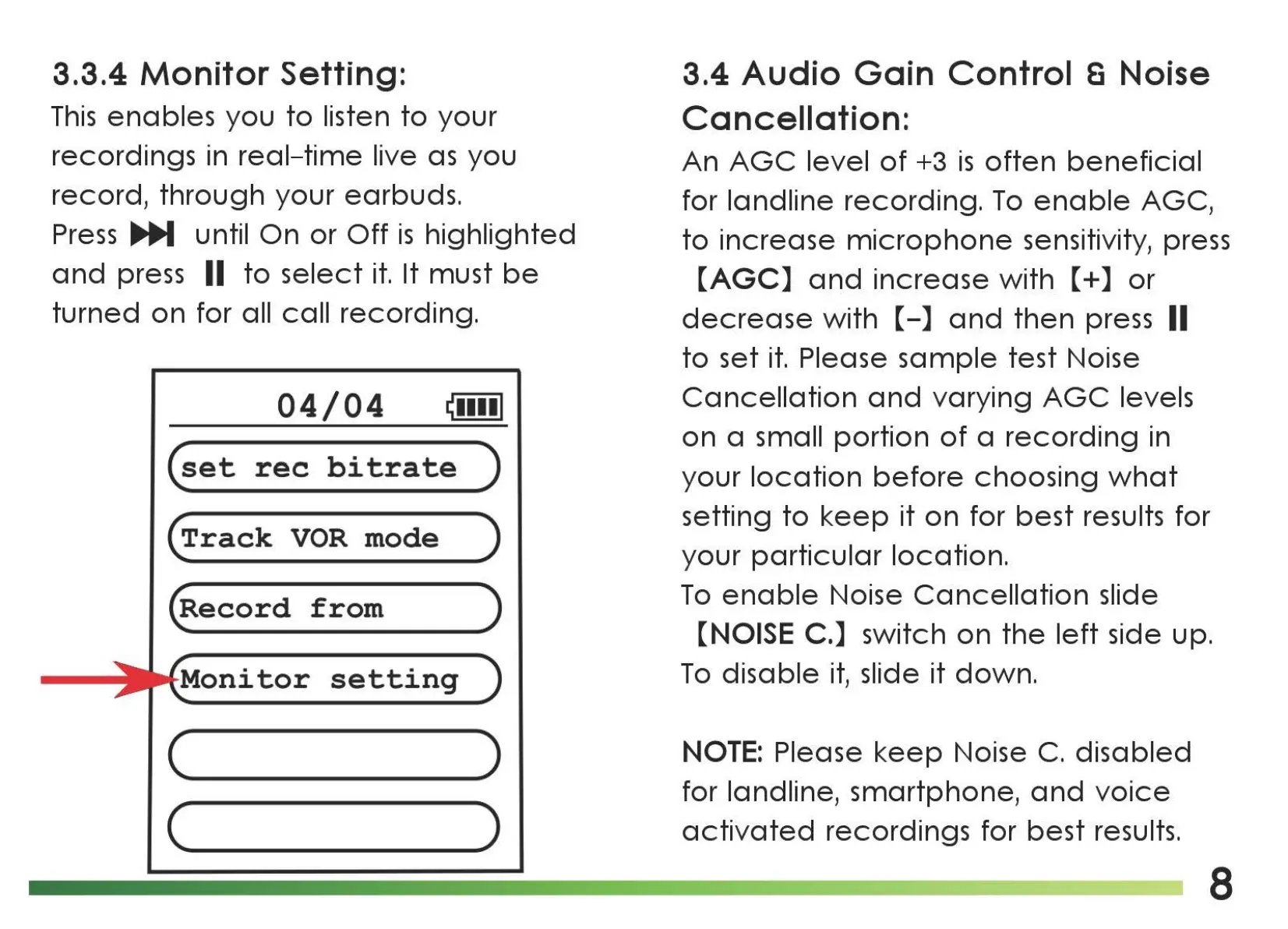
3.3.4
Monitor
Setting:
This
enables you
to
listen
to
your
recordings in
real-time
live
as
you
record,
through
your earbuds.
Press
IJli,,M
until
On
or
Off
is
highlighted
and
press II
to
select
it.
It must
be
turned
on
for all
call
recording.
04/04
~11111
(set
rec
bitrate
)
(Track
VOR
mode
)
(Record
from
)
setting
(
____
)
(..___
___
)
3.4 Audio
Gain
Control S Noise
Cancellation:
An
AGC
level
of
+3
is
often
beneficial
for landline recording.
To
enable
AGC,
to
increase
microphone
sensitivity, press
[AGC]
and
increase with
[+]
or
decrease
with
[-]
and
then
press II
to
set
it.
Please
sample
test Noise
Cancellation
and
varying
AGC
levels
on
a small
portion
of
a
recording
in
your
location
before
choosing
what
setting
to
keep
it
on for
best
results for
your
particular
location.
To
enable
Noise
Cancellation
slide
[NOISE C.] switch on
the
left
side up.
To
disable
it,
slide
it
down.
NOTE:
Please
keep
Noise
C.
disabled
for landline, smartphone,
and
voice
activated
recordings for
best
results.
8

Related product manuals