EasyManua.ls Logo

Techerific DeciVibe - System Settings and Maintenance; Creating Device Backups

Techerific DeciVibe
62 pages
Print Icon
To Next Page IconTo Next Page
To Previous Page IconTo Previous Page
Loading...
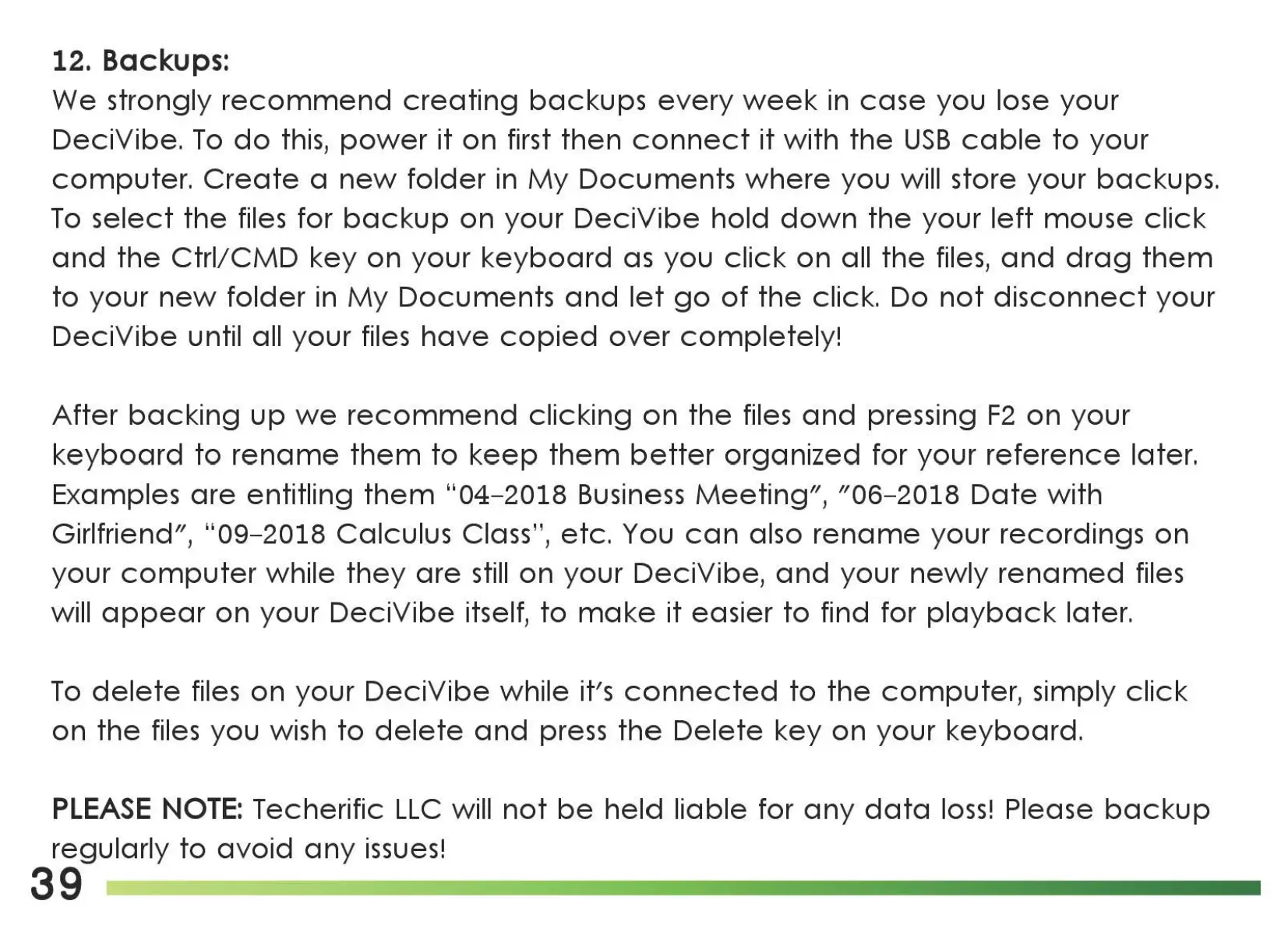
12. Backups:
We strongly
recommend
creating
backups
every
week
in
case
you lose your
DeciVibe.
To
do
this,
power
it
on
first
then
connect
it
with
the
USB
cable
to
your
computer.
Create
a
new
folder
in
My
Documents
where
you will store your backups.
To
select
the
files for
backup
on your
DeciVibe
hold
down
the
your
left
mouse
click
and
the
Ctrl/CMD
key
on your
keyboard
as
you
click
on all
the
files,
and
drag
them
to
your
new
folder
in
My
Documents
and
let
go
of
the
click. Do
not
disconnect
your
DeciVibe
until all your files
have
copied
over
completely!
After
backing
up
we
recommend
clicking
on
the
files
and
pressing
F2
on
your
keyboard
to
rename
them
to
keep
them
better
organized for your
reference
later.
Examples
are
entitling
them
"04-2018
Business
Meeting",
"06-2018
Date
with
Girlfriend", "09-2018 Calculus Class", etc. You
can
also
rename
your recordings
on
your
computer
while
they
are
still
on your DeciVibe,
and
your
newly
renamed
files
will
appear
on
your
DeciVibe
itself,
to
make
it
easier
to
find for
playback
later.
To
delete
files
on
your
DeciVibe
while it's
connected
to
the
computer,
simply
click
on
the
files you wish
to
delete
and
press
the
Delete
key
on your
keyboard.
PLEASE
NOTE:
Techerific
LLC
will
not
be
held
liable for
any
data
loss!
Please
backup
regularly
to
avoid
any
issues!
39

Related product manuals