EasyManua.ls Logo

Techerific DeciVibe - Equalizer for Audio Enhancement

Techerific DeciVibe
62 pages
Print Icon
To Next Page IconTo Next Page
To Previous Page IconTo Previous Page
Loading...
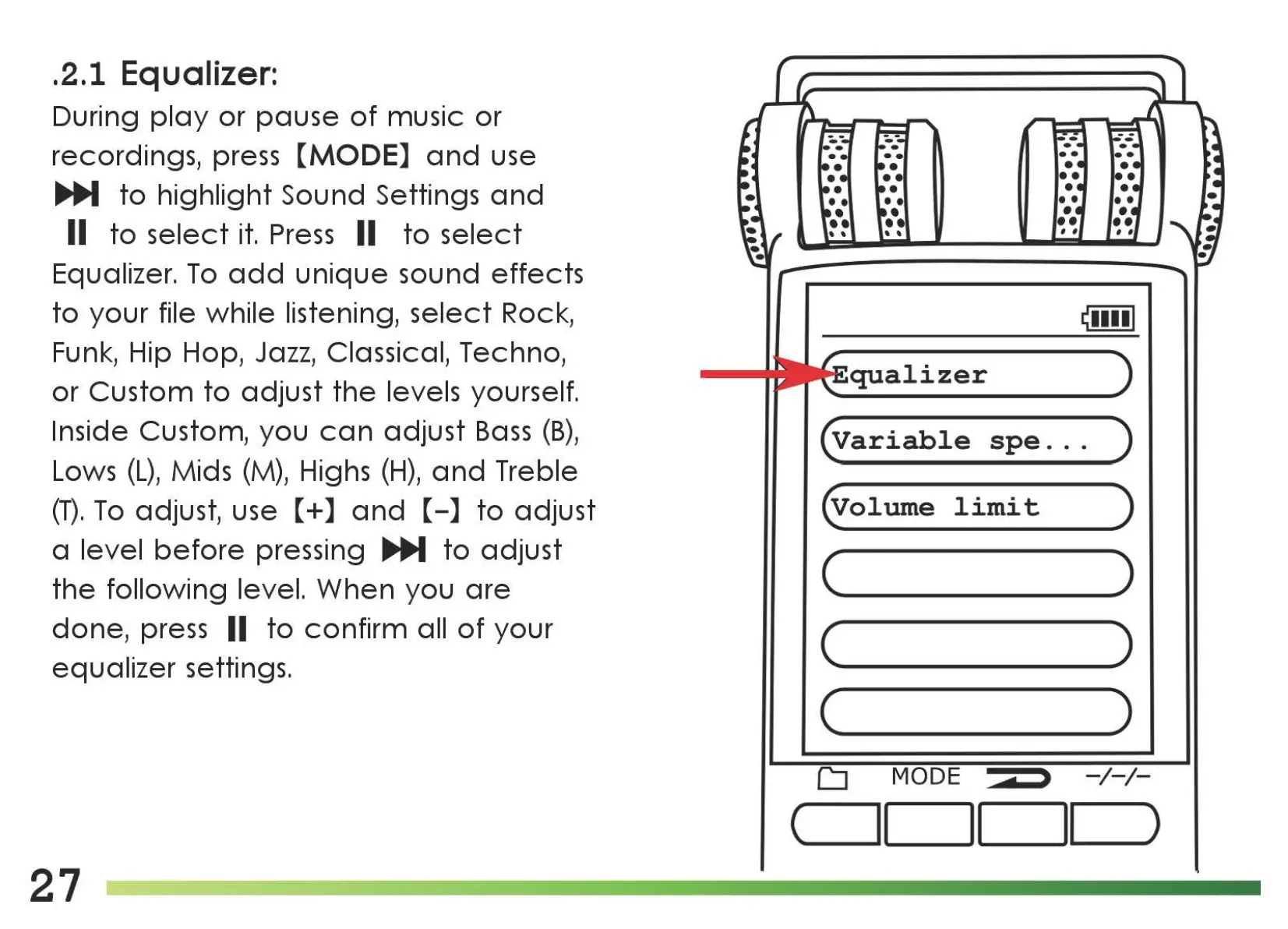
.2.1 Equalizer:
During
play
or
pause
of
music
or
recordings, press
[MODE]
and
use
..,._
to
highlight
Sound Settings
and
11
to
select
it.
Press
11
to
select
Equalizer.
To
add
unique
sound
effects
to
your
file while listening,
select
Rock,
Funk, Hip Hop,
Jazz,
Classical, Techno,
or
Custom
to
adjust
the
levels yourself.
Inside Custom,
you
can
adjust
Bass
(B),
Lows
(L),
Mids
(M),
Highs
(H),
and
Treble
(T).
To
adjust, use
[+]
and
[-]
to
adjust
a level
before
pressing ..,._
to
adjust
the
following
level.
When
you
are
done,
press II
to
confirm
all
of
your
equalizer
settings.
27
qualizer
(variable
spe.
. . )
(volwne
limit
)
(
____
)
c )
(
____
)
CJ
MODE
>
-/-/-
c
__
ll
1_1
_1_1
_)

Related product manuals