EasyManua.ls Logo

Techerific DeciVibe - Input Source Selection

Techerific DeciVibe
62 pages
Print Icon
To Next Page IconTo Next Page
To Previous Page IconTo Previous Page
Loading...
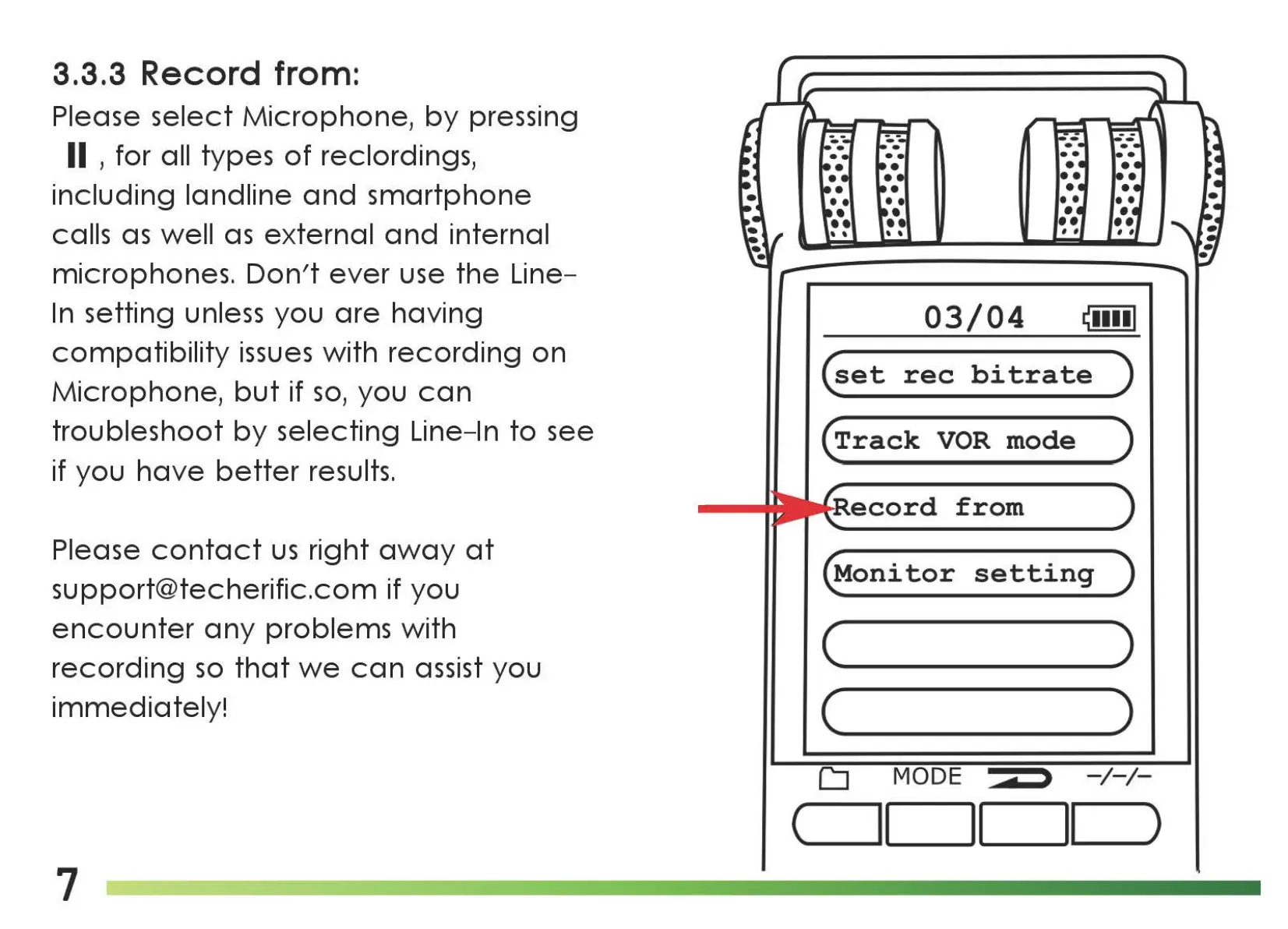
3.3.3 Record from:
Please
select
Microphone,
by
pressing
II , for all types
of
reclordings,
including
landline
and
smartphone
calls
as
well
as
external
and
internal
microphones.
Don't
ever
use
the
Line-
In
setting unless you
are
having
compatibility
issues
with
recording
on
Microphone,
but
if
so,
you
can
troubleshoot
by
selecting Line-In
to
see
if you
have
better
results.
Please
contact
us
right
away
at
support@techerific.com if you
encounter
any
problems with
recording
so
that
we
can
assist you
immediately!
7
03/04
~••••I
(set
rec
bi
tra
te
)
(Track
VOR
mode
)
ecord
from
(Monitor
setting
)
(
____
)
( )
CJ
MODE >
-/-/-
(
11
II
II
)

Related product manuals