EasyManua.ls Logo

Techerific DeciVibe - Recording Quality Settings

Techerific DeciVibe
62 pages
Print Icon
To Next Page IconTo Next Page
To Previous Page IconTo Previous Page
Loading...
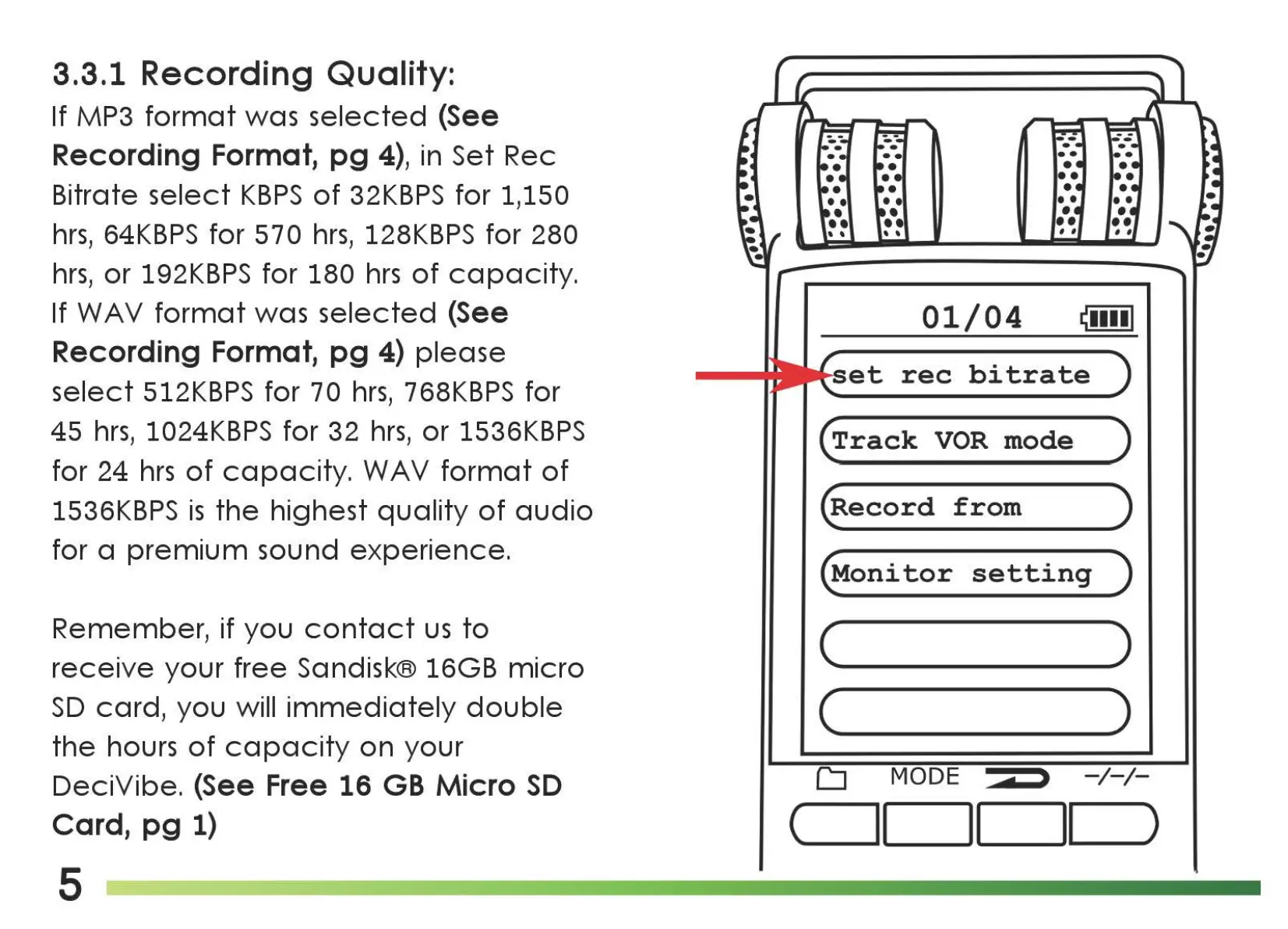
3.3.1
Recording Quality:
If MP3
format
was
selected
(See
Recording Format,
pg
4), in Set Rec
Bitrate
select
KBPS
of
32KBPS
for 1,150
hrs,
64KBPS
for 5 7 0
hrs,
128KBPS
for 280
hrs,
or
192KBPS
for 180
hrs
of
capacity.
If
WA
V
format
was
selected
(See
Recording Format,
pg
4)
please
select
512KBPS
for
70
hrs,
768KBPS
for
45
hrs,
1024KBPS
for 32
hrs,
or
1536KBPS
for 24
hrs
of
capacity.
WAV
format
of
1536KBPS
is
the
highest
quality
of
audio
for a
premium
sound
experience.
Remember, if you
contact
us
to
receive
your
free Sandisk® 16GB
micro
SD
card,
you will
immediately
double
the
hours
of
capacity
on
your
DeciVibe. (See Free 16
GB
Micro
SD
Card,
pg
1)
5
01/04
i!iiiil
et
rec
bitrate
(Track
VOR
mode
)
(Record
from
)
(Monitor
setting
)
(
____
)
c )
CJ
MODE
-/-/-
c_11
1
__
1
__
II
__
)

Related product manuals