w w w . t e c h n i c o l o r . c o m / m c s
16.7 ATSC-8 Installation
Front LED Indicators
Power/Network LED:
Green: The ATSC-8 is powered on and connected to the network.
Flashing Green: The ATSC-8 is powered on and working to obtain an IP address from the
network. If the PC is connected directly to the ATSC-8, then the light will continue to blink
until the PC makes contact with the ATSC-8.
Red: Powered on, No Network Link.
Tuner LED:
Off: The tuner is not in use.
Green: The tuner is in use, tuned to a channel, and streaming data.
Flashing: The tuner is reserved for use, but is not actively streaming data.
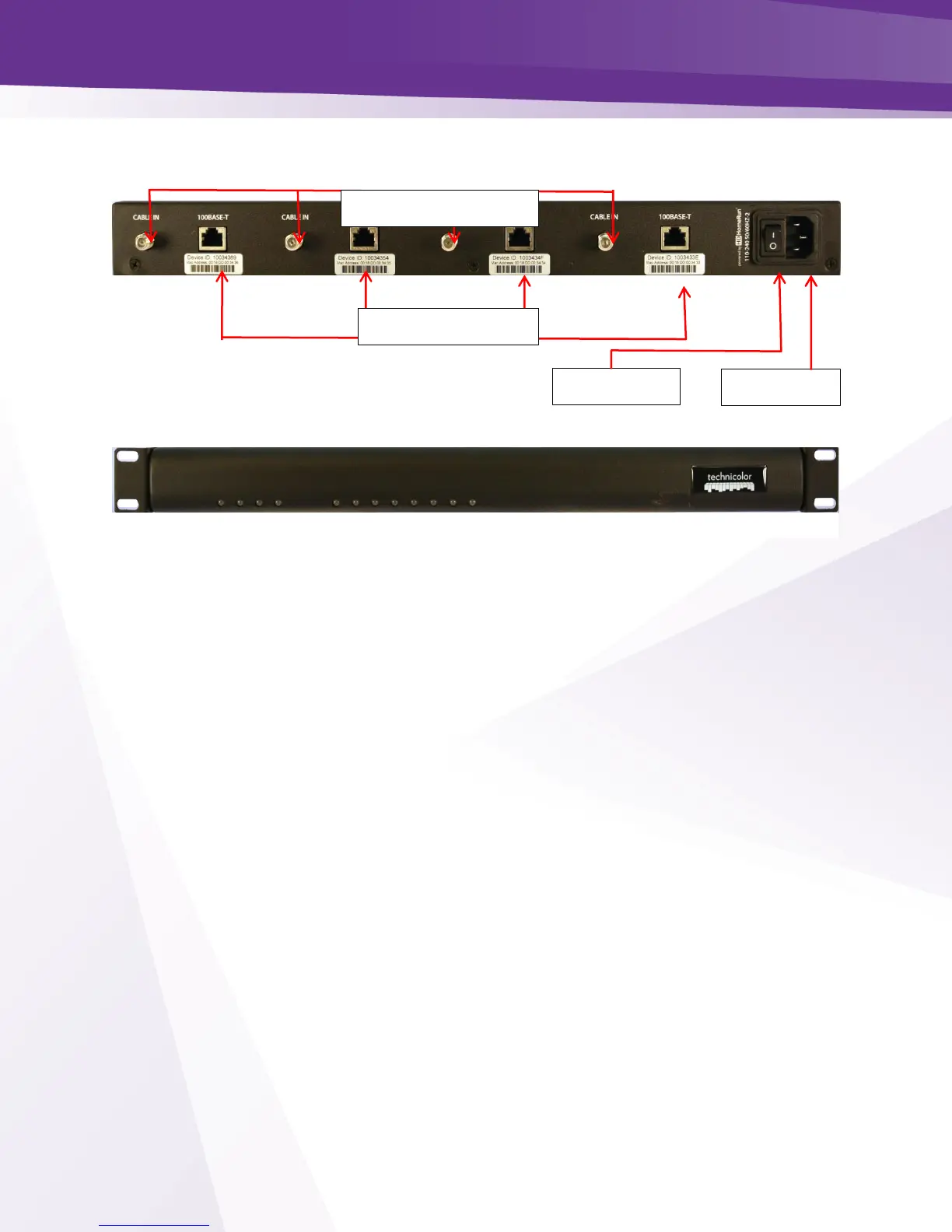
Figure 85 - ATSC-8 Back Panel
Figure 86 - ATSC-8 Front panel


 To Next Page