RS・TR575
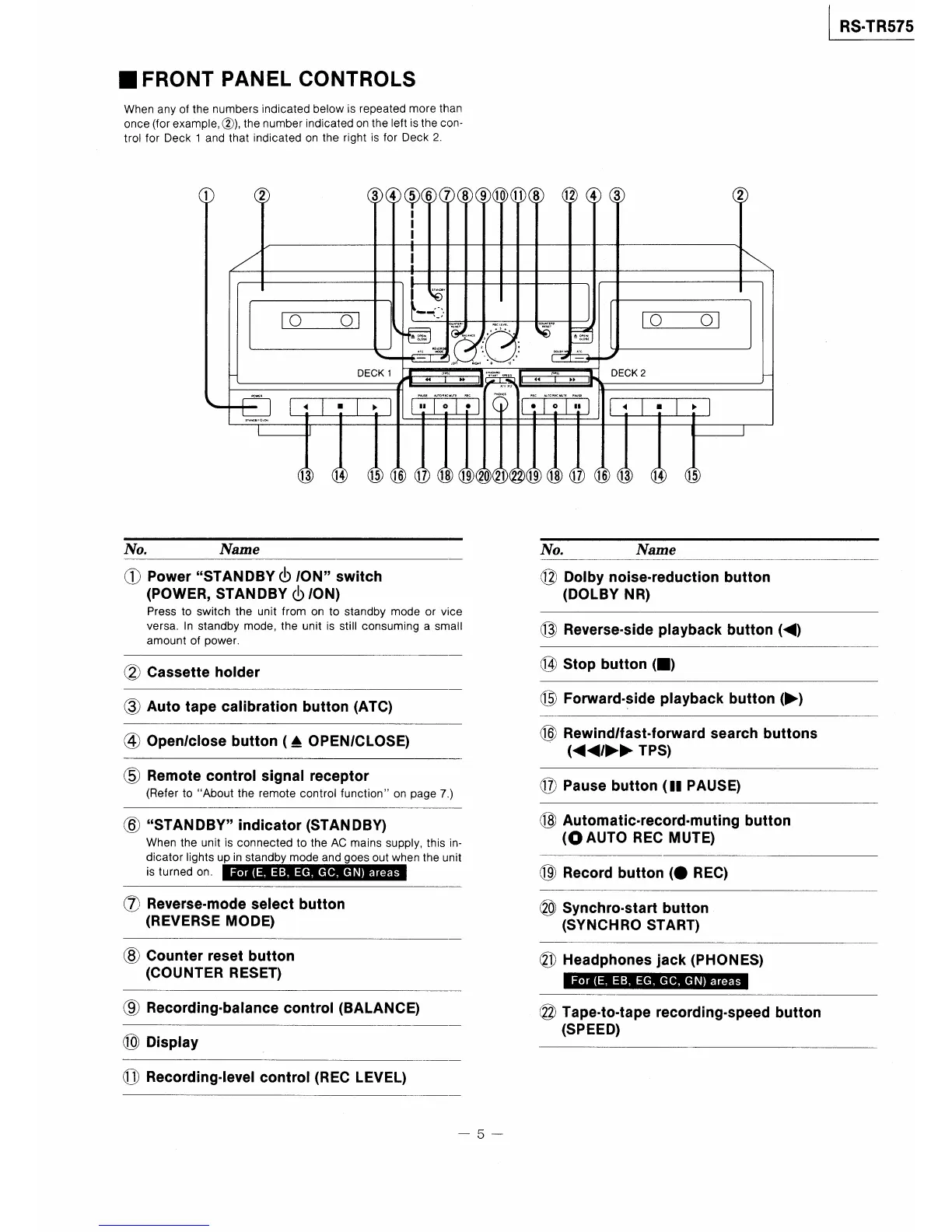
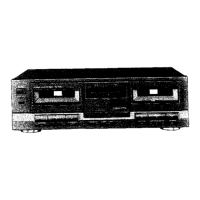
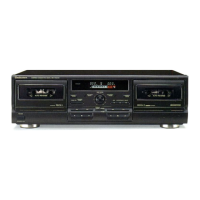
■FRONT PANEL CONTROLS
When any of the numbers indicated below is repeated more than
once(forexample,②),thenumber indicated on the Ieft lsthe con−
trol for Deck l and that indicated on the right is for Deck2。
①
②
III
③④中⑥⑦⑧⑨⑩⑪⑧⑫④③
②
\
/
!
ll聾
、
一
︸1
一
し一イ)
脊甲
皇誰纂
nE綴麗
叢
創N▼E爾1
徴﹂E
鴛
ORξCしEV臥
…
む
壽巴
DECK2
DECK1璽7ル1搭穐
1運市一ト
L
Lr1甲1]1単「δ準
卜1・卜1
1
113
14
1516⑰18⑲⑳⑳⑳1918⑰⑯⑬⑭ ⑮
l I
ハb.
ハ融me
ハハo.
瓦ame
①PowerSTANDBY(bONswitch
(POWER,STANDBY(b,ON》
Press to switch the unit from on to standby mode or vice
versa.In standby mode,the unit is stiII consuming a smalI
amount of power.
⑫Dolbynoise・reduc量ionbu量ton
《DOIBY NR》
⑬Reverse・sideplaybackbut量on(〈》
②Cassetteholder
⑭Stopbutton(■》
③Autotapecabrationbutton(ATC》
⑮Fo㎜ard・$ideplaybackbut量on(〉》
④Open,closebutton(ムOPEN,CLOSE》
⑯Rewind,fastイorwardsearchbutt・ns
(<国く唾,レ>レ》TPS》
⑤Remotecon量rolsignalreceptor
(Refer toAbout the remote control functionon page7.)
⑥STANDBYindicator(STANDBY》
When the unit is connected to the AC mains supply,this in−
dicator Iights up in standby mode and goesoutwhen the unit
is turned on.
⑰Pausebutton(llPAUSE)
⑱Automatic・record・mutingbutton
(OAuTo REC MuTE》
⑲Recordbutton(●REC》
⑦Reverse・modeselectbutton
(REVERSE MODE》
⑳Synchro・star量button
(SYNCHRO START》
⑧Counterrese量bu量ton
(COUNTER RESET》
⑳Headphoneslack(PHONES》
⑨Recording・ba口ancecontrol(BALANCE》
⑩Display
⑳Tape・to・量aperecording・speedbutton
(SPEED》
⑪Recording・levelcontrol(RECLEVEL》
5



 To Next Page