Network Meter Block Installation, Operation, & Maintenance Manual
Installation 18
3.3.2 Network Connection
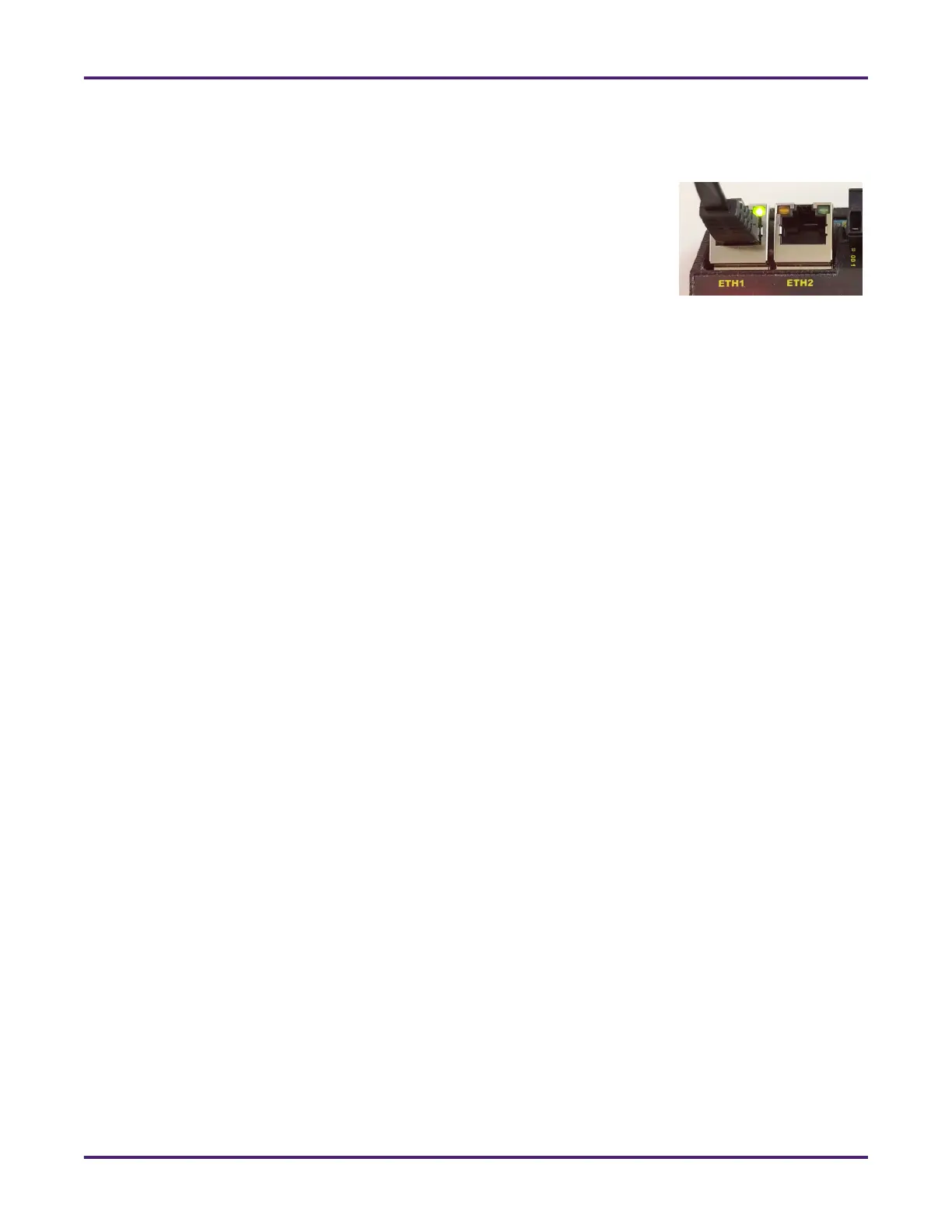
To connect your NMB to your Ethernet network, connect a Category (CAT) 5
or 6 Ethernet cable from either Ethernet port on your NMB to a suitable hub,
network switch, router, or directly to a personal computer (PC). A second
Ethernet port is available so you can include the NMB in a daisy chain
network schema.
After your NMB has been successfully installed, powered up, and connected
to your network, it is ready to be configured. For instructions, see Section 4:
Monitoring and Configuring the NMB.
Figure 14: Network Input










 To Next Page