Network Meter Block Installation, Operation, & Maintenance Manual
Monitoring and Configuring the NMB 20
4.1.1.2 Launching the NMB Dashboard
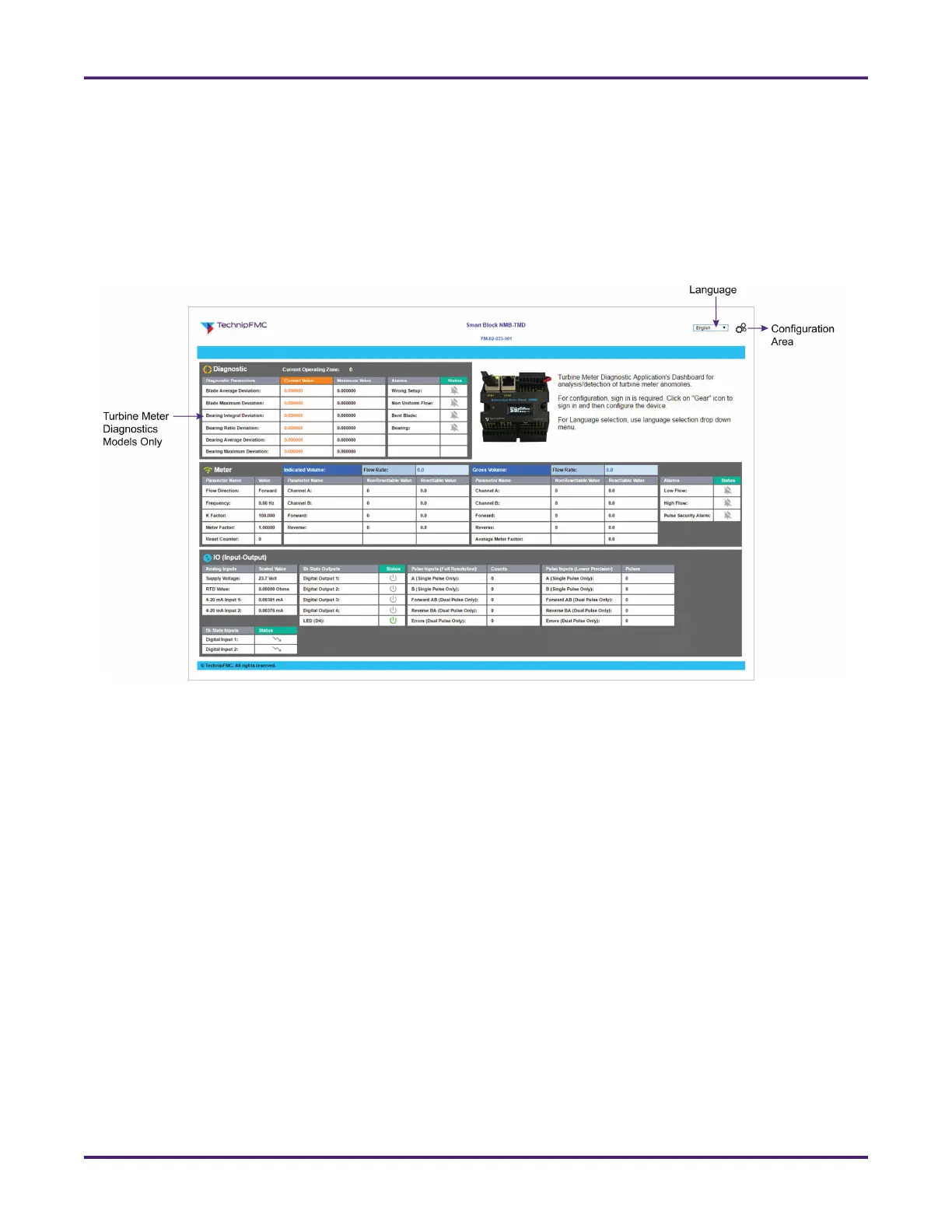
Pointing your web browser to your NMB’s IP address launches the NMB’s dashboard, which displays an
overview of its current state of operation.
The dashboard is accessible to anyone on your network. Those who need to configure the NMB or access
additional information must log into the NMB’s configuration area. For more information, see Section 4.3.1:
Accessing the Configuration Area.
4.1.2 Communicating with a PLC or SCADA System
The NMB uses functions that can be configured for unmanned, automated interaction with a
Programmable Logic Controller (PLC) firmware system or SCADA software system—such as
TechnipFMC’s UCOS software—to control digital output. Likewise, input functions can be configured to be
triggered via digital input (see Section 4.3.3.3: Configuring Basic Inputs and Outputs).
4.1.2.1 Digital Outputs
The NMB has a total of three digital output channels available (labeled Dout 1 through 3). Output #1 and
Output #2 can be configured for any of the following functions; Output #3 is limited to the first three
functions. See Section 4.3.3: Configuring Inputs and Outputs for details about configuring these digital
functions.
• Off
• On
• MQTT controlled
• Pulse output to samplers
• Flow direction indication high is reversed
• Flow direction indication high is forward
• Pulse security alarm
Figure 16: NMB Dashboard for NMB-TMD Firmware










 To Next Page