54
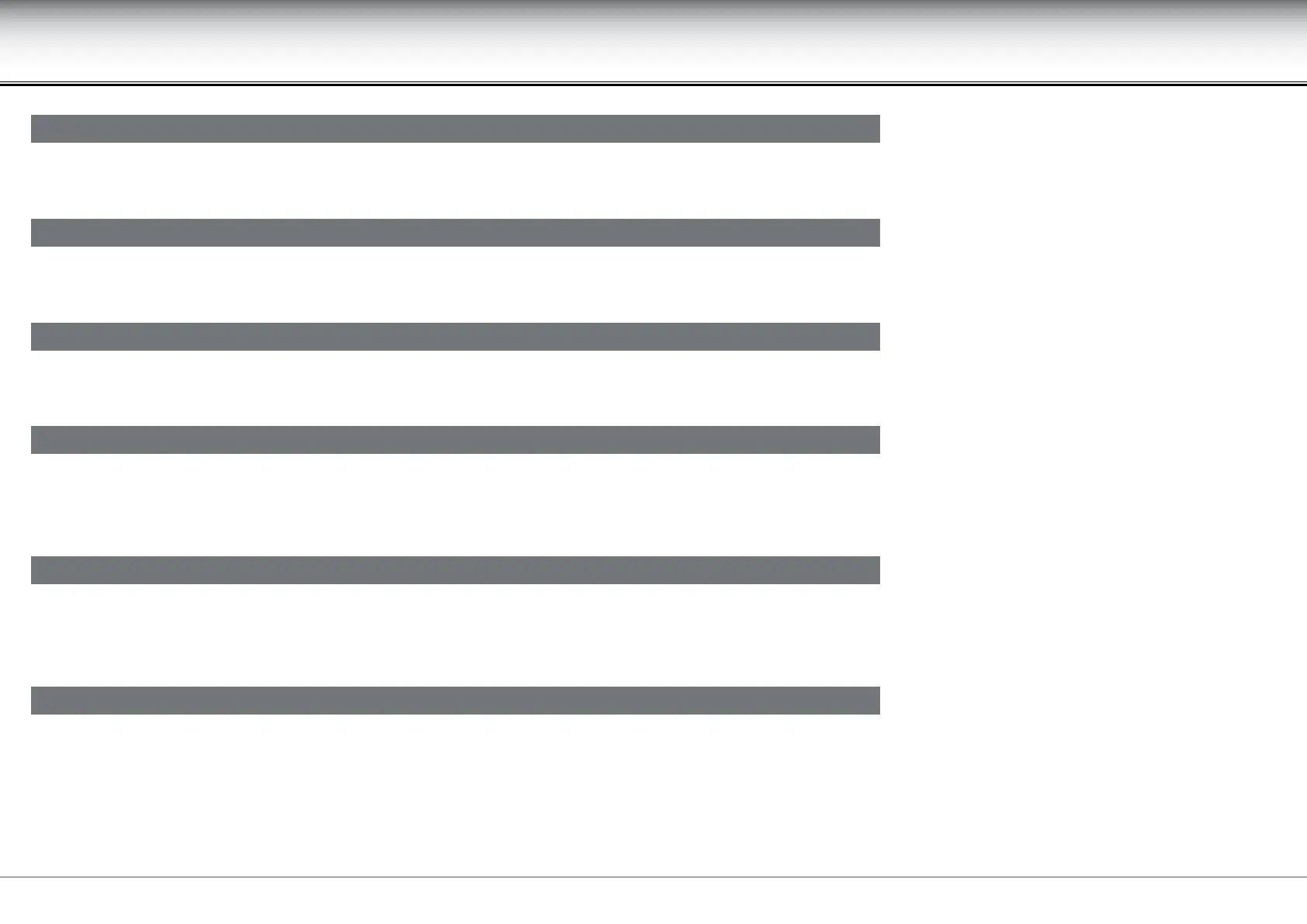
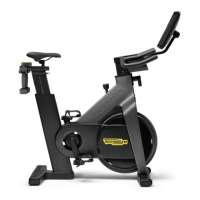
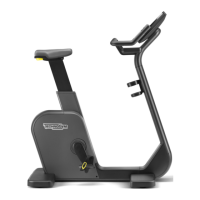
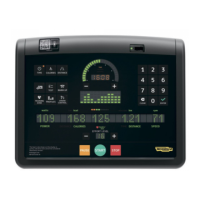
Crossover, Synchro, Vario, Bike, Recline, Climb, Step, Top - Advanced LED display
Other control panel messages
Scrolls during exercises performed with the heart rate monitor, if the heart rate reading exceeds 90% of the theoretical maximum value.
to3
Depending on the type of equipment, it indicates the recommended speed for exercises carried out in constant heart rate mode.
t
Signals that there are no workout programs on the TGS key.
totot
Scrolls if the workout program refers to equipment other than that stored on the TGS key. The exercise can still be performed, however, and the results saved
on the TGS key, making the selection with the keys on the control panel.
ooto
In the self-powered version, you have to keep moving to keep the equipment turned on. If you stop moving during the exercise, this message warns you that
the equipment is about to switch o. The prole LEDs display the time remaining before the equipment switches o, with an emptying image.
ootooo
In the self-powered version, if you stop moving when in standby, this message warns you that the equipment is about to switch o. The prole LEDs display
the time remaining before the equipment switches o, with an emptying image.


 To Next Page