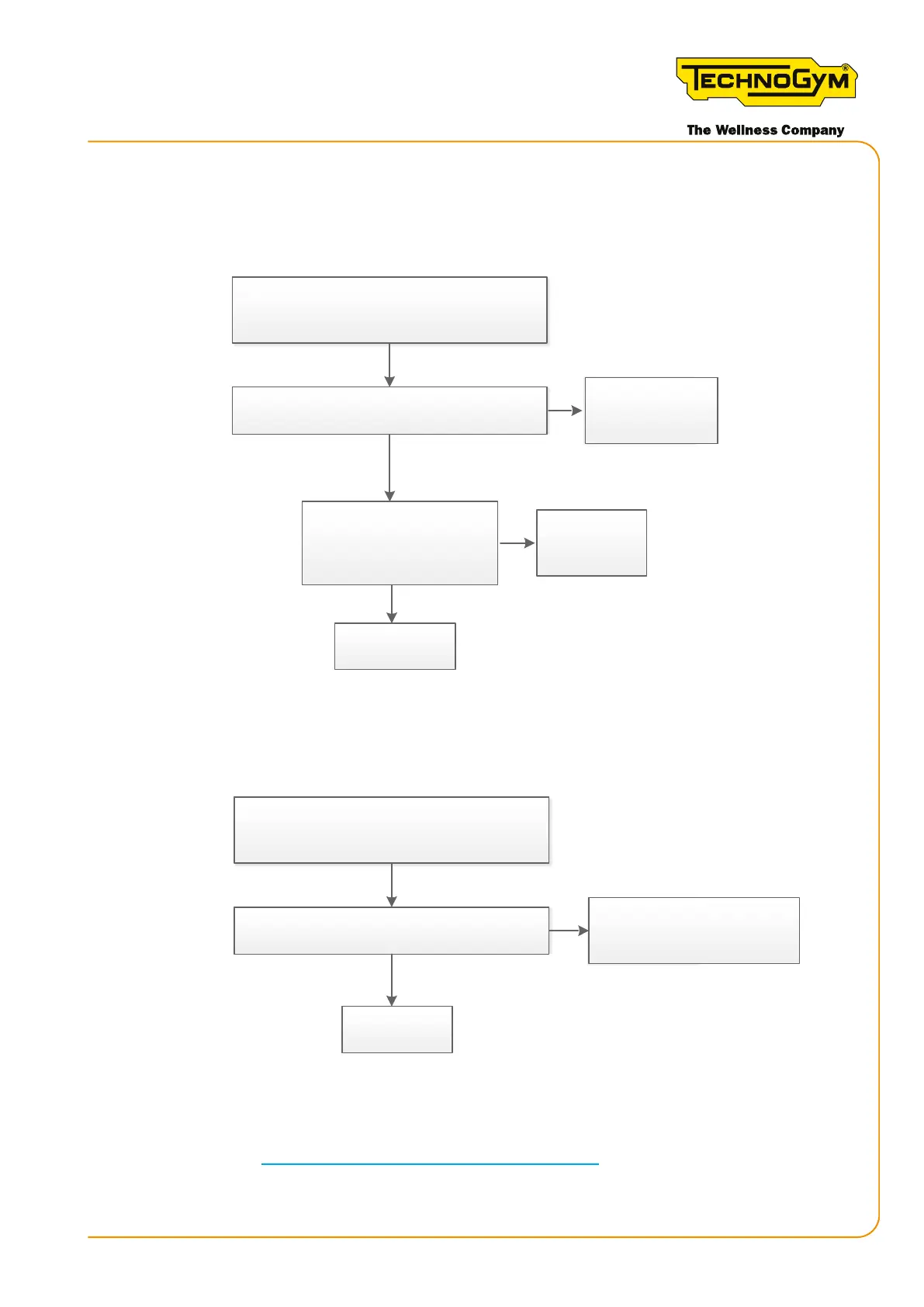
6.6.9.2 USER CANNOT LOG IN - LOGIN ICON REMAINS OFF (LOGIN VIA TGS/NFC - BLUETOOTH)
First, always upgrade the SW to the latest released version.
OK, done.
Yes
No
Yes
No
The customer cannot log in.
Login icon always disabled.
(TGS/NFC).
Does the problem occur with other keys?
Replace the
display (*)
Replace the TGS/ NFC board
and the connec�on cable.
Problem solved?
Key faulty.
Replace the key.
Figure 45 - login via TGS / NFC
No
Yes
Replace the
display (*)
Does the problem occur on other equipment?
The telephone is probably
not compa�ble.
The customer cannot log in.
Login icon always disabled.
[Bluetooth]
Figure 46 - login via Bluetooth
(*) For the details, see “6.1 Procedure for replacing components”.
Skillmill:
Technical Service Guide - Rev. 3.5
Page79email: support@technogym.com












 To Next Page