6.7.2 SKILLMILL CONNECT CALIBRATION PROCEDURE THAT ACTIVATES THE
BACKLIGHTING OF THE KEYS
These procedure applies only to the Skillmill Connect version, whose keys light up and become visible
to the technician.
• Update the SW with the most recent version (“9. SW update”).
function has been added at SW level to ensure a check of the correct calibration. For the
details, refer to “6.7.3 automatic correct calibration check”.
• Remember to disconnect the MINI USB connector from the console.
• Disconnect the external power supply (Connect version).
• Power the display from the MINI USB Port, with a PC or a power bank.
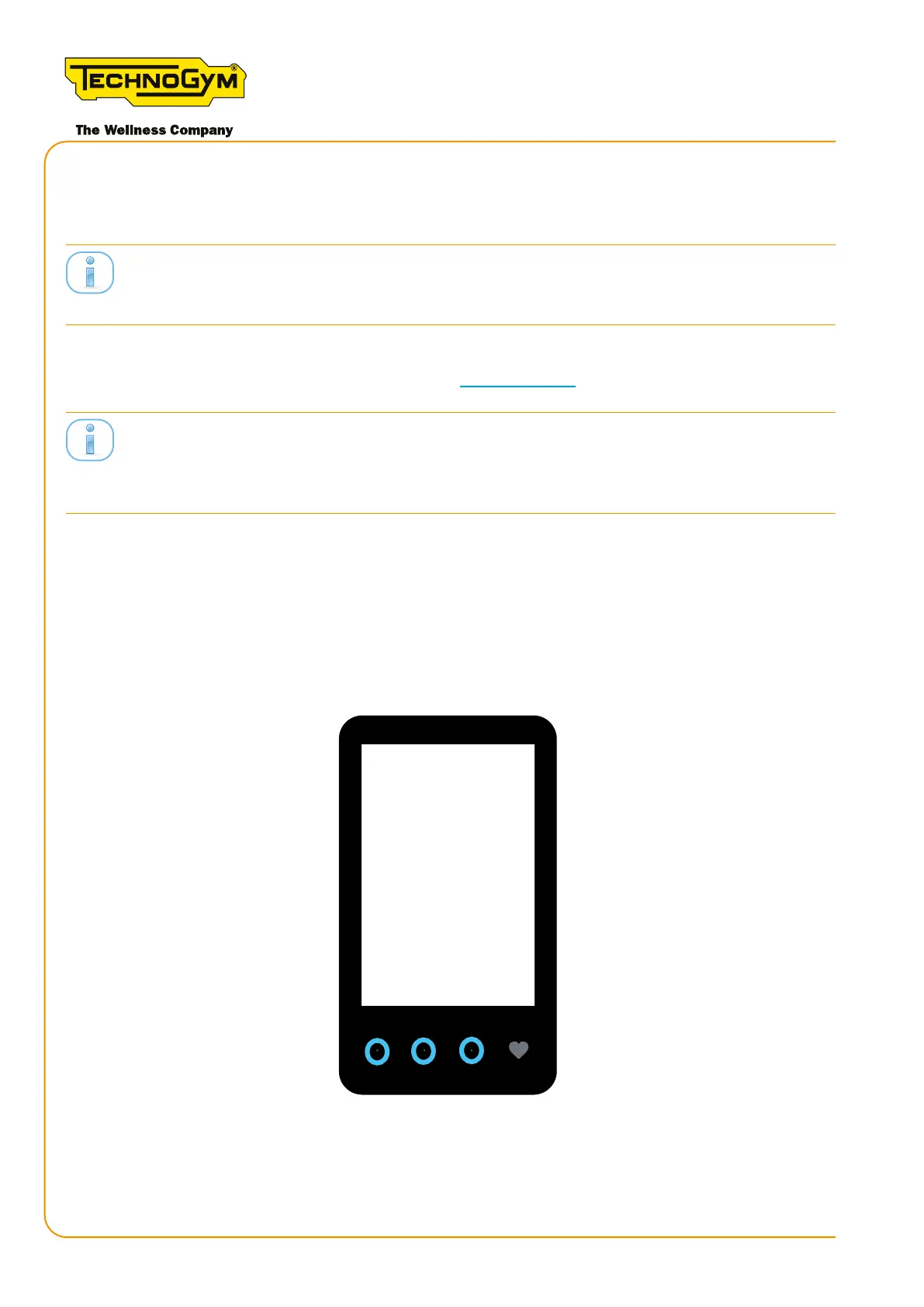
• Thekeys lightup. Rotatethebelt. Whenthe timestops ashing,presskeys 1-2-3(in thiscase
thekeysarenotbacklit);Ifthecomboisnotacquiredbythedisplay(CALdoesnotappearonthe
display), rotate the treadmill and press keys 1-2-3 (in this case the keys are not backlit).
Figure 53
Skillmill
Technical Service Guide - Rev. 3.5
Page90
email: support@technogym.com












 To Next Page