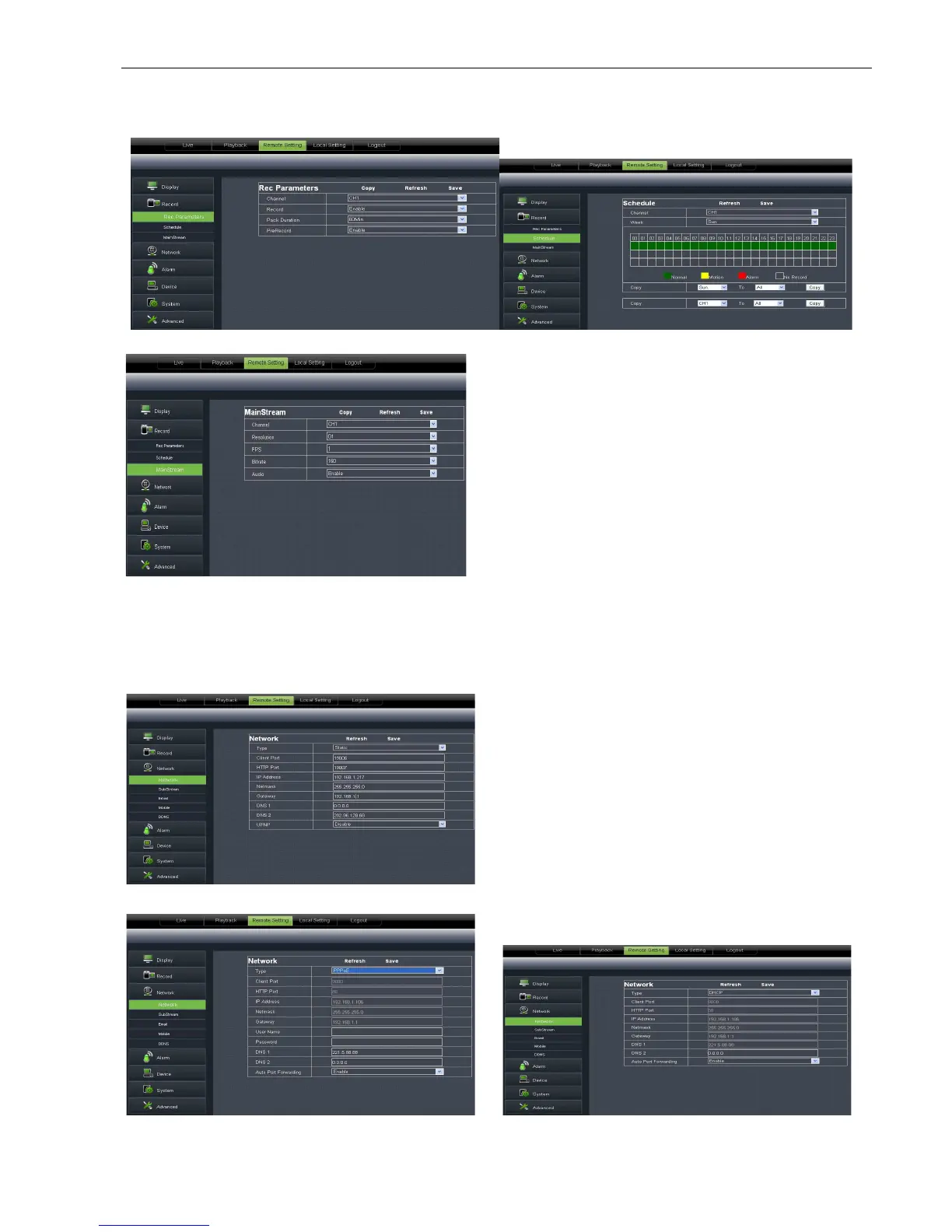
Click <Record> option to unfold its sub
6.3.3.3 Network Parameters
Unfold <Network> option to enter into its sub
configuration.
1、Network
Picture 6-15
Picture 6-18
Picture 6-19
33
Click <Record> option to unfold its sub
options: Record parameter, Schedule and Main stream.
Unfold <Network> option to enter into its sub
options: Network, sub stream, Email, mobile and DDNS
you set channel, record enable, pack time
record status shown as Picture 6
Detailed parameters please refer to DVR
local setting (shown as Picture 6
Green stand for Normal record; Yellow stands for
Motion detection; Red stands
detailed settings please refer to DVR
local setting (shown as Picture 6
modifies the resolution, frame rate, Bit rate and audio
The model support three network type, including Static,
DHCP and PPPoE. System default <Static> as its
er could allocate IP and perform Port
forwarding for DVR according to different router. When
set <UPNP> to “On”, user no needs to perform port
forwarding. Once you modify the network parameters
successfully, DVR will automatically restart.DVR
arameters please refer to below Picture 6
Picture 6-19 and Picture 6-
options: Record parameter, Schedule and Main stream.
options: Network, sub stream, Email, mobile and DDNS
Under [Record parameters]
you set channel, record enable, pack time
record status shown as Picture 6
Detailed parameters please refer to DVR
local setting (shown as Picture 6
Green stand for Normal record; Yellow stands for
Motion detection; Red stands
for I/O triggered record.
detailed settings please refer to DVR
local setting (shown as Picture 6
modifies the resolution, frame rate, Bit rate and audio
The model support three network type, including Static,
DHCP and PPPoE. System default <Static> as its
er could allocate IP and perform Port
forwarding for DVR according to different router. When
set <UPNP> to “On”, user no needs to perform port
forwarding. Once you modify the network parameters
successfully, DVR will automatically restart.DVR
arameters please refer to below Picture 6



 To Next Page