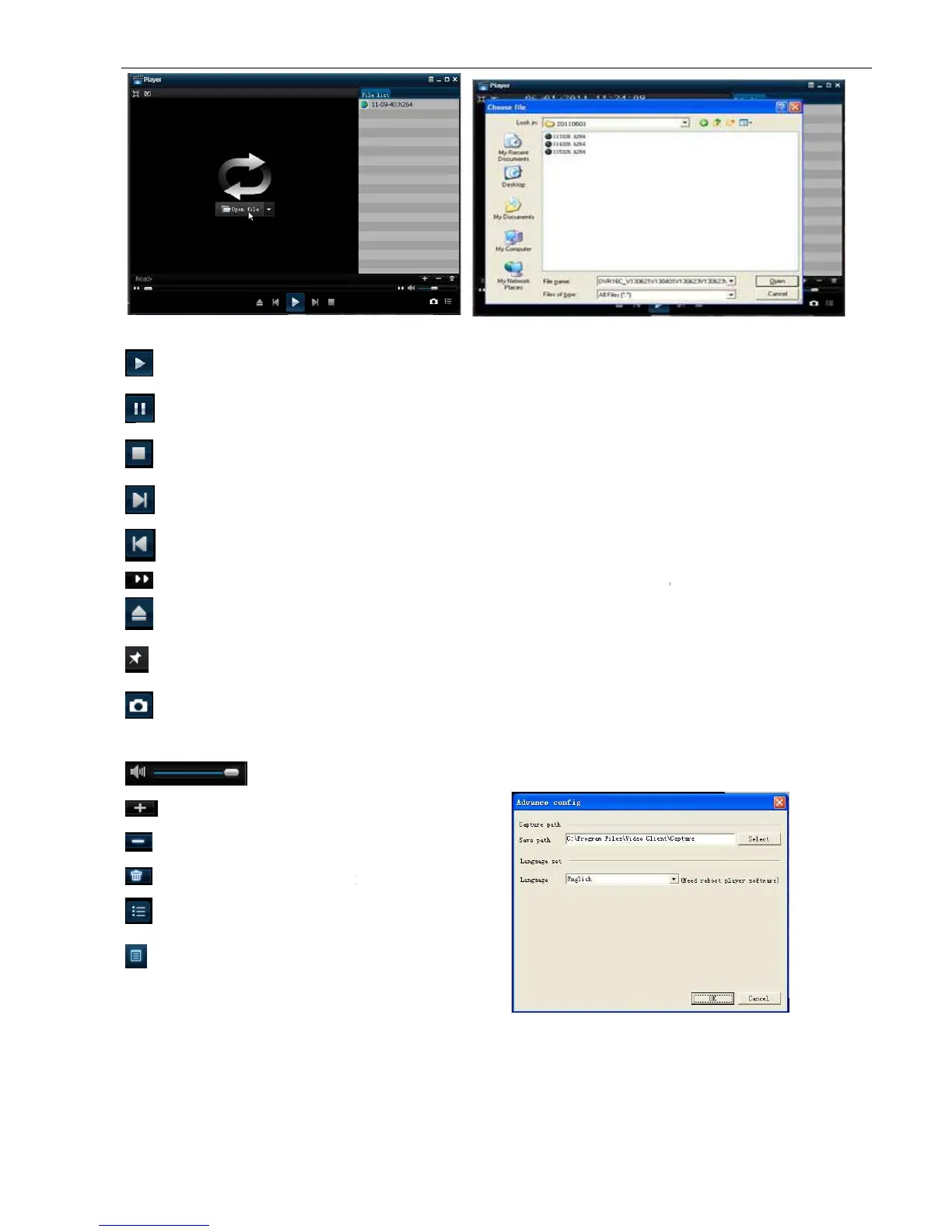
Play button: click the icon to playback the backup record;
Pause button: click the icon to pause the backup record;
Stop button: click the icon to stop the backup record;
Prev.: Click the icon to play previous record
FF button: click the icon to fast forward the backup record at x2, x4, x8 and/or x16 speed.
Open: click the icon to open one record file.
Click the icon to place the playing record
Snapshot button: click the icon to capture the live image and save the captured one to directory:
Volume Adjust: click the icon to adjust the volume.
:
Add fold or file to player.
:
Delete one file in the list
:
Delete
all the files in the list
:
Unfold or fold the list files
:
Advance Configuration: click the icon to set
One capture path and language shown as Picture 5
Play button: click the icon to playback the backup record;
Pause button: click the icon to pause the backup record;
Stop button: click the icon to stop the backup record;
Prev.: Click the icon to play previous record
FF button: click the icon to fast forward the backup record at x2, x4, x8 and/or x16 speed.
Open: click the icon to open one record file.
Click the icon to place the playing record
Snapshot button: click the icon to capture the live image and save the captured one to directory:
Volume Adjust: click the icon to adjust the volume.
all the files in the list
Advance Configuration: click the icon to set
One capture path and language shown as Picture 5
FF button: click the icon to fast forward the backup record at x2, x4, x8 and/or x16 speed.
Snapshot button: click the icon to capture the live image and save the captured one to directory:



 To Next Page