EasyManua.ls Logo

Tectrix Climbmax 150 - Page 15

Tectrix Climbmax 150
60 pages
Print Icon
To Next Page IconTo Next Page
To Previous Page IconTo Previous Page
Loading...
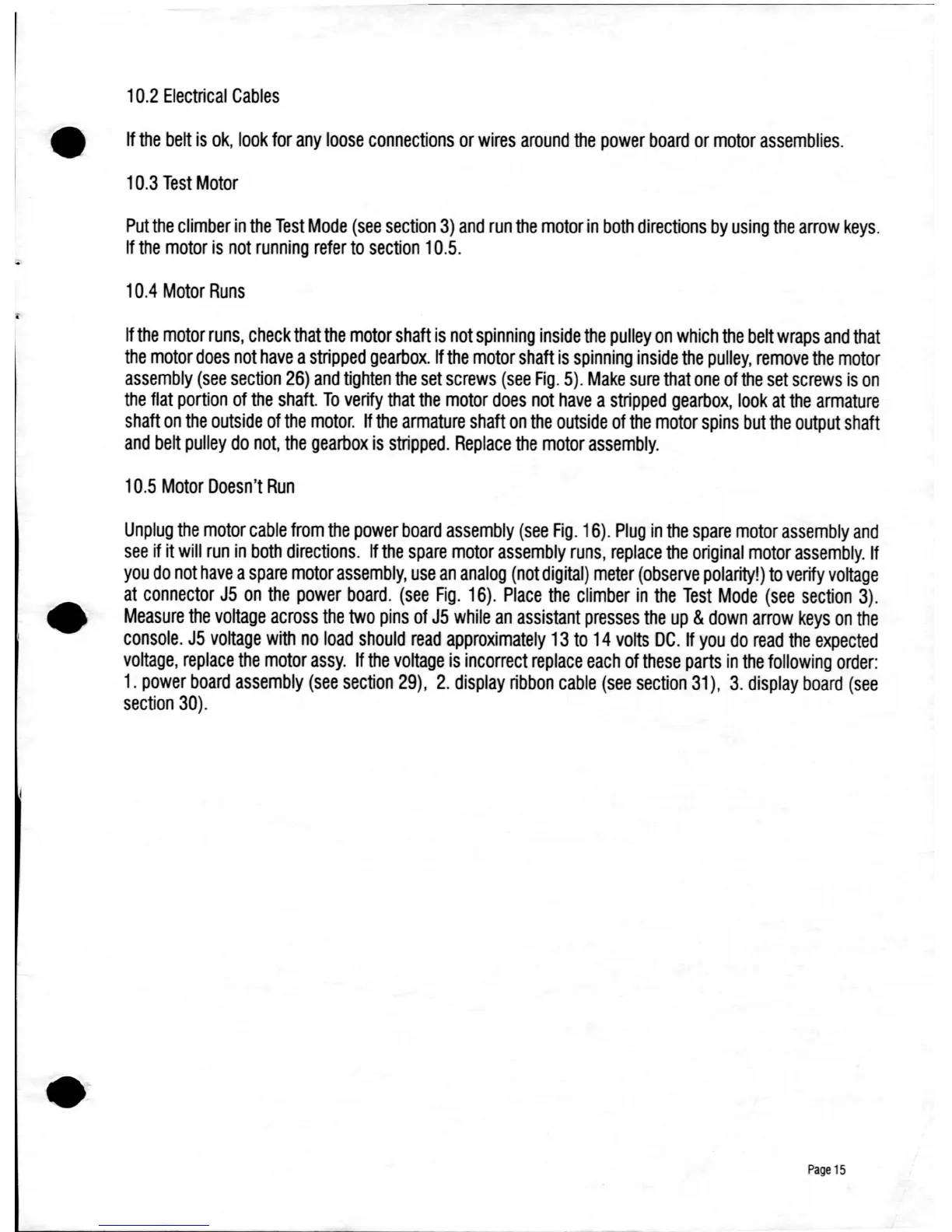
10.2
Electrical
Cables
If
the
belt
is
ok,
look
for
any
loose
connections
or
wires
around
the
power
board
or
motor
assemblies.
10.3
Test
Motor
Put
the
climber
in
the
Test
Mode
(see
section
3)
and
run
the
motor
in
both
directions
by
using
the
arrow
keys.
If
the
motor
is
not
running
refer
to
section
10.5.
10.4
Motor
Runs
If
the
motor
runs,
check
that
the
motor
shaft
is
not
spinning
inside
the
pulley
on
which
the
belt wraps
and
that
the
motor
does
not
have
a
stripped
gearbox.
If
the
motor
shaft
is
spinning
inside
the
pulley,
remove
the
motor
assembly
(see
section
26)
and
tighten
the
set
screws
(see
Fig.
5).
Make
sure
that
one
of
the
set
screws
is
on
the
flat
portion
of
the
shaft.
To
verify
that
the
motor
does
not
have
a
stripped
gearbox,
look
at
the
armature
shaft
on
the
outside
of
the
motor.
If
the
armature
shaft
on
the
outside
of
the
motor
spins
but
the
output
shaft
and
belt
pulley
do
not,
the
gearbox
is
stripped.
Replace
the
motor
assembly.
10.5
Motor
Doesn't
Run
Unplug
the
motor
cable
from
the
power
board
assembly
(see
Fig.
16).
Plug
in
the
spare
motor
assembly
and
see
if it
will
run
in
both
directions.
If
the
spare
motor
assembly
runs,
replace
the
original
motor
assembly.
If
you
do
not
have
a
spare
motor
assembly,
use
an
analog
(not
digital)
meter
(observe
polarity!)
to
verify
voltage
at
connector
J5
on
the
power
board.
(see
Fig.
16).
Place
the
climber
in
the
Test
Mode
(see
section
3)
.
Measure
the
voltage
across
the
two
pins
of
J5
while
an
assistant
presses
the
up
&
down
arrow
keys
on
the
console.
J5
voltage
with
no
load
should
read
approximately
13
to
14
volts
DC.
If
you
do
read
the
expected
voltage,
replace
the
motor
assy.
If
the
voltage
is
incorrect
replace
each
of
these
parts
in
the
following
order:
1.
power
board
assembly
(see
section
29),
2.
display
ribbon
cable
(see
section
31),
3.
display
board
(see
section
30)
.
Page
15

Table of Contents