EasyManua.ls Logo

Tectrix Climbmax 150 - Reset Problem

Tectrix Climbmax 150
60 pages
Print Icon
To Next Page IconTo Next Page
To Previous Page IconTo Previous Page
Loading...
17.
Reset
Problem
If
the
display
doesn't
light
when
you
first
switch
power
on,
try
switching
power
off
and
on
slowly
several
times.
The
microprocessor
(located
on
the
display
board)
may
have
had
a
bad
reset
and
hung
up.
A
bad
motor
assembly
may
cause
apparent
display
symptoms.
Examples
include:
1
Intermittent
reset
2.
Oscillating
reset
3.
Temporarily
display
LED's
(lights)
go
out
Such
motors
may
pass
the
motor
power
test
and
provide
acceptable
speed
regulation.
Use
your
spare
motor
assembly
to
test
the
climber.
If
you
do
not
have
a
spare
motor
assembly,
put
the
climber
in
Test
Mode
(see
section
3).
Press
and
hold
the
down
arrow
key.
Keep
pressing
the
down
arrow
key
even
after
the
motor
assembly
has
tightened
the
belt
as
far
as
possible.
If
the
display
resets
(all
LEOs
go
off
and
the
sign-on
prompt
is
displayed)
at
this
time,
the
motor
assembly
may
be
causing
the
problem
and
should
be
replaced.
Even
though
the
motor
assembly
passes
this
test,
it
could
be
the
source
of
the
problem
and
should
be
replaced.
If
the
motor
assembly
does
not
resolve
the
problem
replace
and
test
the
following
parts
in
this
order:
1.
power
board
assembly
(see
section
29)
2.
display
ribbon
cable
(see
section
31)
3.
display
board
(see
section
30)
Irvine,
CaIIfomIa
(BOO)
767-8082
Made
In
U.S.A.
CAUTIO.:
Stop
climbing
If
you
don't
feel
well!
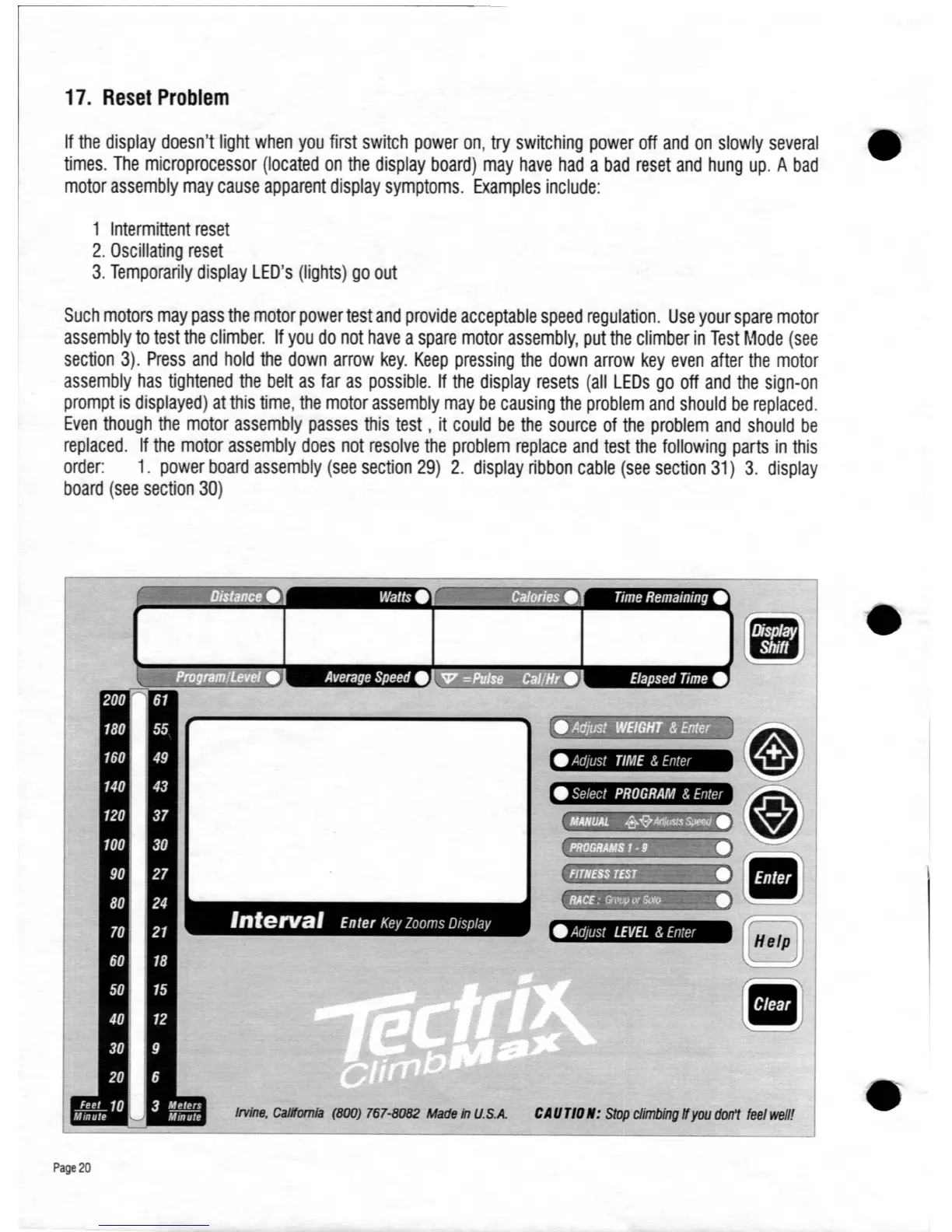
Adjust
TIME
&
Enter
Select
PROGRAM
&
Enter
Adjust
LEVEL
&
Enter
."
. .
J
...
,.
,
••
,
, .
Page
20

Table of Contents