EasyManua.ls Logo

Tectrix Climbmax 150 - Display Console

Tectrix Climbmax 150
60 pages
Print Icon
To Next Page IconTo Next Page
To Previous Page IconTo Previous Page
Loading...
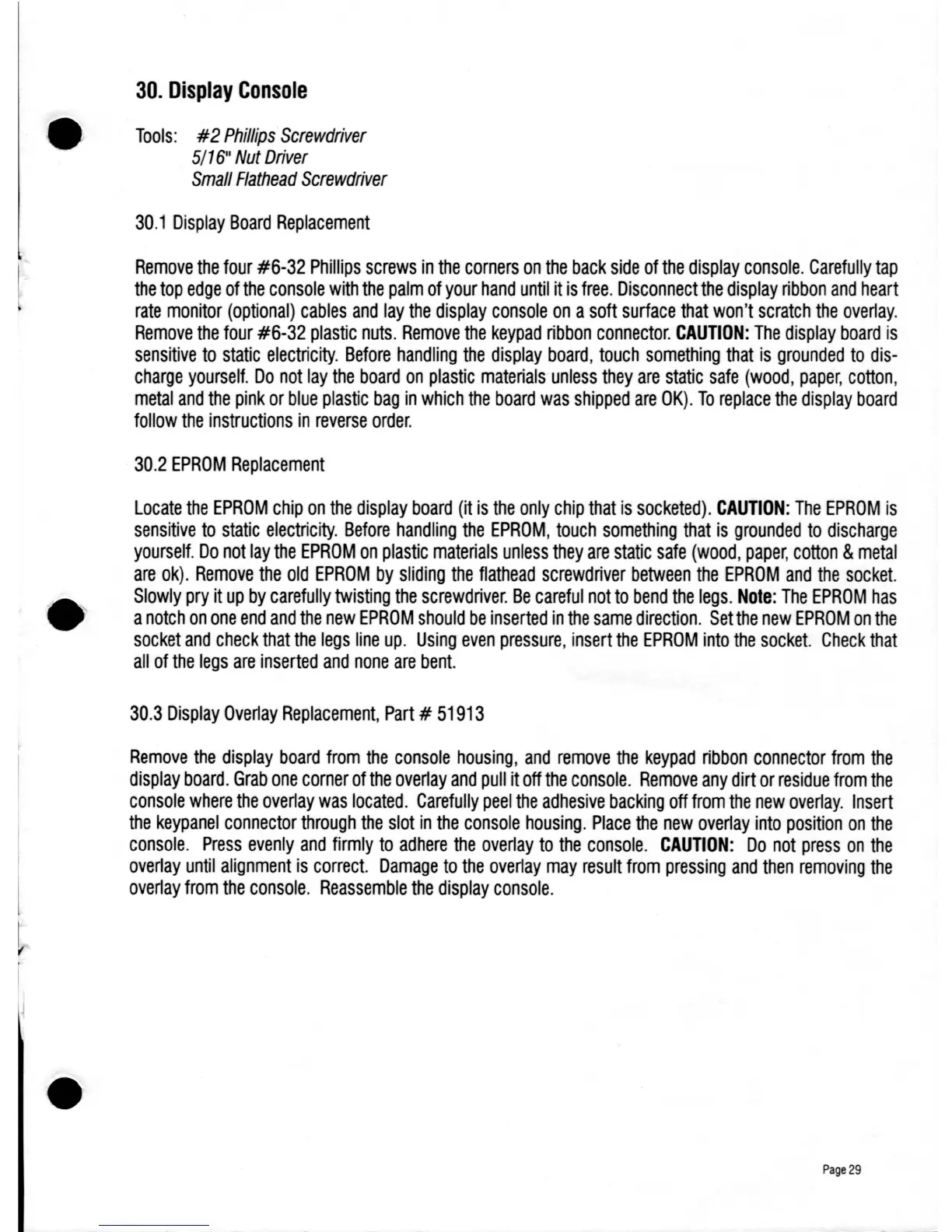
30.
Display
Console
Tools:
#2
Phillips
Screwdriver
5/16"
Nut
Driver
Small
Flathead
Screwdriver
30.1
Display
Board
Replacement
Remove
the
four
#6-32
Phillips
screws
in
the
corners
on
the
back
side
of
the
display
console.
Carefully
tap
the
top
edge
of
the
console
with
the
palm
of
your
hand
until
it
is
free.
Disconnect
the
display
ribbon
and
heart
rate
monitor
(optional)
cables
and
lay
the
display
console
on
a
soft
surface
that
won't
scratch
the
overlay.
Remove
the
four
#6-32
plastic
nuts.
Remove
the
keypad
ribbon
connector.
CAUTION:
The
display
board
is
sensitive
to
static
electricity.
Before
handling
the
display
board,
touch
something
that
is
grounded
to
dis-
charge
yourself.
Do
not
lay
the
board
on
plastic
materials
unless
they
are
static
safe
(wood,
paper,
cotton,
metal
and
the
pink
or
blue
plastic
bag
in
which
the
board
was
shipped
are
OK).
To
replace
the
display
board
follow
the
instructions
in
reverse
order.
30.2
EPROM
Replacement
Locate
the
EPROM
chip
on
the
display
board
(it
is
the
only
chip
that
is
socketed).
CAUTION:
The
EPROM
is
sensitive
to
static
electricity.
Before
handling
the
EPROM,
touch
something
that
is
grounded
to
discharge
yourself.
Do
not
lay
the
EPROM
on
plastic
materials
unless
they
are
static
safe
(wood,
paper,
cotton
&
metal
are
ok).
Remove
the
old
EPROM
by
sliding
the
flathead
screwdriver
between
the
EPROM
and
the
socket.
Slowly
pry
it
up
by
carefully
twisting
the
screwdriver.
Be
careful
not
to
bend
the
legs.
Note:
The
EPROM
has
a
notch
on
one
end
and
the
new
EPROM
should
be
inserted
in
the
same
direction.
Set
the
new
EPROM
on
the
socket
and
check
that
the
legs
line
up.
Using
even
pressure,
insert
the
EPROM
into
the
socket.
Check
that
all
of
the
legs
are
inserted
and
none
are
bent.
30.3
Display
Overlay
Replacement,
Part
#
51913
Remove
the
display
board
from
the
console
housing,
and
remove
the
keypad
ribbon
connector
from
the
display
board.
Grab
one
corner
of
the
overlay
and
pull
it
off
the
console.
Remove
any
dirt
or
residue
from
the
console
where
the
overlay
was
located.
Carefully
peel
the
adhesive
backing
off
from
the
new
overlay.
Insert
the
keypanel
connector
through
the
slot
in
the
console
housing.
Place
the
new
overlay
into
position
on
the
console.
Press
evenly
and
firmly
to
adhere
the
overlay
to
the
console.
CAUTION:
Do
not
press
on
the
overlay
until
alignment
is
correct.
Damage
to
the
overlay
may
result
from
pressing
and
then
removing
the
overlay
from
the
console.
Reassemble
the
display
console.
Page
29

Table of Contents