5.2 Reference speed setting. Preset (favorite) speed selection and set
function
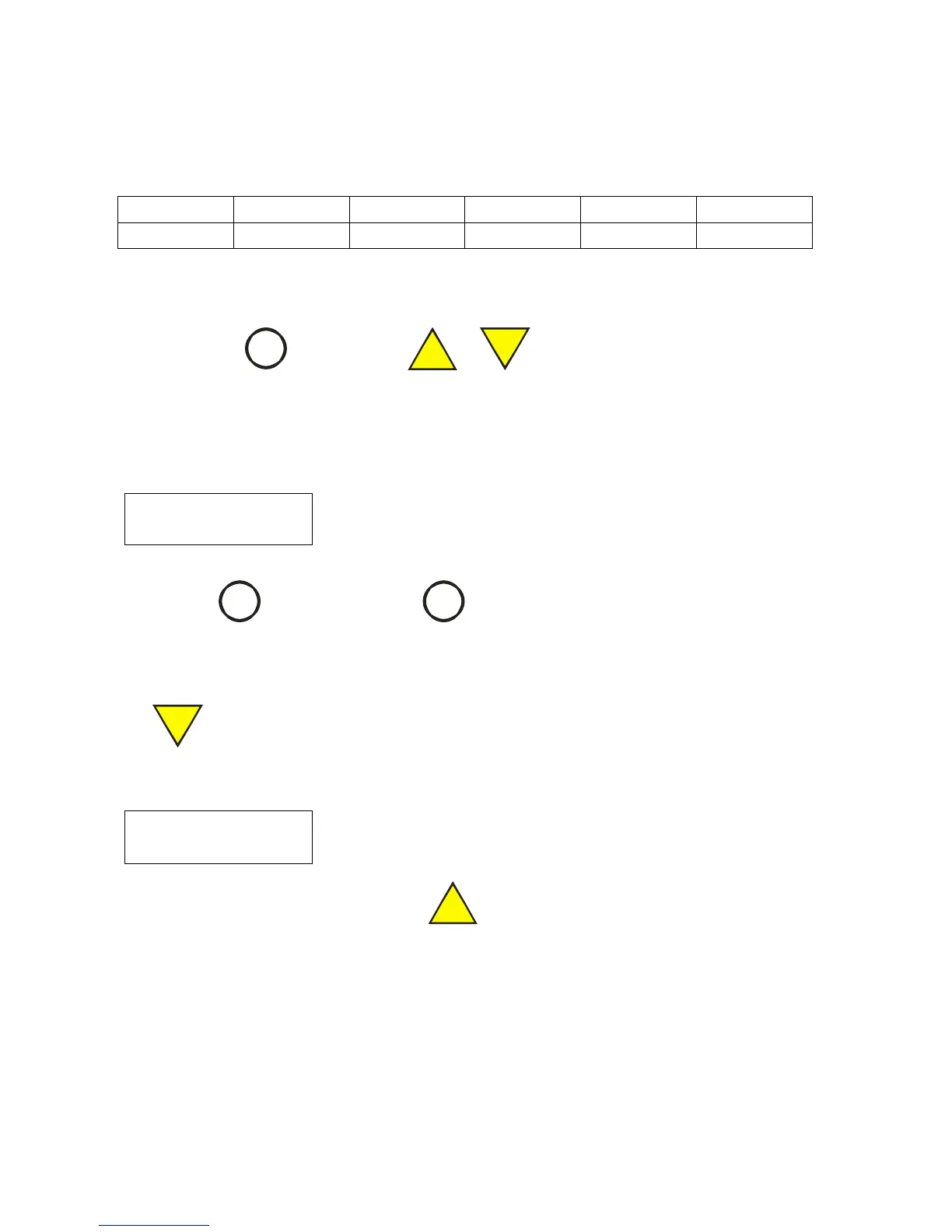
There are 5 preset speeds available in the drive.
The factory-preloaded reference speeds are:
Note: The speed #2 is default speed number.
The letter D after the number #2 indicates it is default.
Press the key
in order to go from one preset speed
number to the next one.
If the next preset speed is higher than 500 rpm, you will see warning:
(“Escape”) to return to previous speed.
Use the Set Function (see 4.0) in order to increase/decrease the reference speed. In this case, if
the reference speed is not equal to the preset speed of the current speed number, the symbol ‘=’ will
be removed from the LCD. For example, if you will decrease the reference speed using key
Reference speed is now not equal to preset speed #2
If you go back to the speed 500 rpm using key
then the symbol ‘=’ will show on LCD.
Programming the Favourate Speeds


 To Next Page