EAR-Controlled Technology Subject to Restrictions Contained on the Cover Page.
Page 41
Dock Position
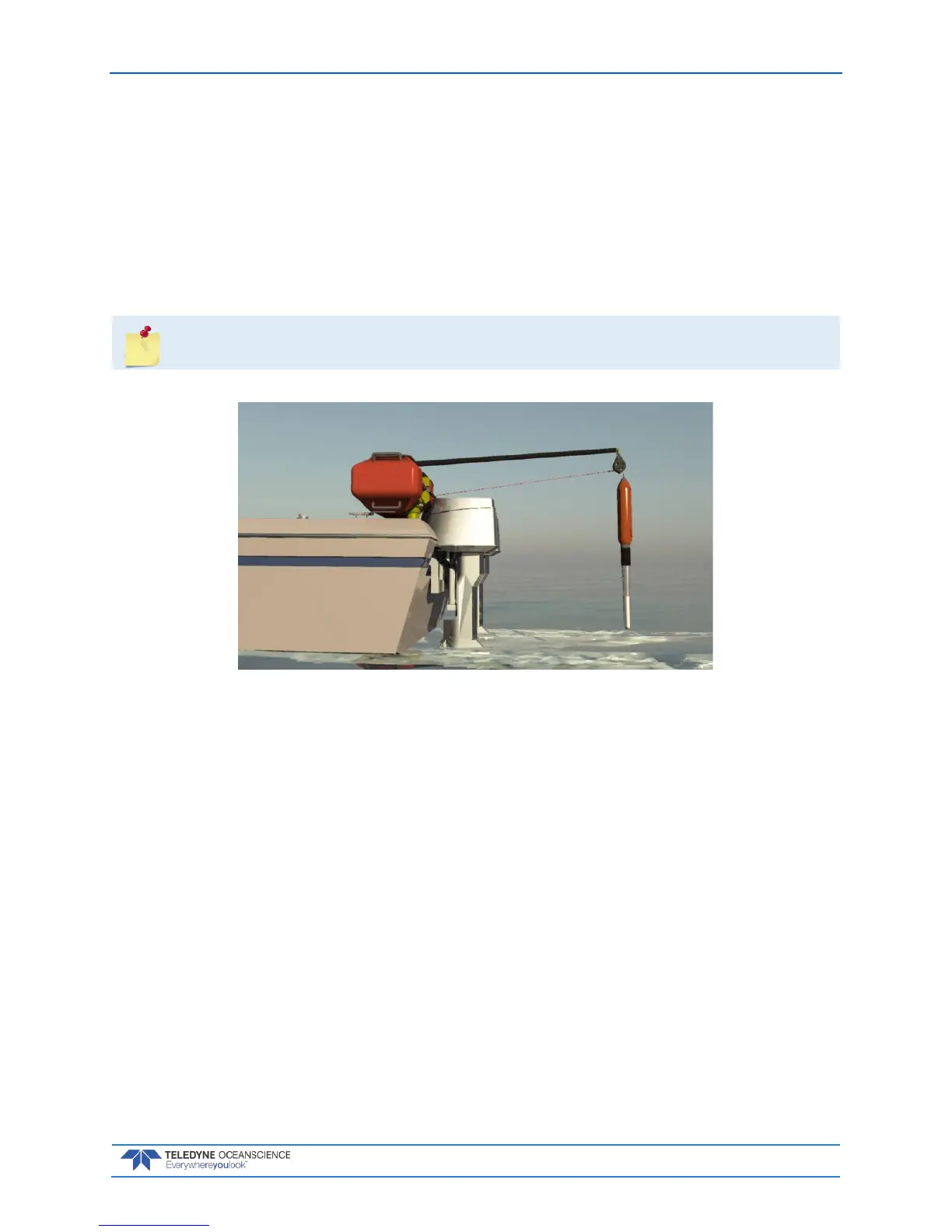
The Dock position is where the probe is completely out of the water and at the topmost position next to
the swivel block at the end of the davit. This is the position the winch will go to if the user wishes to bring
the probe back on board and is ready to swing the davit around to the deck.
To define the Dock Position:
1. Move the probe to the topmost position next to the swivel block at the end of the davit.
2. Click the Jog and Teach tab on the rapidCAST Interface software.
3. Click Dock and then click the Teach Button. On the Record Position dialog, click OK.



 To Next Page