March 2018 rapidCAST User’s Guide
Page 58
EAR-Controlled Technology Subject to Restrictions Contained on the Cover Page.
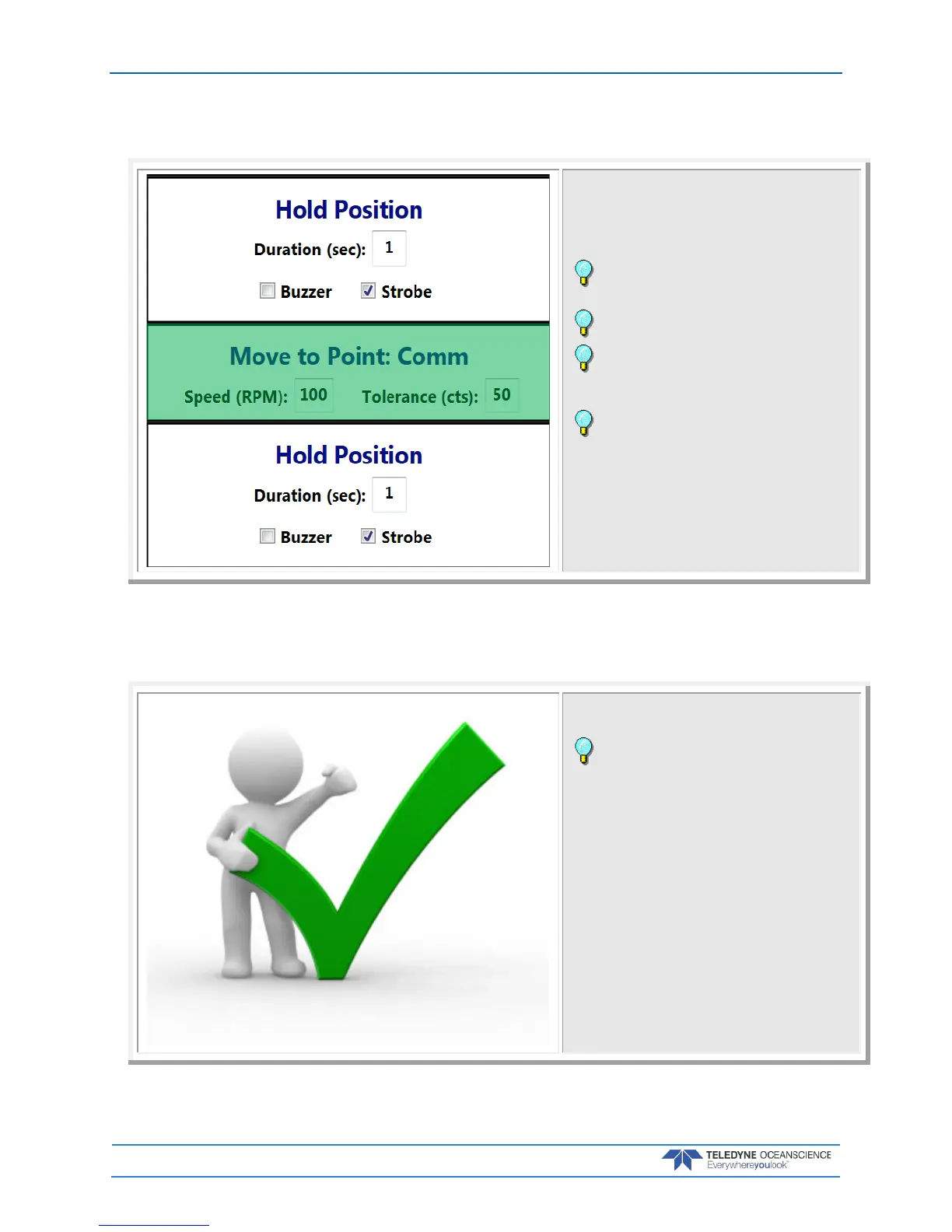
Step 7 – Move to Point Comm
Once the probe returns to Recovery position the speed
will drop until the probe returns to the Comm position.
The probe software will open and data download over
the Bluetooth connection will begin.
Observe the progress bar as each step is
completed.
Observe the winch tension control arm and line
Observe the data download and depth the probe
obtained. If this depth is slightly different then the set
depth in step 2, use an offset for the next cast.
When Auto Repeat is checked, set the final Hold
Position long enough for the probe to download data.
The rapidCAST will start another cast until Auto Repeat
is unchecked.
Complete
That’s it! You completed a cast.
To start another cast, repeat steps 4 through 7.



 To Next Page