EAR-Controlled Technology Subject to Restrictions Contained on the Cover Page.
Page 61
Using the Configuration Settings
The Winch Configuration Settings should not be changed except under verify specific circumstances as
outlined in the Resolving Fault Conditions section.
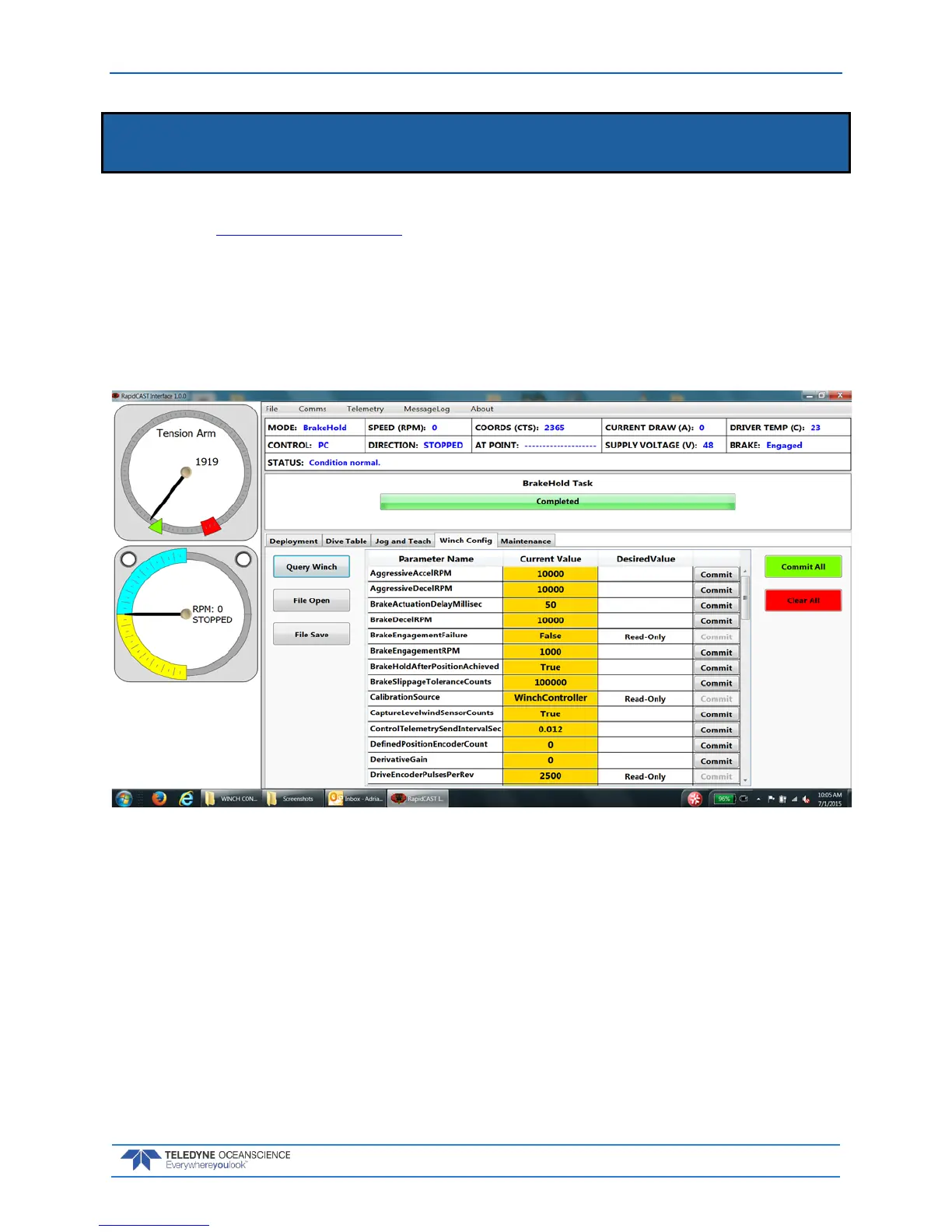
To change a Winch Configuration Settings:
1. Start the rapidCAST Interface software.
2. Click the Winch Config tab.
3. Locate the Parameter Name on the list and enter the DesiredValue.
4. Click the Commit All button.
Figure 38. Winch Configuration Settings



 To Next Page