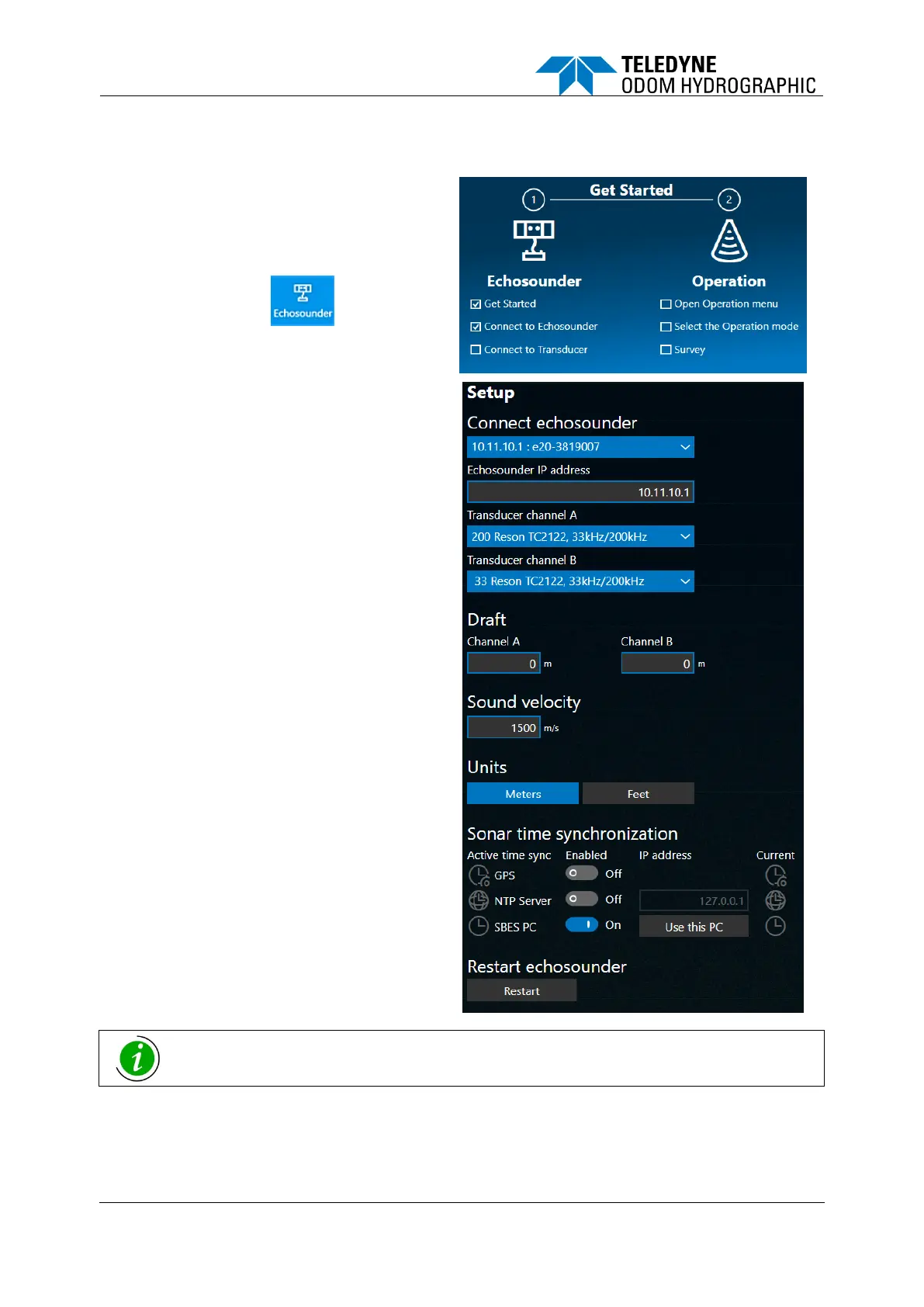
The first time you connect to the E20 unit, the
SBES UI will guide you through the necessary
steps.
(a) Click the Echosounder tab to start.
(b) Click the Connect echosounder drop-
down menu and select the IP address
with the serial no. of your E20 system.
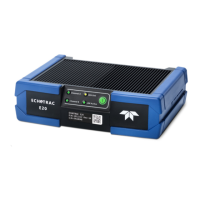
Find the serial no. on the front of the
E20.
(c) Select the correct transducer type from
either the Channel A or Channel B
drop-down menu.
If you don’t know what model you have
installed, select one of the 5 “unknown”
transducers listed with the relevant
frequency.
(d) Make your choice of Meter or Feet.
(e) Choose a method of time
synchronization. GPS, NTP and SBES
UI PC time are the supported options.
See 4.4.3 below.
When selecting one of the generic “unknown” transducers, range performance suffers, as
max. power has been reduced for precautionary purposes.







 To Next Page