User Manual
23
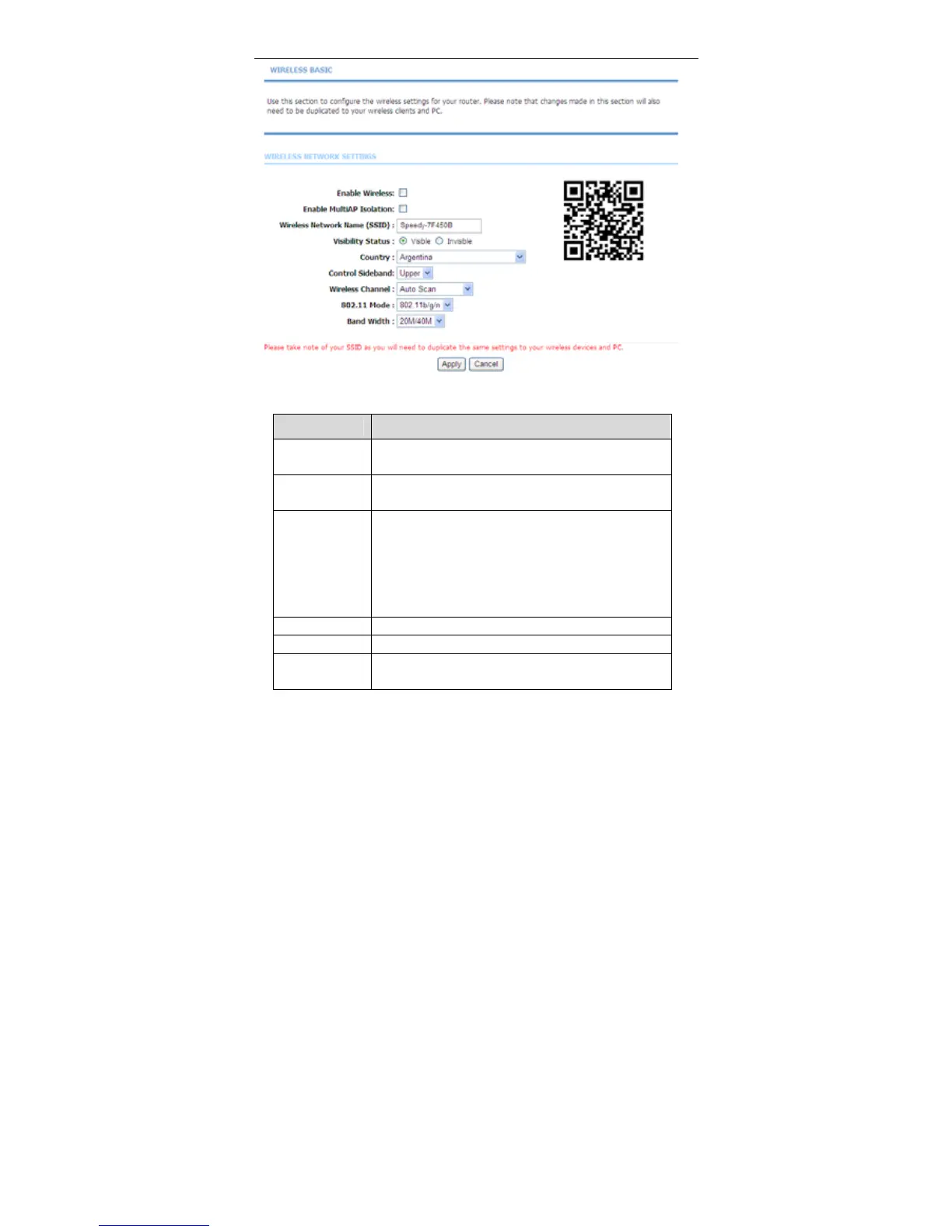
The following table describes the parameters in this page.
Field
Description
Enable
Wireless
Select this to turn Wi-Fi on or off.
Enable MultiAP
Isolation
Select this to turn MultiAP isolation on and off.
Wireless
Network Name
(SSID)
The Wireless Network Name is a unique name that
identifies a network. All devices on a network must
share the same wireless network name in order to
communicate on the network. If you decide to change
the wireless network name from the default setting,
enter your new wireless network name in this field.
Visibility Status You can select Visible or Invisible.
Country Select the country from the drop-down list.
Control
Sideband
Choose the channel selection mode as Upper or
Lower.



 To Next Page