User Manual
57
Field Description
destMask
Destination address mask
dest Start/End
Port
Destination start/ end port, which is the original port
range
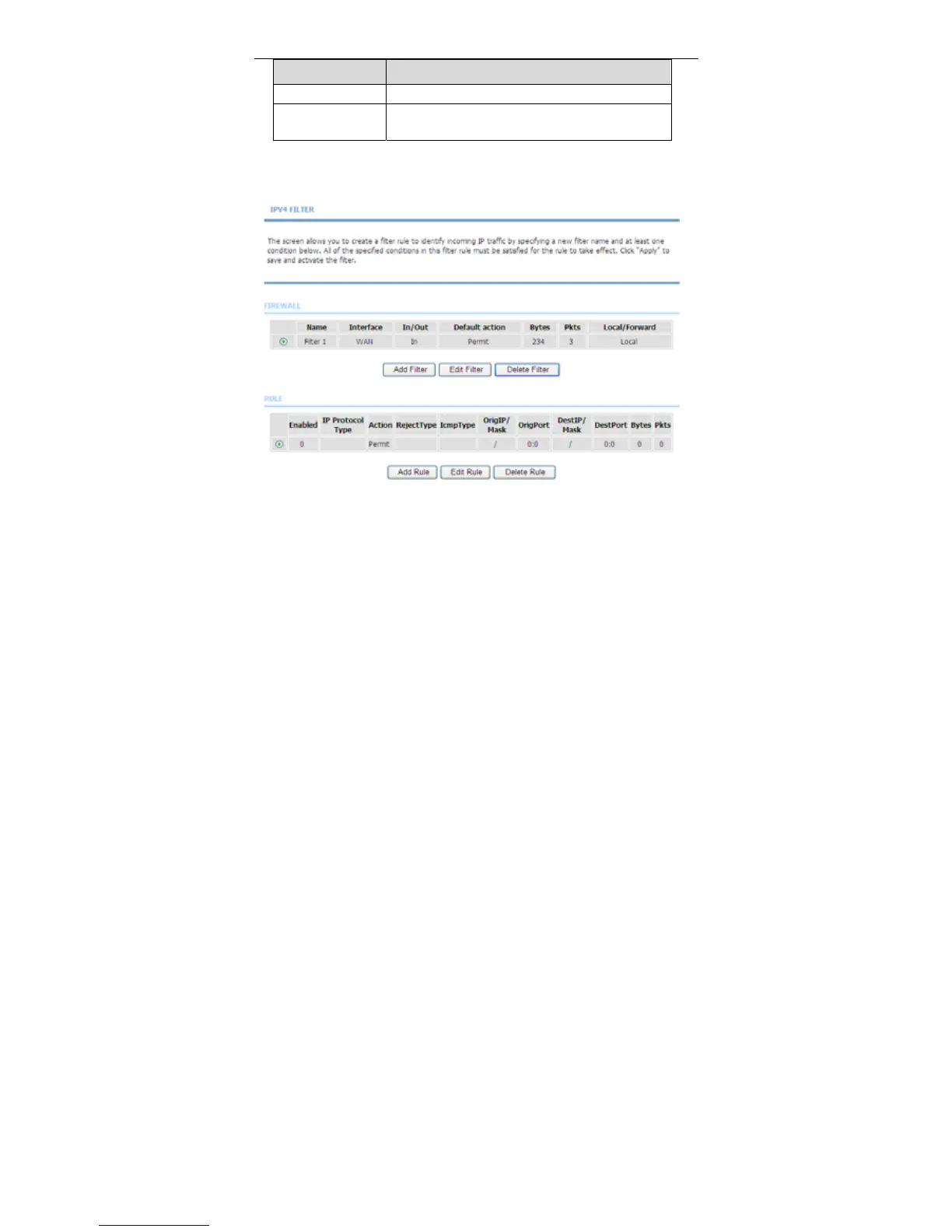
After setting the parameters, click Apply. The page shown in the following figure
appears.
3.3.7.2 Bridge Filtering
In the Filtering Options page, click Bridge Filtering. The page shown in the
following figure appears.This page is used to configure bridge parameters. In this
page, you can change the settings or view some information of the bridge and its
attached ports.



 To Next Page