User Manual
80
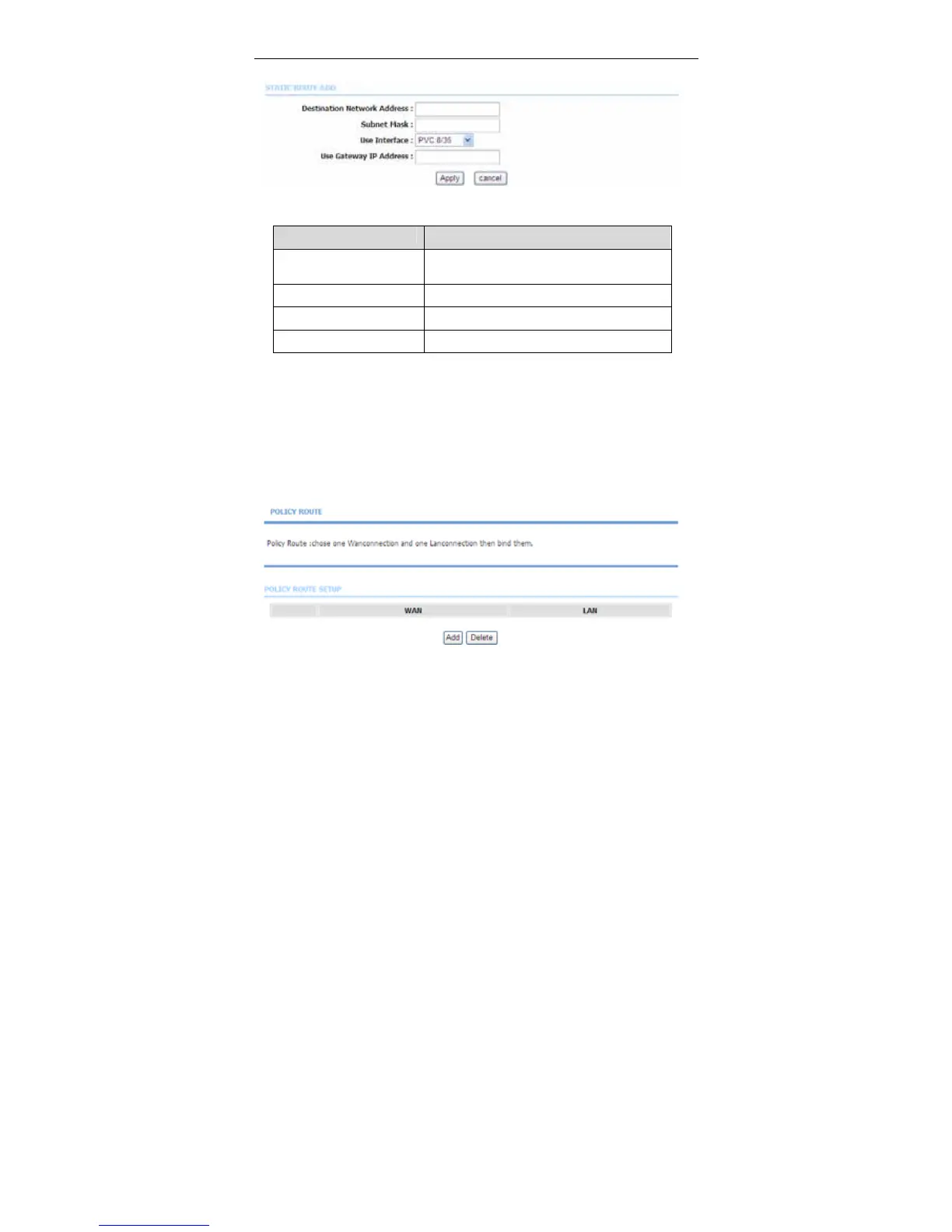
Click Add to add a static route. The page shown in the following figure appears.
The following table describes the parameters of this page.
Field Description
Destination Network
Address
The destination IP address of the router.
Subnet Mask The subnet mask of the destination IP
Use Interface The interface name of the router output port.
Use Gateway IP Address The gateway IP address of the router.
Click Apply to save the settings.
3.3.13.2 Policy Route
Choose Advanced > Routing and click Policy Route. The page shown in the
following figure appears. The policy route binds one WAN connection and one
LAN interface.
Click add, the page shown in the following figure appears.



 To Next Page