User Manual
81
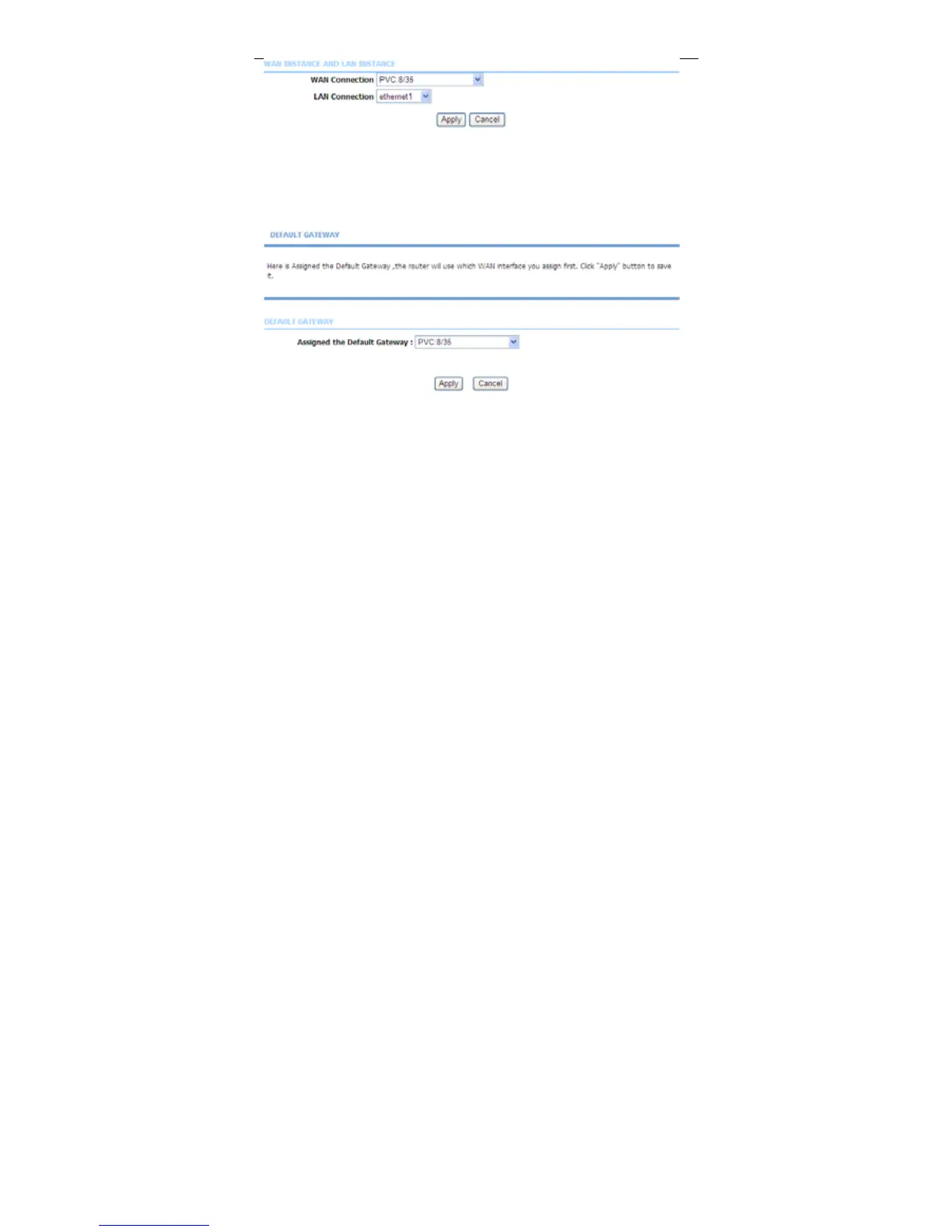
3.3.13.3 Default Gateway
Choose Advanced > Routing and click Default Gateway. The page shown in
the following figure appears. You may assign a default gateway for the router to
use first.
Click Apply to save the settings.
3.3.13.4 RIP
Choose Advanced > Routing and click RIP Settings. The page shown in the
following figure appears. This page is used to select the interfaces on your device
that use RIP and the version of the protocol used.



 To Next Page