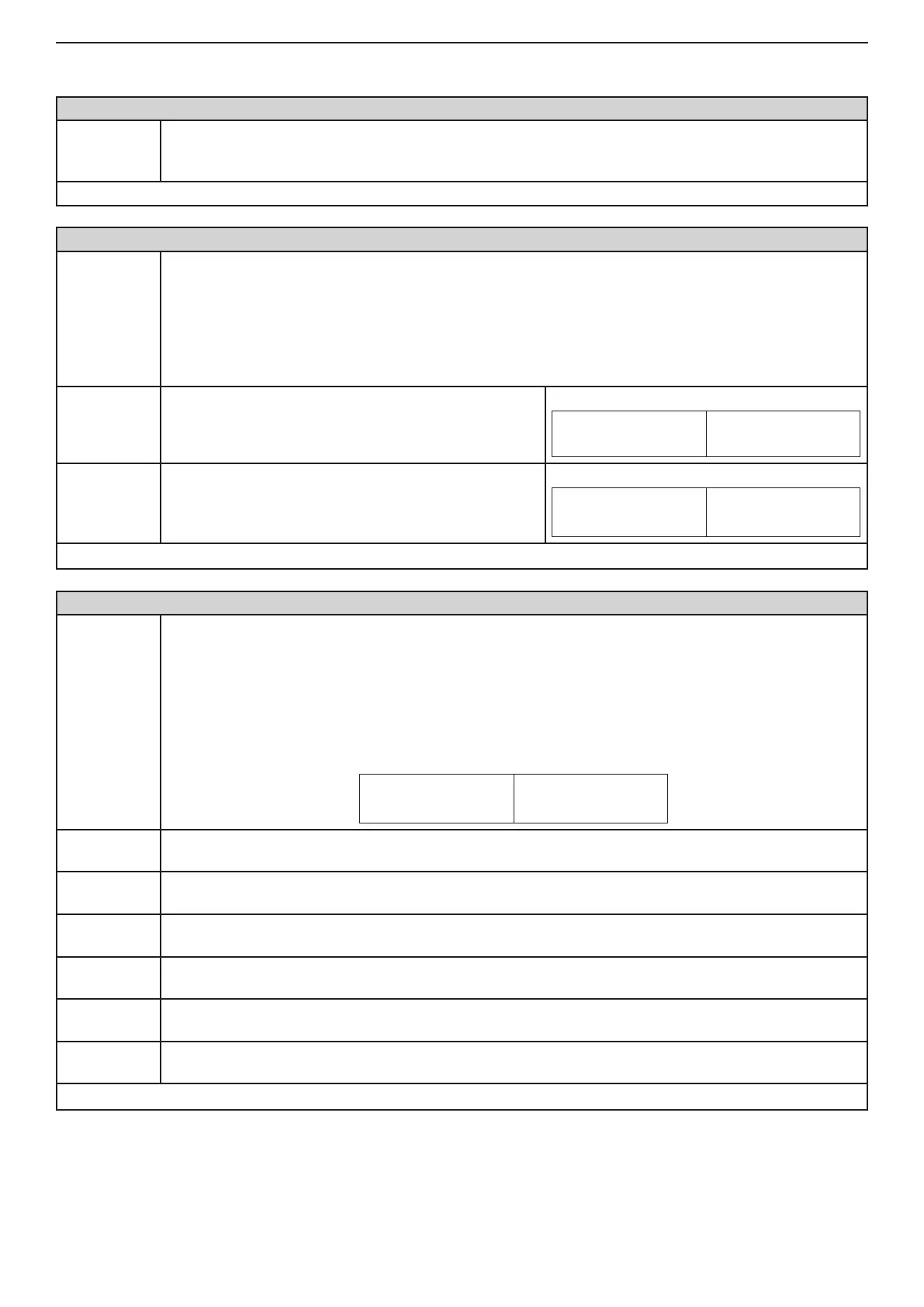
26 Installation and Programming Manual - СА62 Alarm Control Panel
1. USER AND MANAGER CODES PROGRAMMING
ADDRESS 1000 - DEFAULT CONFIGURATION SETTING
Setting of
default con-
guration
CA62 Alarm control panel supports 4 default parameter congurations.
Enter a number from 0 to 3 of a default conguration.
All the menus in this manual are described for the DEFAULT CONFIGURATION 0.
Default settings - 0
ADDRESS 1001 - PROGRAMMING THE CODE DIGITS
Number of
the code
digits
The system allows using 4 and 6 digits codes.
Note: When switching from 4- to 6-digits code, the gures 00 will automatically be added at the
end. For example the 4-digits code 1234 will become 123400.
IMPORTANT: When changing over from 6- to 4-digits code, only the rst four gures in the
4-digits code will remain valid. For example the 6-digits code 123456 will become 1234.
Due to risk of coincidence of codes, changing over from 6- to 4-digits code IS NOT RECOM-
MENDED!
4 digits
The system Engineer, managers and users are using 4
digit access codes.
Indication
LED
LCD
1 2 3 4 5 6
6 digits
The system Engineer, managers and users are using 6
digit access codes.
Indication
LED
LCD
(1) (2) (3) (4) (5) (6)
Default settings
- 4 digits
ADDRESS 1010 - USER CODE 1 ATTRIBUTES
User Code 1
USER CODE 1 attributes are assigned at this address.
The user code can have more than one attribute. Pressing a digital button with the respective number
activates the given attribute. The selected attribute is indicated with active number of the pressed digit.
Pressing the same digit again will inactivate the attribute
Only those numbers, which correspond to the assigned attributes, will remain active at the end of the
procedure. Pressing the ENTER button conrms the programmed attributes.
Indication at Default settings
LED
LCD
(1) (2) (3) (4) (5) (6)
1. DISARM
Disarming the system
Authorizes this user code to Disarm the site.
2. STAY ARM
Arming mode at which the user can stay in certain areas
Authorizes this user code to arm those zones that have not been assigned a STAY attribute.
3. BYPASS
Zone Bypassing
Authorizes this user code to bypass zones in armed site.
4. PROGRAM
Programming
Authorizes this user code to program system parameters.
5. PART A
Partition А
Authorizes this user code to operate with Partition A in the security area (bypass, arm, disarm, etc).
6. PART B
Partition В
Authorizes this user code to operate with Partition A in the security area (bypass, arm, disarm, etc).
Default settings
- DISARM, STAY ARM, BYPASS, PROGRAM, PART А; No code*.
* Note: User codes in the system can be programmed only from the Manager Programming Menu.



 To Next Page