Installation and User Manual
Televic Conference Systems
When the red ON/OFF led is blinking the meeting can
be started and settings can be adjusted. USB and
network functionalities (recording, webbrowser) are
available after 15 seconds, when the red ON/OFF
stops blinking and extinguishes.
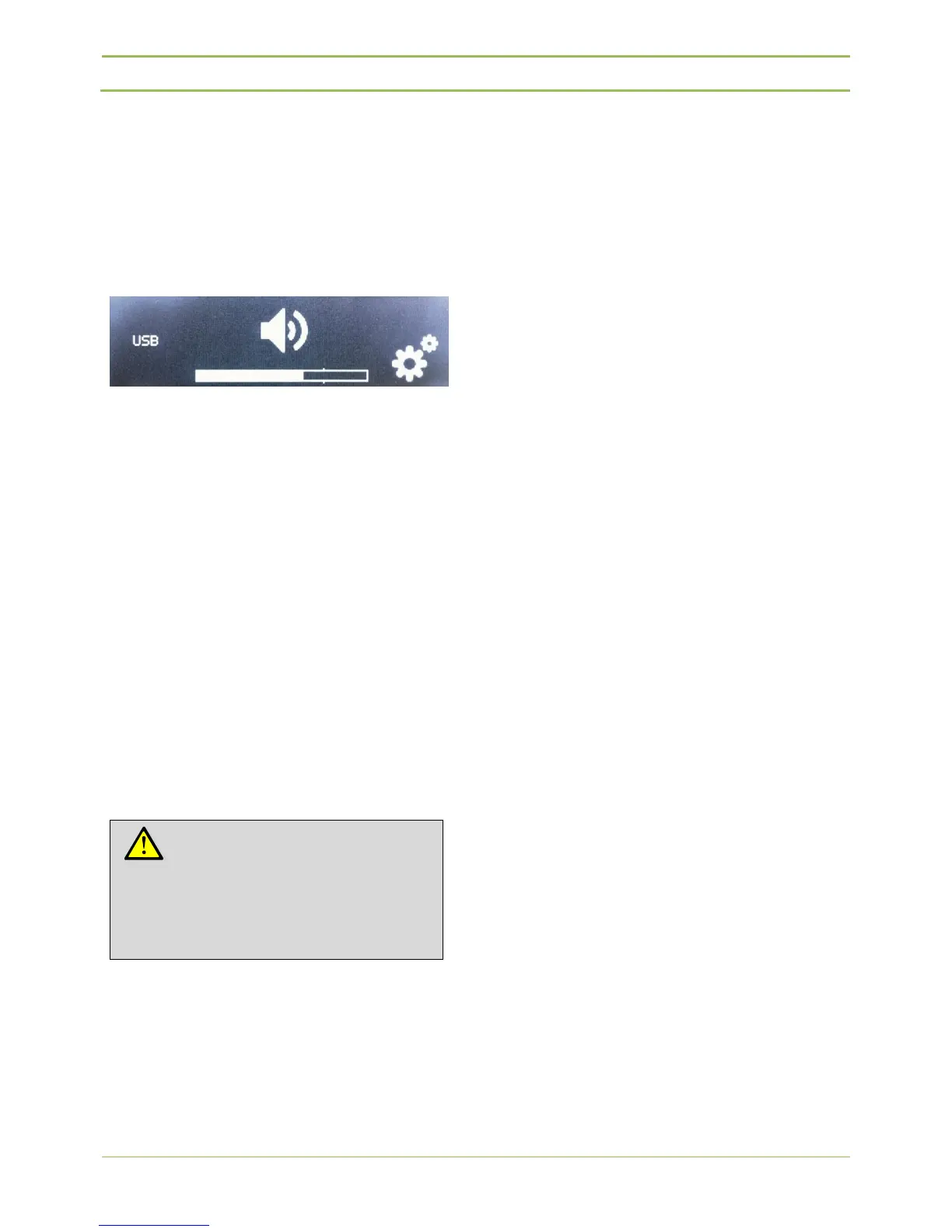
Then the image depicted on figure 7.11 appears on
the screen and the device is ready to record.
Figure 7.11: USB and network functionalities enabled
To switch the device off, touch and hold the ON/OFF
switch for 3 seconds.
8. Power Supply
The power supply can operate on an input voltage
range of 100-240Vac , 47-63Hz.
The output voltage is 48V dc – 3.15A max
9. System cables
Cables used in the D-Cerno system are shielded
Cat5e (AWG 24 FTP) cables with shielded RJ45
connectors.
Contribution units and central units are standard
delivered with a premade cable of 2m.
In case additional cables are required Televic has
standard pre-made cables available in different
lengths.
- DCC2 2m cable set: 4 x 2 m
(Art. 71.98.0345)
- DCC5 5m cable set: 4 x 5 m
(Art. 71.98.0346)
- DCC10 10m cable set: 4 x 10 m
(Art.71.98.0347)
- DCC20 20m cable set: 2 x 20 m
(Art. 71.98.0348)
Note:
The use of shielded Cat5e (AWG 24
FTP) cables with shielded RJ45
connectors is mandatory.



 To Next Page