Installation and User Manual
Televic Conference Systems
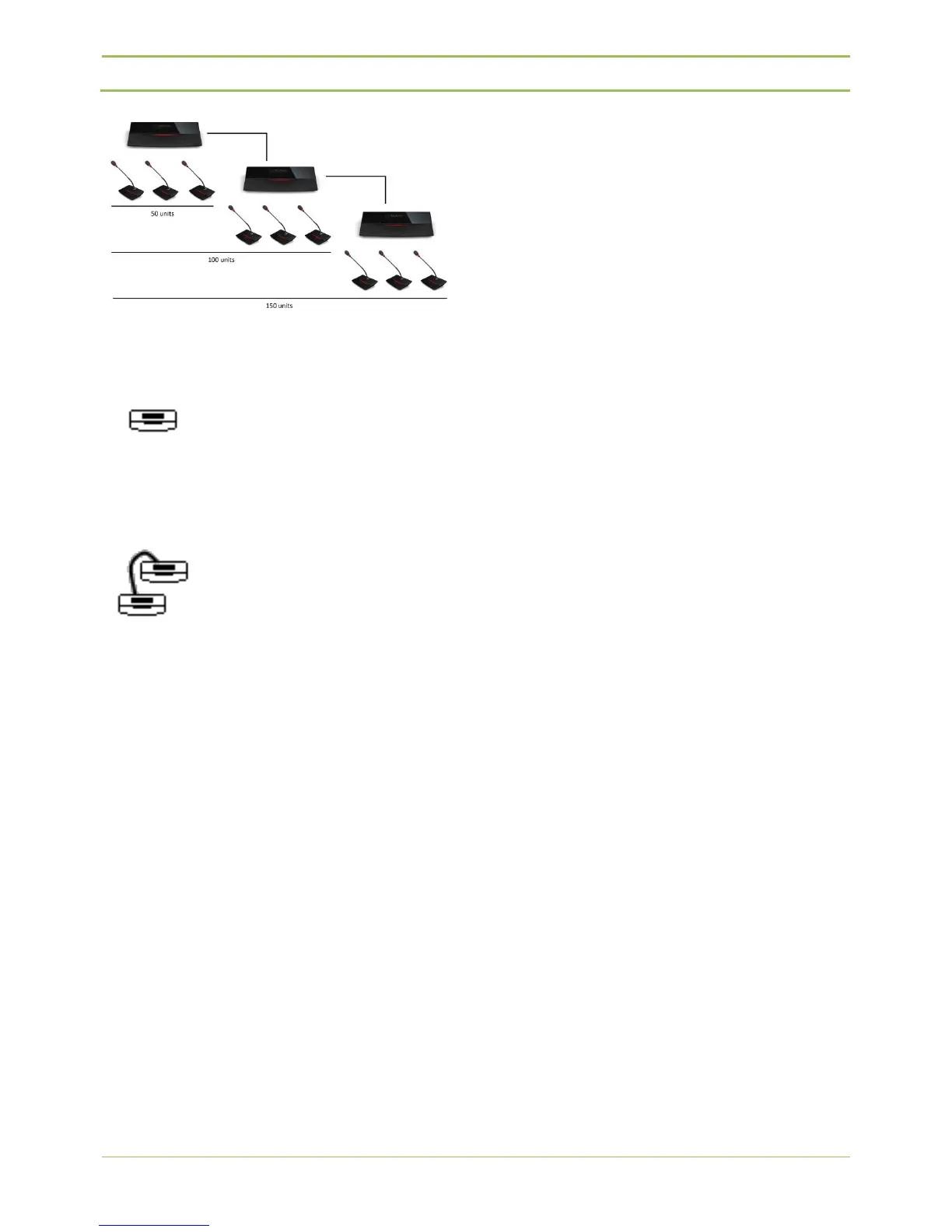
If the icon like picture below is selected, the D-Cerno
central unit will then act as a master.
If the icon like picture below is selected, the D-Cerno
central unit will then act as a slave.
The menu of a slave central unit cannot be accessed.
That means that all settings need to be done on the
master central unit. For example: initialization of the
units, volume settings…
Also, the recording functionalities and audio insert
functionalities are disabled in slave central units.



 To Next Page