Installation and User Manual
Televic Conference Systems
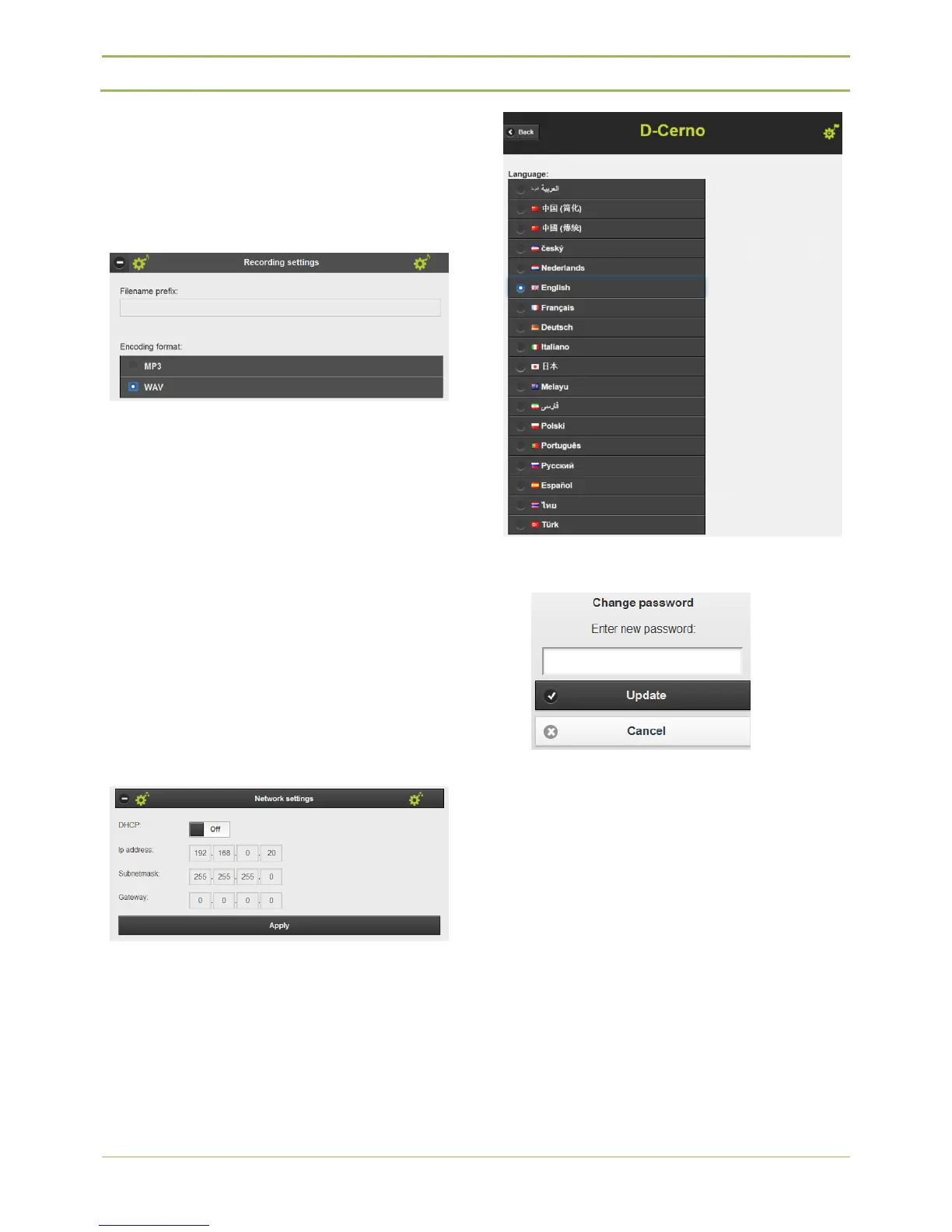
1 minute of recording in WAV format takes about
4MB.
1 minute of recording in MP3 format at 192kbps
takes about 1.5MB.
- Camera protocol:
The “IP address” is the destination IP address (UDP)
and “Port” is the destination port (UDP). For more
information about the camera protocol string we
refer to chapter 16.
- Network settings:
You can customize the TCP/IP setting to allow the D-
Cerno central unit into your personal or company
LAN network. When using multiple D-Cerno central
units it is mandatory to choose different IP’s to
prevent conflicts. After clicking “Apply” you need to
restart the Central Unit by clicking the ON/OFF
button and also change the IP address in your
browser to the new IP address.
- Language setting:
In the language setting you can select your preferred
language to view the D-Cerno webbrowser.
- Change password:
The default password “1234” can be changed to
a password of your choice.
- Time & date settings
In the time and date settings the clock of the pc
is shown. So this is not the clock that is on the D-
Cerno CUR. If the timestamp that is added to the
recorded files is not correct you can change that
time and date by clicking “Change date and time
settings…”. This way you have the correct
timestamp again.



 To Next Page