Installation and User Manual
Televic Conference Systems
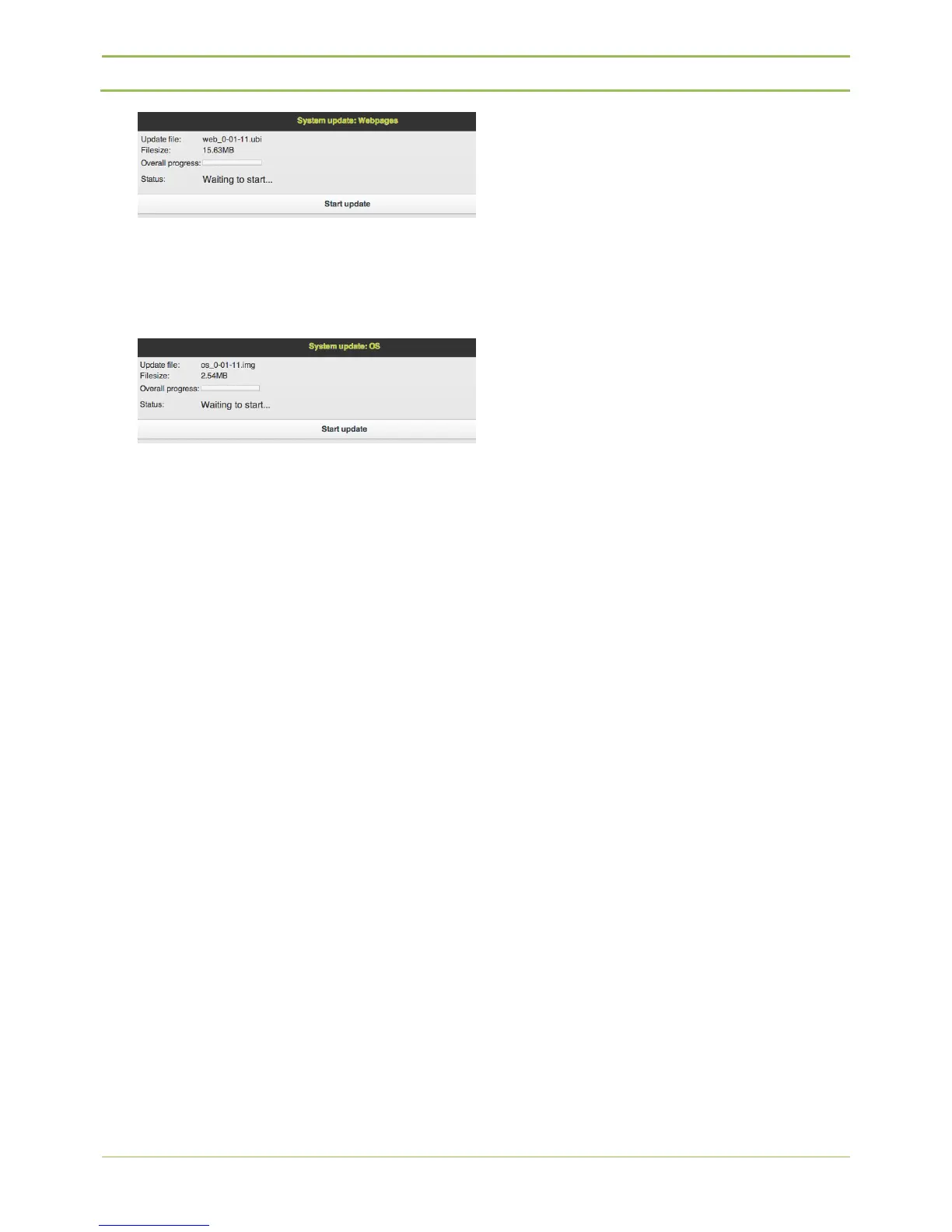
4. OS: Choose the file “os_x-xx-xx.img” and press
“Upload”, “Start update”. The update takes
about 1 minute. After completion please restart
both webserver and central unit.
Now all files and units are up to date.



 To Next Page