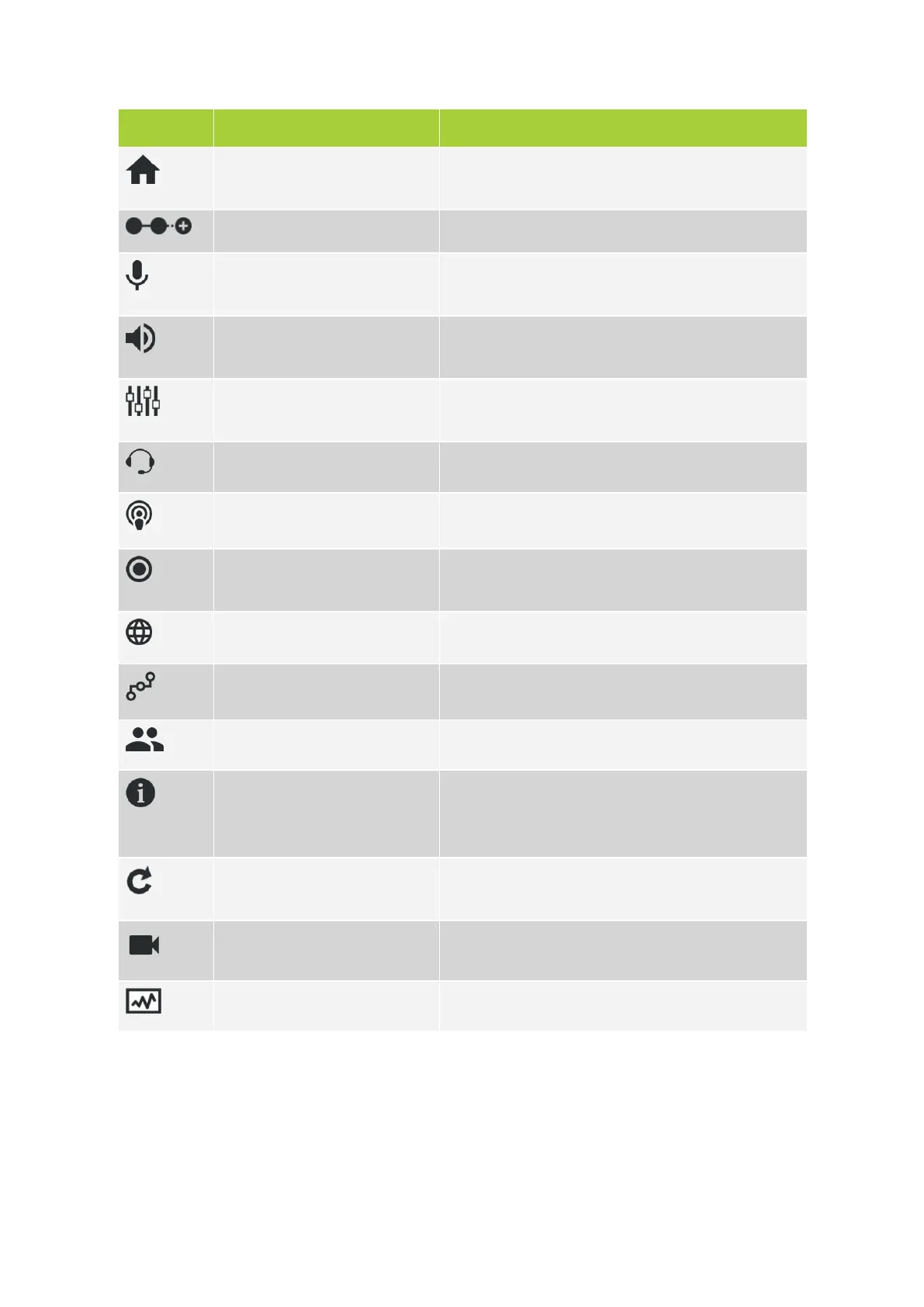
Icon Sub menu Description
Home Return to the home screen where you see the most
important features and their configuration.
Initialization Define and configure units present in the Plixus network.
Discussion options Configure discussion options such as microphone to
define how to activate a microphone.
Audio Configuration of different audio options such as dynamic
processing and auto gain reduction.
Audio routing Configure the audio routing and the auxiliary input and
output levels.
Interpretation Configuration of the interpretation channels.
Operator Control all microphones in a meeting.
Recording Options to record the meeting. (only available on Plixus
AE-R)
Regional settings Change regional settings.
Network Configure network settings and set camera protocol.
Users Change user name and password.
System info Contains system information such as license information,
system logging, (de)activation of Plixus Core and
configuration management.
Update versions Overview of all firmware and software version together
with the option to update to another version.
Video application Select the video configuration (only available on Plixus
MME)
Diagnostics Tools to check the overall status of your system
GETTING STARTED WITH PLIX US CORE 11 0


 To Next Page