Activate/deactivate intercom: click the intercom icon to activate the intercom
function of your unit or booth. Click the icon to deactivate it. Intercom allows the
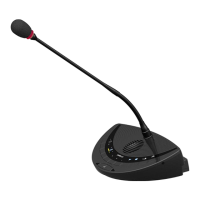
operator or participants with a Lingua ID, multimedia or Confidea units to call each other.
If Intercom is active on a uniCOS unit then the uniCOS interface has an additional
tab. On this tab the participant can accept the call or initiate a new call. Lingua ID
units have an additional menu item. See "Use Intercom on delegate units" on
page154
Intercom options are only available if you acquired the Intercom license.
Do not reload the page when editing the configuration.
Do not change properties during meetings, because this can disturb your meeting.
You can also use CoCon to configure different settings such as the priority of the unit.
Click Clear initialization to clear the initialization list, as consequence all units will start to
blink red. It is only possible to clear initialization when the initialization is open and units are not
faulty. Confirm to finish clearing the initialization.
Hot Swap Procedure
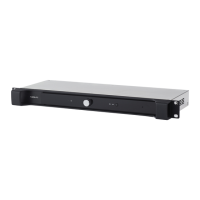
Sometimes you need to swap two or more units in your Plixus setup, for example when your setup contains
a faulty unit. In Plixus it is possible to swap these units without the need to reinitialize all units. Follow the
procedure described below to swap units:
Please note that you can only swap units of the same type. The new units should have the same
software and firmware versions as the unit you are replacing.
1. Remove the broken unit from the system. Do not yet install the new unit.
INITIALIZATION 115


 To Next Page