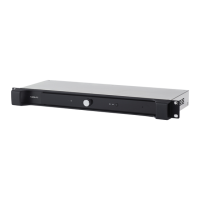
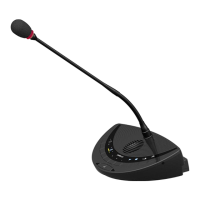
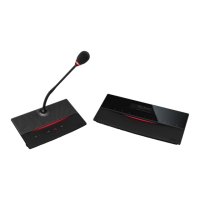
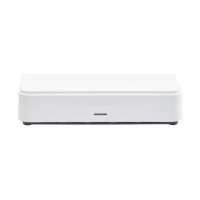
Press and hold the button for less than 5 seconds: the units will restart.
Press and hold the button for 5 up to 20 seconds: the IP address resets to the default IP
address and the unit restarts. This is indicated by the blinking LED lights of the unit.
Press and hold the button for more than 20 seconds: configurations are not cleared, but
inactivated, IP address is reset to the default IP address and the unit restarts. This is indicated by
the continiously lit LED lights.
PLIX US AE- R 31


 To Next Page