PLIXUS SETUP WITH NETWORK EXTENDERS
televic
POWER48vDC
PORT 1 PORT 2 PORT 3 PORT 4
CONFERENCE NETWORK (CN)
48 V / 2A OUT (4x)
Plixus Engine
Room Equipment
Room
Equipment
Room
Equipment
Plixus Power Supply
Max. 800 W / Power Supply
48 V
FLOOR MICROPHONE MUTE
! " # $ % & '
FLOOR MICROPHONE MUTE
! " # $ % & '
FLOOR MICROPHONE MUTE
! " # $ % & '
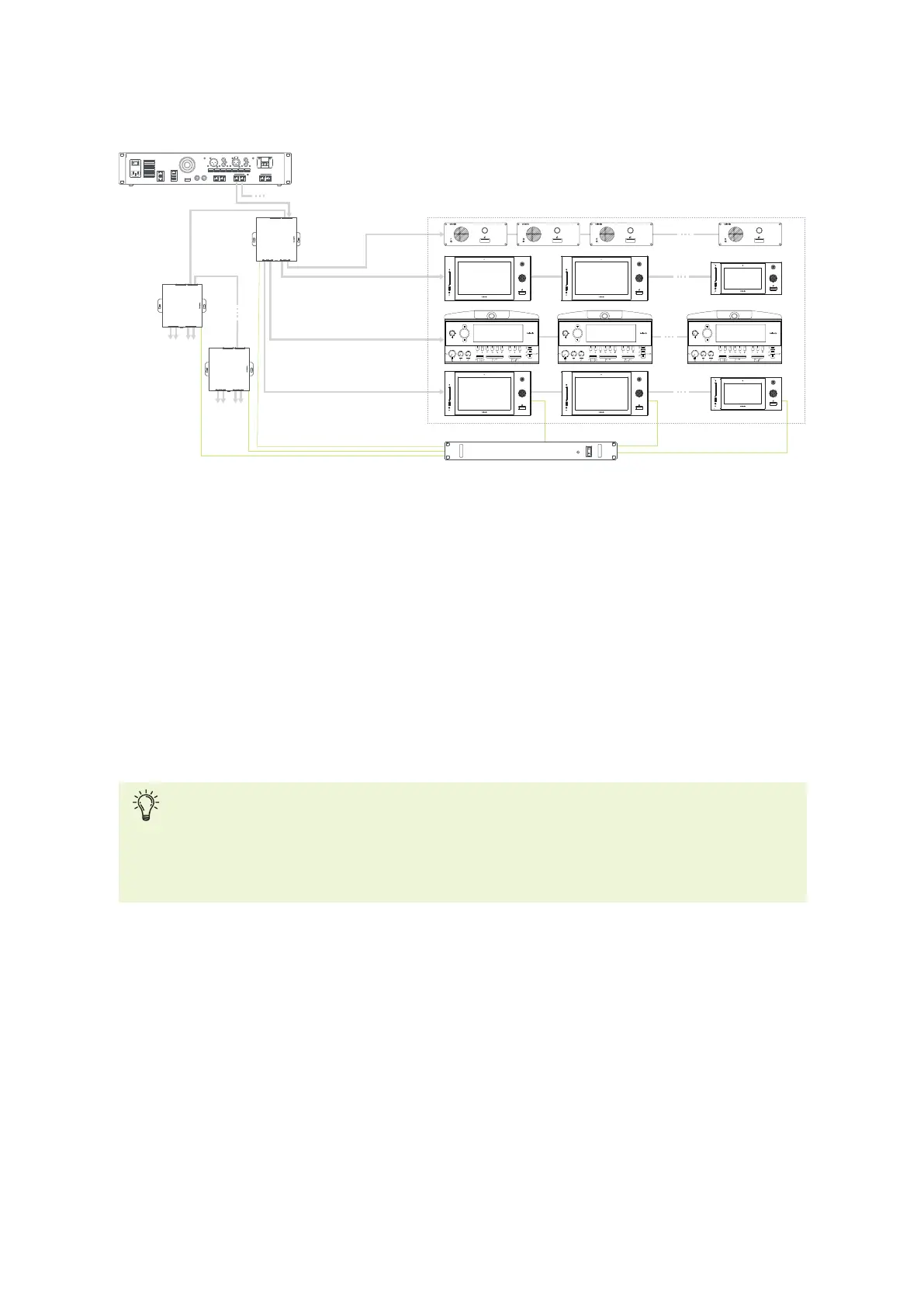
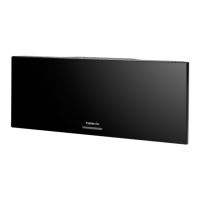
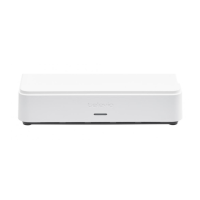
Figure 1-29 Example of Plixus network with network extenders.
For installation with a network connector, use the conference port on top of the network extender to
connect with the Plixus engine. Use the second top conference port to form a daisy chain with another
network extender. Use the conference ports on the bottom of the extender to connect the units inside the
room. To connect the extender to the units the same principles apply as for the direct connection of the
engine to the units. See "Configuration with Plixus engine only" for more information.
The network extender and uniCOS units (can also be powered over cable) require an external power
supply. There is a maximum of power that the power supply can foresee. Use the power calculator tool to
see how many power supplies you require ("Power supply design" on page61).
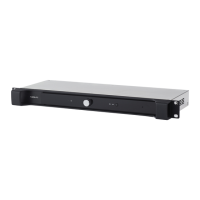
The Plixus AE-R does not have an internal power supply and comes with one power supply of
220W by default. Check the table with power consumption details and use the power calculator
tool to check how many power supplies you need. You can find more information on the power
needed for your system in "Power supply design" on page61.
INSTAL L ATIO N DIAG RAM 58


 To Next Page