Installation
13-280135 Rev. K Page 15
U
U
s
s
i
i
n
n
g
g
M
M
e
e
n
n
u
u
s
s
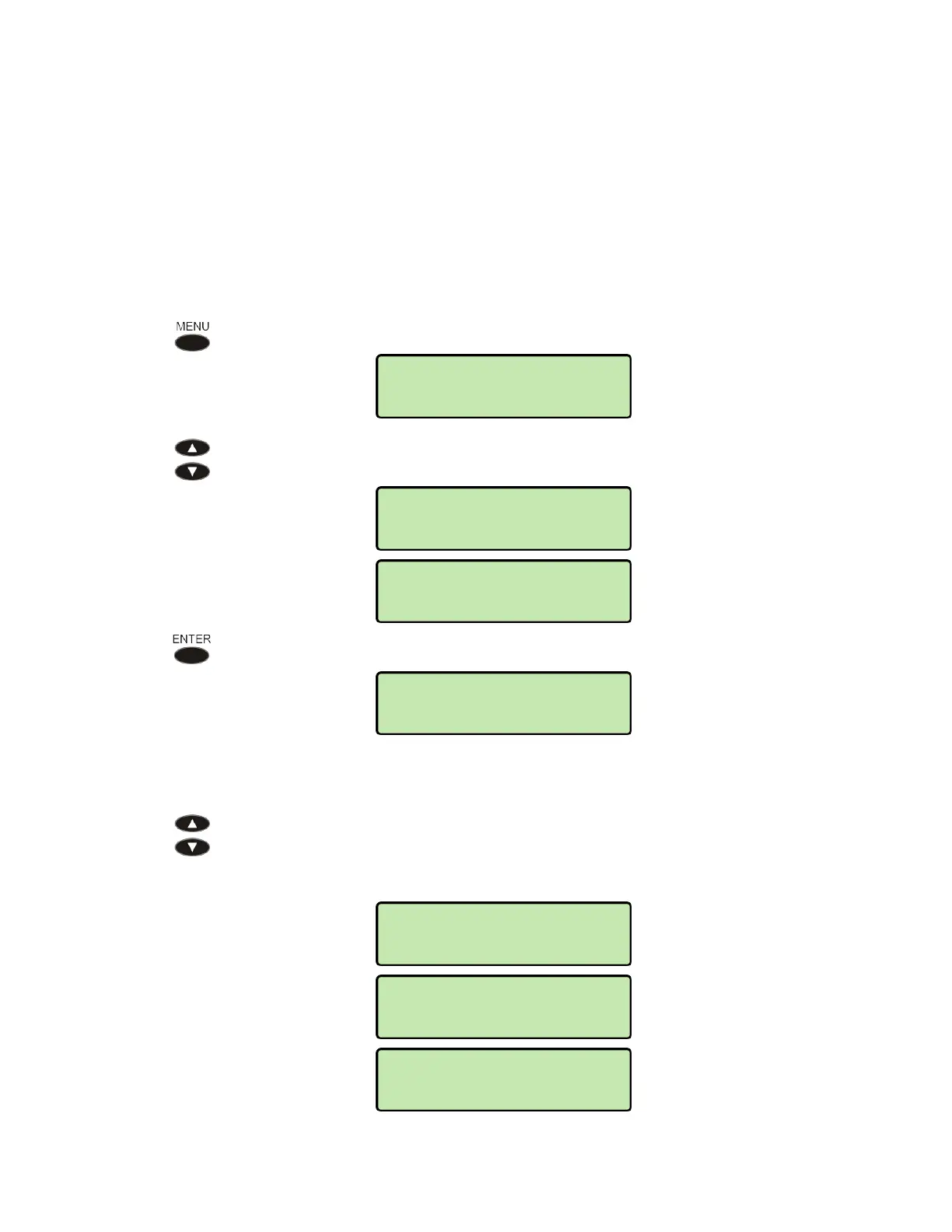
Setup options are accessed via menus. Three setup menus are available:
INSTALL – installation options, including network and SIP settings
ADMIN – test and diagnostic options
USER – user preference options
See Appendix A (page 59) for a detailed menu tree.
A
A
c
c
c
c
e
e
s
s
s
s
i
i
n
n
g
g
M
M
e
e
n
n
u
u
s
s
Press the MENU key.
Press the Up Arrow or Down Arrow key to display one of the three setup
menus.
Press the
ENTER key to select the displayed menu.
V
V
i
i
e
e
w
w
i
i
n
n
g
g
A
A
v
v
a
a
i
i
l
l
a
a
b
b
l
l
e
e
M
M
e
e
n
n
u
u
I
I
t
t
e
e
m
m
s
s
Press the Up Arrow or Down Arrow key to scroll through the items available
in the current menu. The current menu name is shown in the upper line of the
display, and menu items are shown in the lower line of the display. Menu
items may be selectable options or additional menus.
SETUP>INSTALL
LINE
QoS
SETUP>INSTALL
SIP
SETUP>INSTALL
NETWORK
SETUP MENU:
INSTALL
SETUP MENU:
ADMIN
USER



 To Next Page