Teo IP Phone 4101 Installation Instructions
Page 16 13-280135 Rev. K
S
S
e
e
l
l
e
e
c
c
t
t
i
i
n
n
g
g
a
a
M
M
e
e
n
n
u
u
I
I
t
t
e
e
m
m
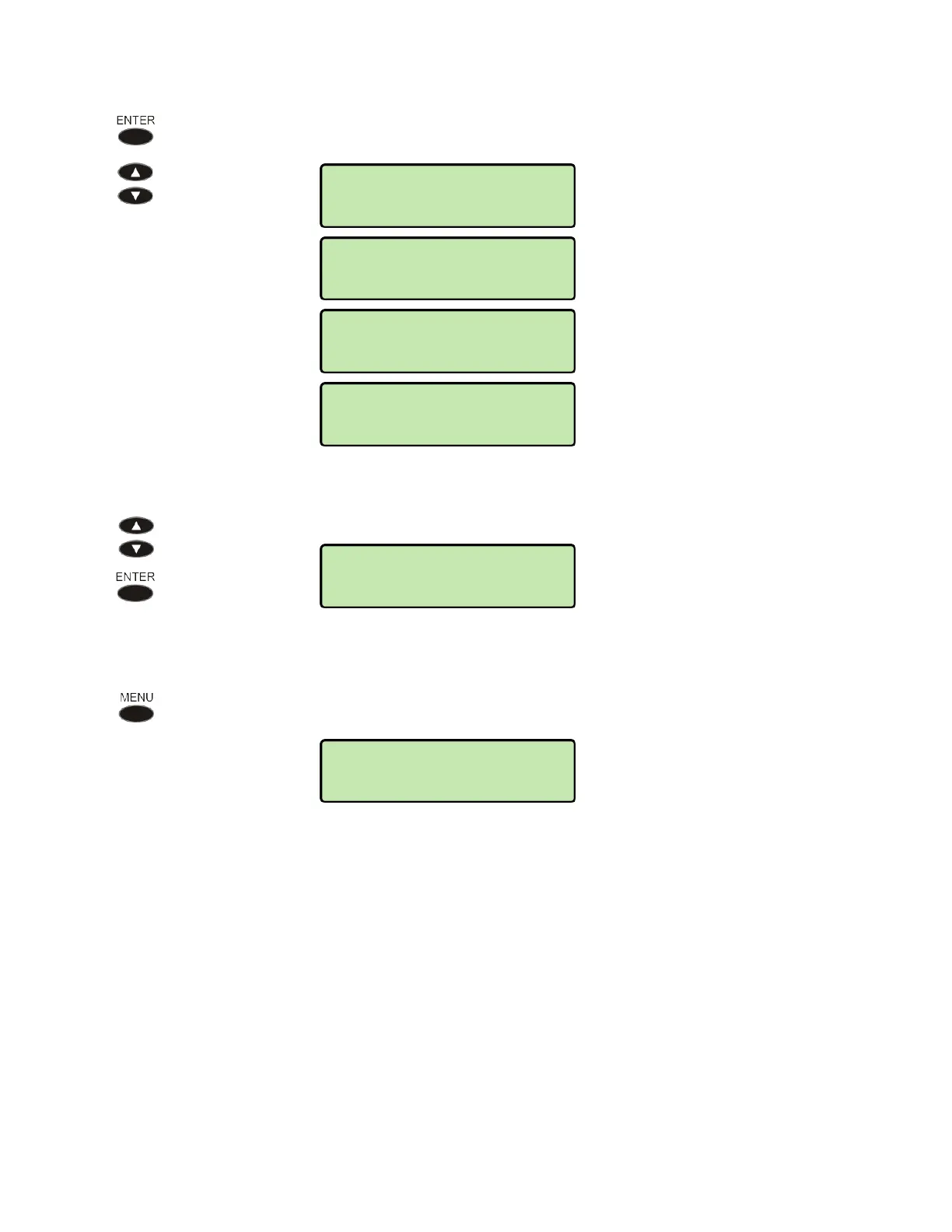
Press the ENTER key to select the displayed item. Repeatedly scroll and press
the
ENTER key until the desired item is displayed.
If the displayed item is a configuration option instead of a submenu, the
current setting will be shown preceded by an asterisk.
Scroll to change the value, and then press the
ENTER key.
R
R
e
e
t
t
u
u
r
r
n
n
i
i
n
n
g
g
t
t
o
o
t
t
h
h
e
e
P
P
r
r
e
e
v
v
i
i
o
o
u
u
s
s
M
M
e
e
n
n
u
u
Press the MENU key to back up one menu level. To exit the menus without
saving any changes, lift the handset.
NETWORK>IPV4
IP CONFIG
IPV4>IP CONFIG
STATIC
*DHCPV4
NETWORK>IPv4
IP CONFIG
INSTALL>NETWORK
IPv4
SETUP>INSTALL
NETWORK



 To Next Page