Installation Options
13-280135 Rev. K Page 25
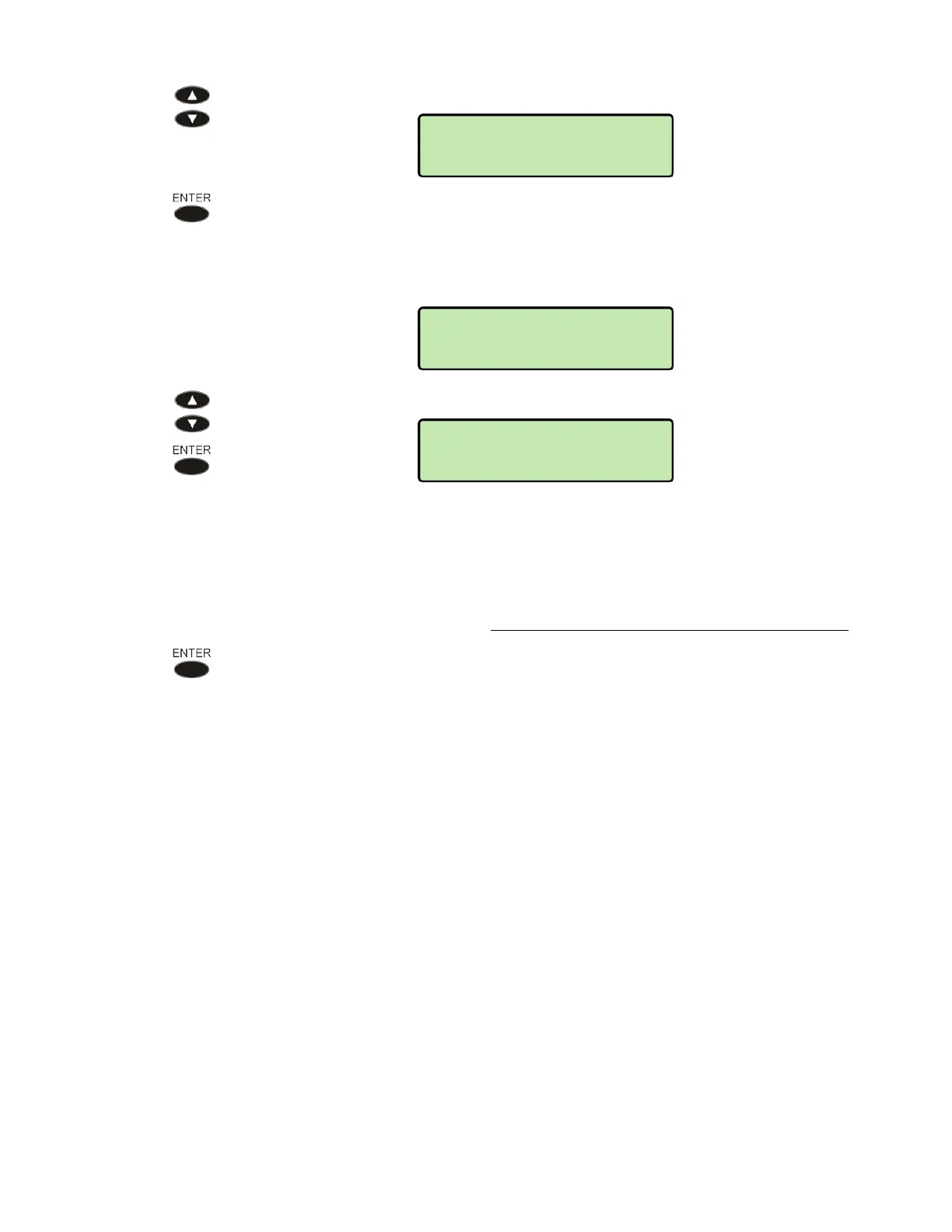
Press the Arrow keys to change the offset.
Press the
ENTER key when finished.
D
D
a
a
y
y
l
l
i
i
g
g
h
h
t
t
S
S
a
a
v
v
i
i
n
n
g
g
s
s
T
T
i
i
m
m
e
e
From the SNTP menu, select AUTO DST ADJUST.
Select ON to automatically adjust the clock for daylight savings time, or OFF
to disable daylight savings time adjustment.
The default setting in the phone starts daylight savings time at 2:00 a.m. on
the second Sunday of March, and ends it at 2:00 a.m. on the first Sunday of
November. These settings can be customized in the phone's XML
configuration file – refer to the IP Telephone Network Administration Guide
.
Press the ENTER key when finished.
SNTP>AUTO DST
ON
NETWORK>SNTP
OFFSET
SNTP>OFFSET=
-6 HOURS



 To Next Page