61
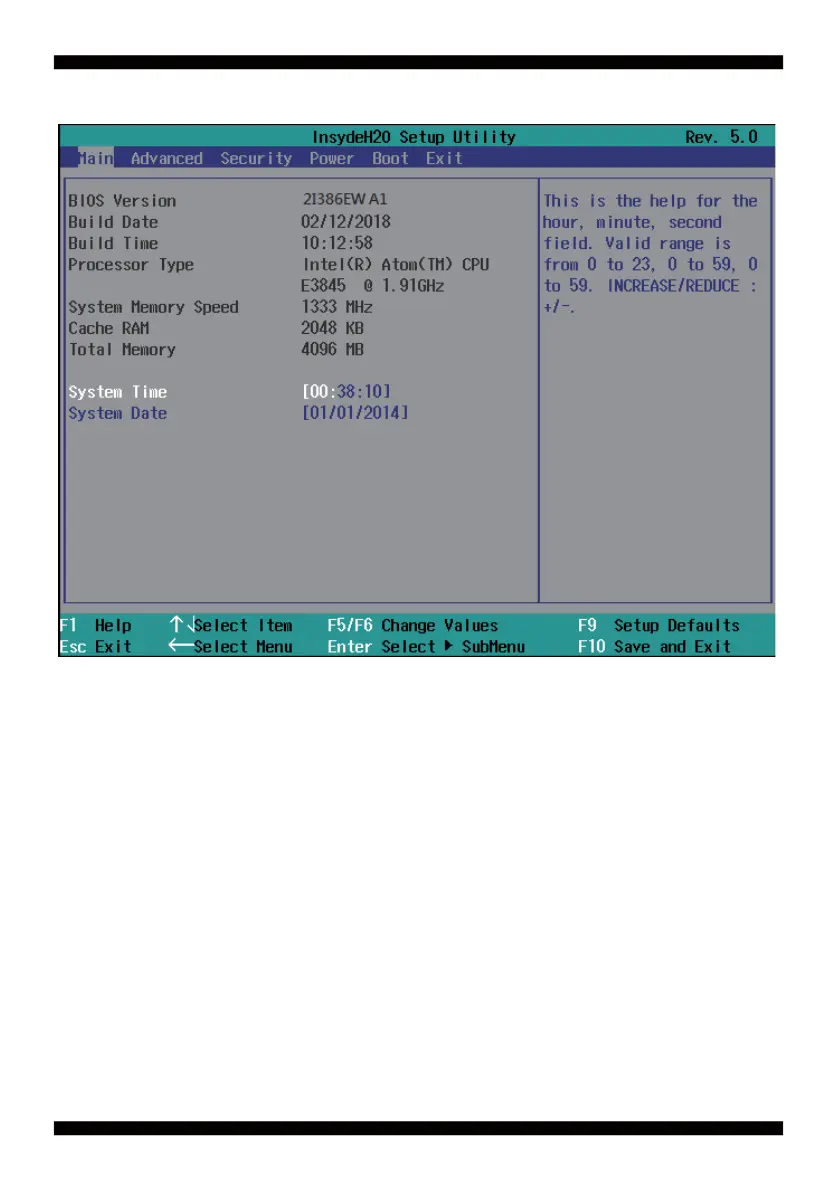
In the above BIOS Setup main menu of, you can see several options.
We will explain these options step by step in the following pages of this chapter, but let us fi rst see a short
description of the function keys you may use here:
● Press ←→ (left, right) to select screen;
● Press ↑↓ (up, down) to choose, in the main menu, the option you want to confi rm or to modify.
● Press <Enter> to select.
● Press <+>/<–> or <F5>/<F6> keys when you want to modify the BIOS parameters for the active option.
● [F1]: General help.
● [F9]: Optimized defaults.
● [F10]: Save & Exit.
● Press <Esc> to quit the BIOS Setup
4-2 BIOS Menu Screen & Function Keys



 To Next Page