45
The Sample code source you can download from
How to compile source code
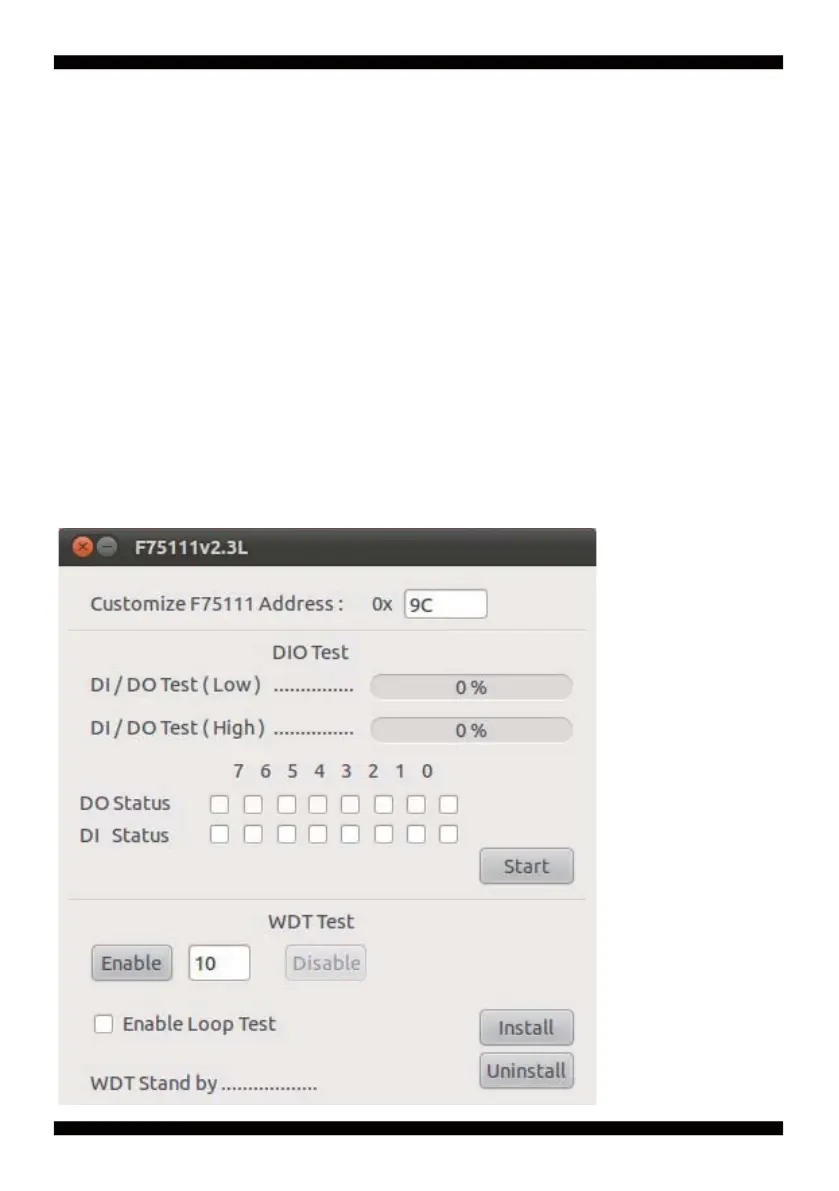
How to use this Demo Application
Source fi le: F75111v2.4L_SRC.tar.gz
Binary fi le: F75111v2.4L_BIN.tar.gz
USERNAME & PASSWORD: sf
1. Compile source code with Code::Blocks
download and install the Code::Block with command "apt-get install codeblocks"
Open an exist project(F75111.cbp) in Code::Blocks, click the compile button
( add an option 'pkg-config --libs gtk+-2.0 gthread-2.0' in "Project->Build Option-
>Linker Setting->Other linker option")
2. Compile source code with "make"
1. cd F75111
1. make
1. src/f75111 // execute the binary fi le
http://tprd.info/lexwiki/index.php/IO_Device:F75111_under_linux
3-8-4 IO Device: F75111 under linux


 To Next Page