setting up the hardwarechapter 3 3-33-2
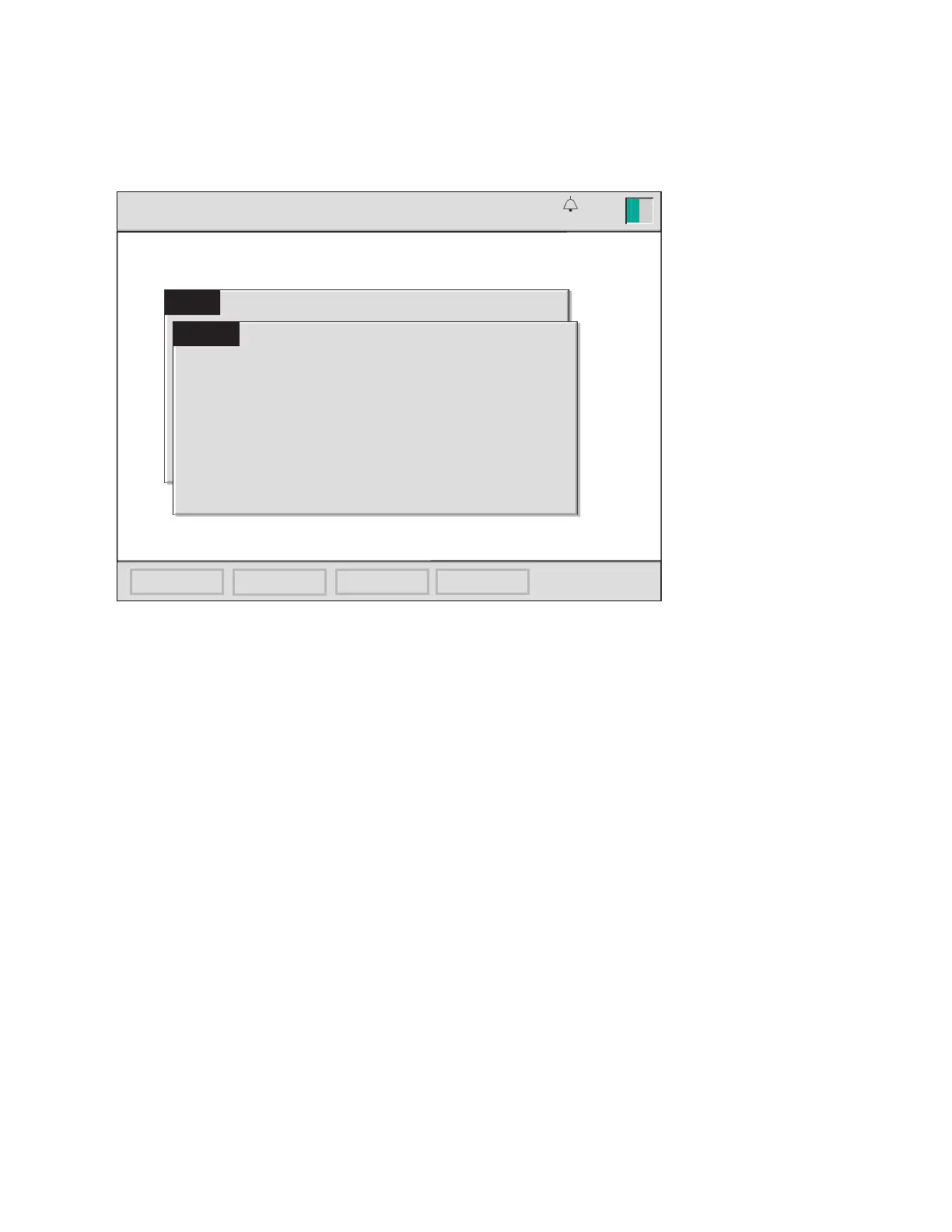
3 If an error is detected during the system diagnostics, an error message will
appear in the center of the screen.
Errors that are recoverable will offer an option to continue — usually by press-
ing the √ (OK) key. Any consequences of continuing despite the error are noted
in the error message. The message may recommend contacting Terumo Tech-
nical Service to resolve the error at a later time.
Errors that are not recoverable will not offer an option to continue. A brief de-
scription of the error, perhaps with a specic error code, will be displayed. This
information should be provided to Terumo Technical Service for assistance.
Consult Chapter 9, “Troubleshooting,” for more specic information on error
messages.
Note: If upon power-up, an extended audible alarm sound and/or the display remains
blank, contact Terumo Technical Service for assistance.
13:26
startup
attention !
System initialization failure: F001
Contact Terumo CVS Technical Service.
5000305
calibration
setup standby operate
9-25-18
v2.0








 To Next Page