choosing system settingschapter 44-2
When you’ve selected and conrmed all your choices on a screen, you can move
on to the next screen by pressing the key.
Note: You can return to the monitor conguration screen from any of the setup
screens by pressing the congure key (near the upper-right corner of the screen).
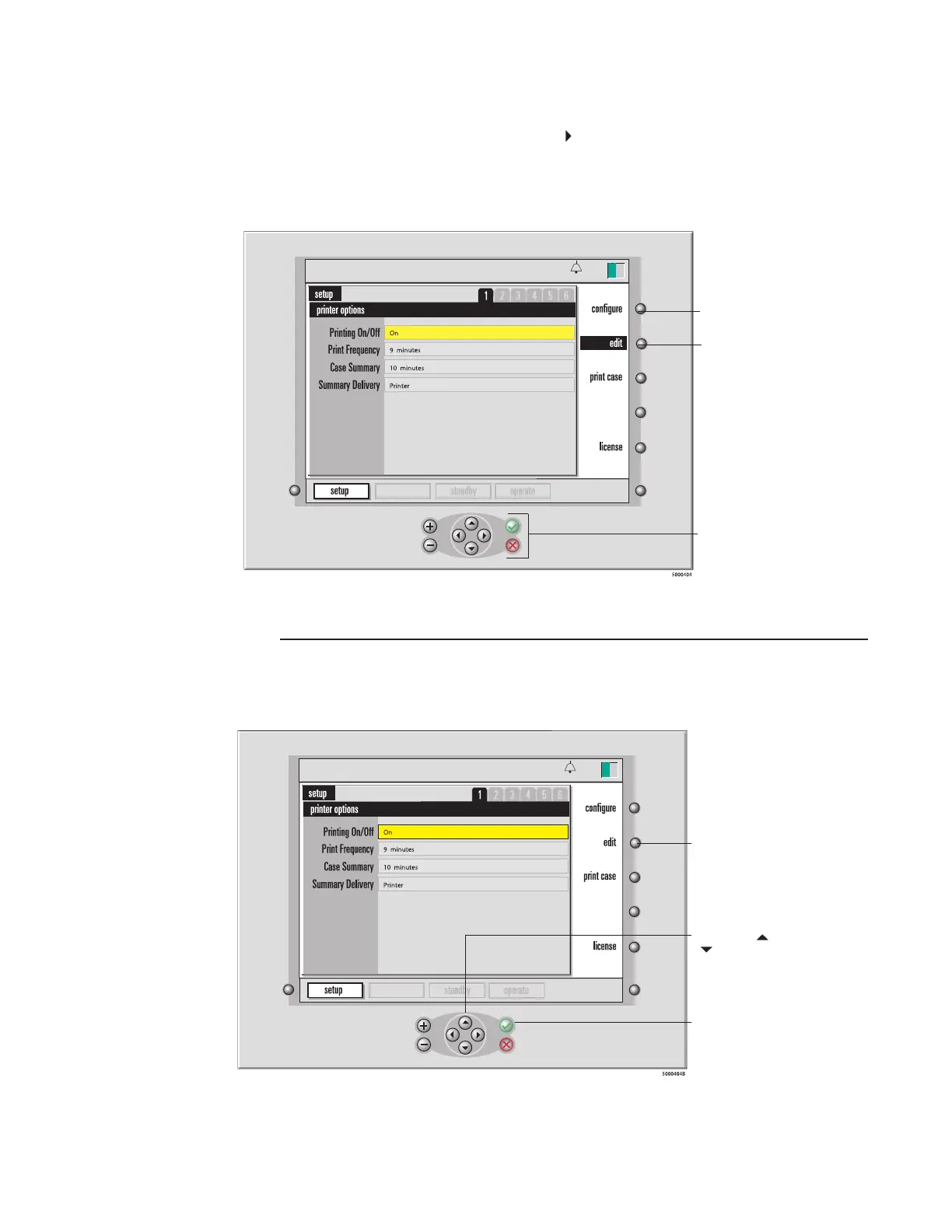
Setting printer options
The rst screen in setup mode — the printer options screen — allows you to specify
your printing preferences. When this screen appears, the rst option (Printing On/Off)
is highlighted in yellow.
calibration
13:26
9-25-18
Configure key
Edit key
Navigation/input keys
calibration
13:26
9-25-18
the yellow-highlighted
option, first press the
the highlight to black.
2. Use the and
keys to scroll
through available
settings.
3. Press √ to save
the current setting in
the black-highlighted
option.








 To Next Page