troubleshootingchapter 99-10
Operate Mode
Message/Problem Meaning and Corrective Action
Pump Interface
Failure, Check
Setup.
The monitor is set to get data from a specic pump but is
not detecting the expected pump ow data at the pump
interface port. Go to the setup mode, screen 5 (the “calcu-
lations” setup screen − described in Chapter 4) and make
sure the correct pump has been entered in the “Pump
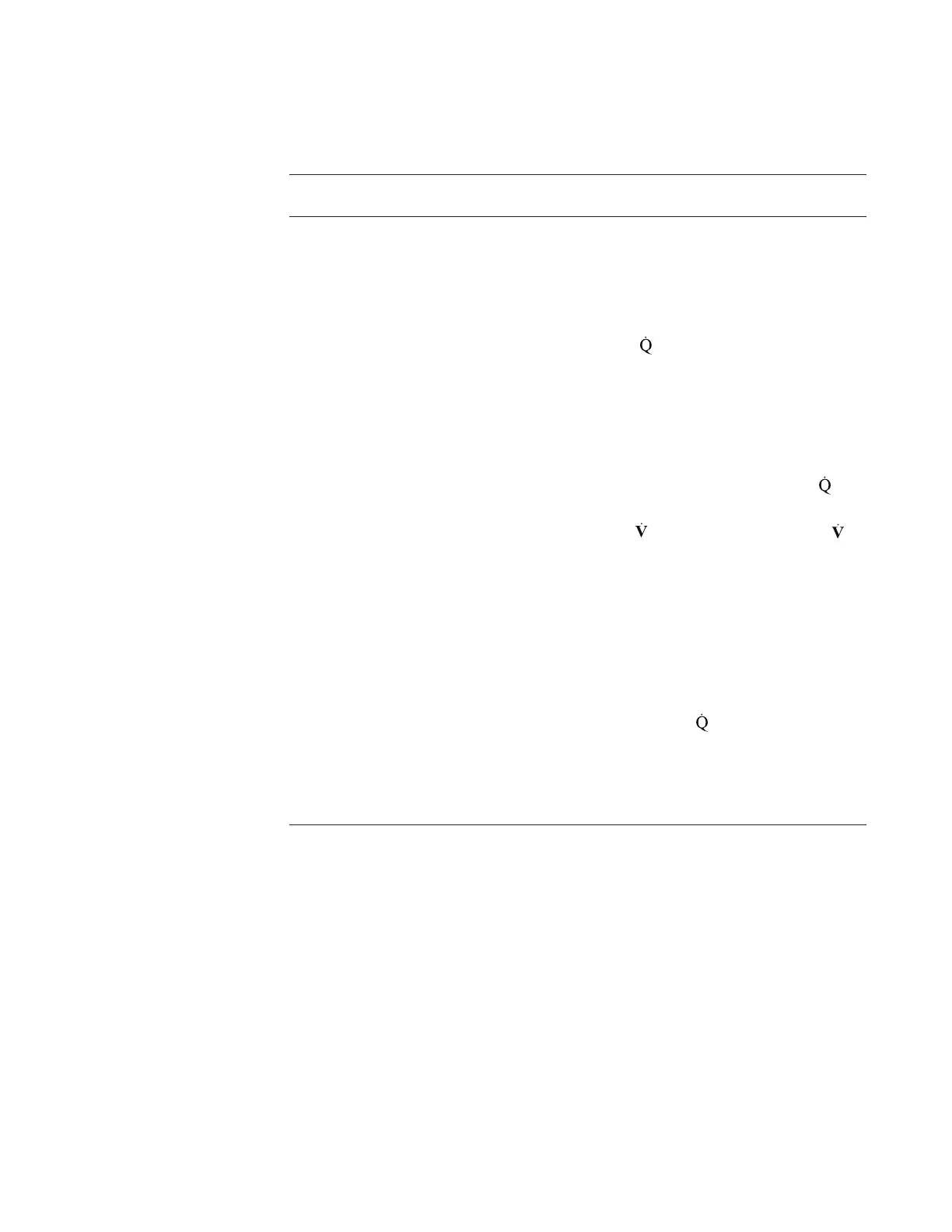
Type” eld, and that the “
Source” selection to set to
“Pump” eld. Check to make sure you have the proper
cable (from CDI), that the cable is connected to the right
data ports, and that all connections are tight. If the error
message persists, contact your Terumo Technical Service
representative to arrange for repair. If you cannot get your
pump interface working, your options are set to the “
Source” to “Manual” (manually input ow values) or “None”
(no calculation of ḊO2 or O2). No values for ḊO2 or
O2 will be displayed or printed if “None” is selected.
Note: See Appendix C “Pump Interfacing tips” section for
more information on pump interface troubleshooting.
Note: The audible alarm can be deactivated by perform-
ing the following steps:
1. Check connection to pump port and reconnect if neces-
sary.
2. Go to tab 5 in SETUP. Change source to “none” or
“manual”.








 To Next Page