monitoring a patientchapter 7 7-5
Choosing display modes
During a case, you can press the operate mode toggle key to switch among three
display modes — numeric, graphic, and tabular. Continuous blood parameter values
are shown in each display mode. The soft keys — @/37°C, store, set , and feed —
work the same way in the graphic and tabular display modes as they do in numeric
display mode. However, the “mark” key is different — it becomes the “print” key in the
tabular display. It prints all the blood parameter values displayed in the current tabular
format. The “mark” function is retained in the “graphic” display as it is in the “numeric”
display.
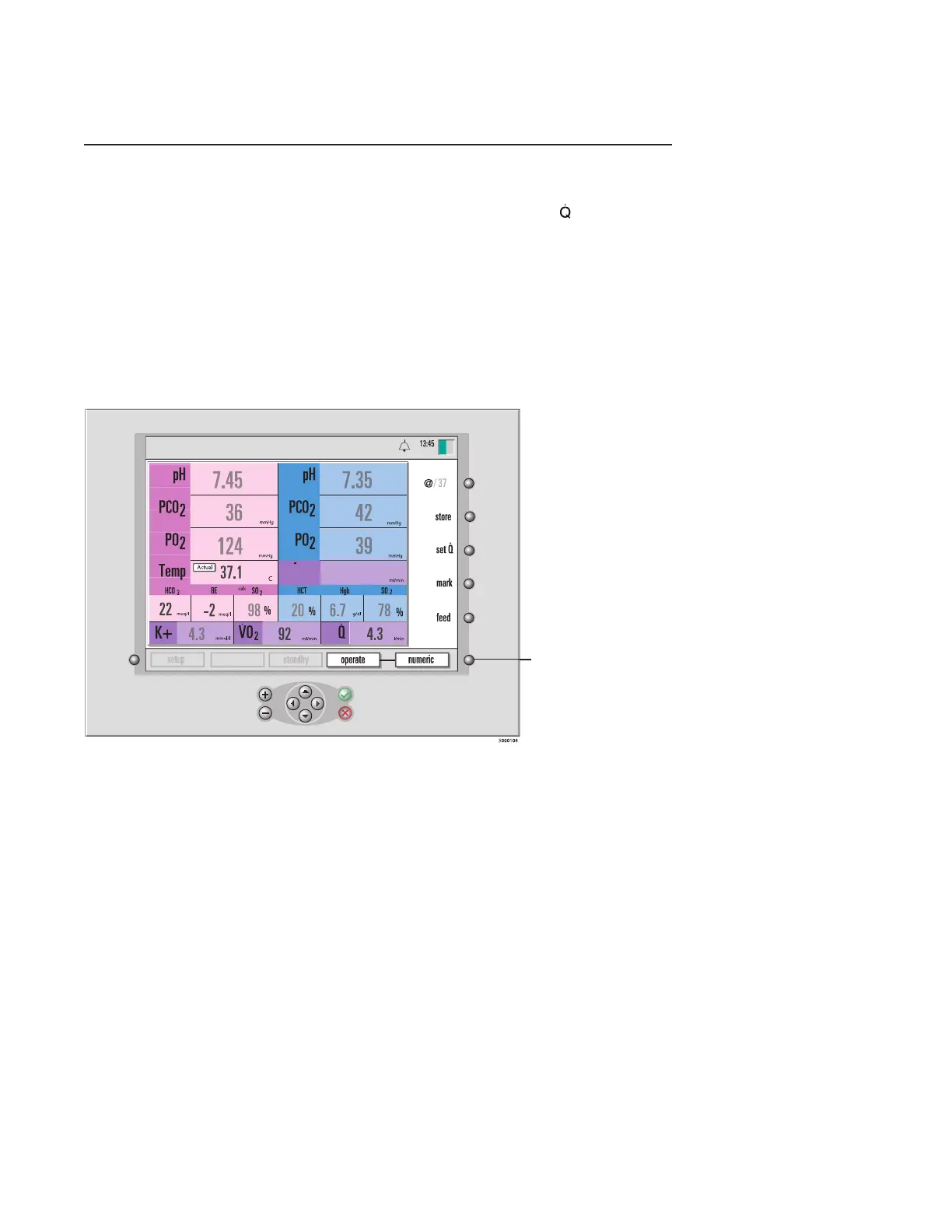
In the numeric display mode (shown in the next gure), the current blood parameter
values are larger than when displayed in graphic or tabular display mode.
Press the operate
mode toggle key to
switch to a different
display mode.
331
D0
2
calibration
9-25-18
pH-stat
°
C








 To Next Page