13
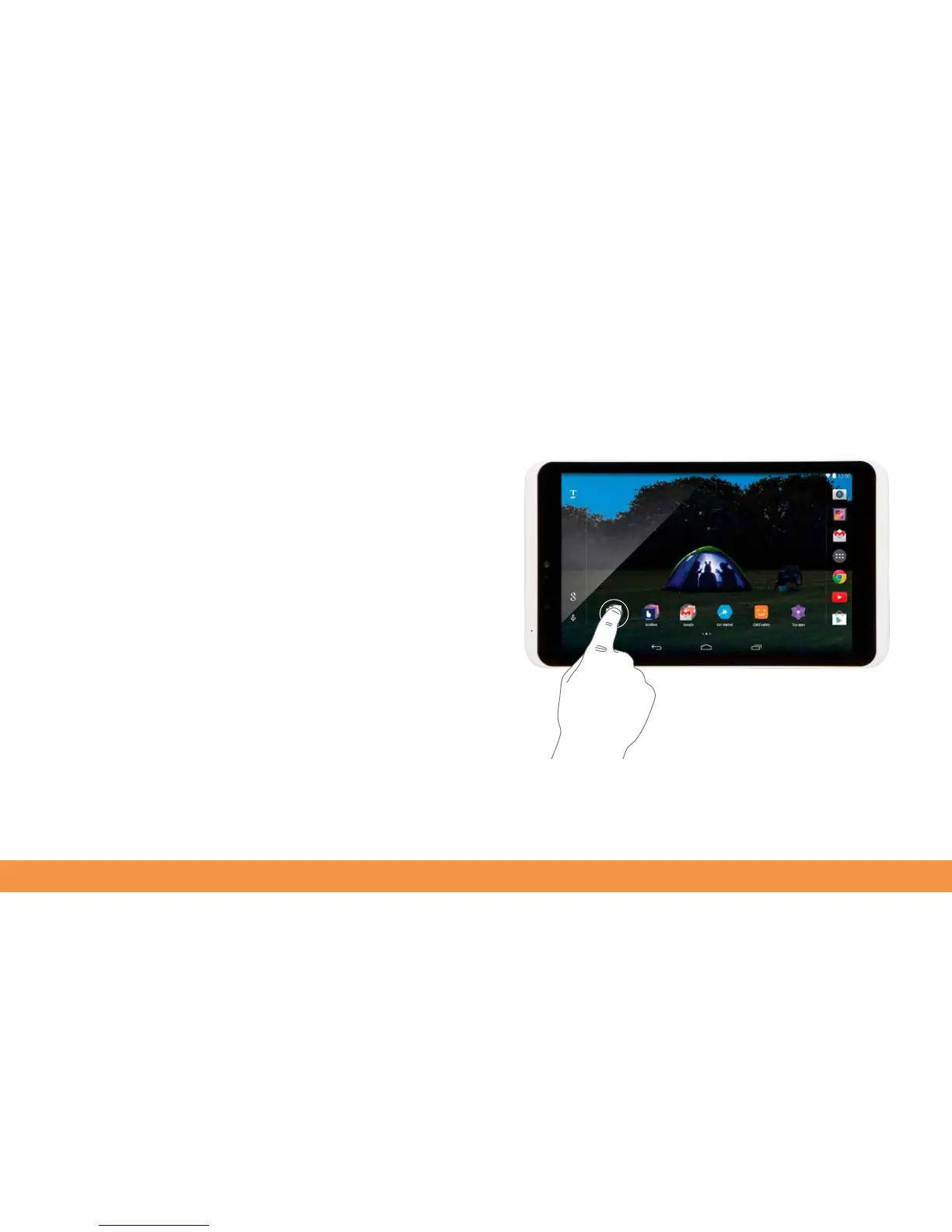
Getting around the hudl2’s touchscreen
The hudl2’s display is also an interactive touchscreen that can be used to input
content. Select an item onscreen by tapping it. Whenever there’s a point at which you
might want to type something, a keyboard pops up on the screen so you can type
what you need. Just tap in a text field or in the address bar of the web browser to
make the keyboard appear.



 To Next Page