37
What on earth are widgets?
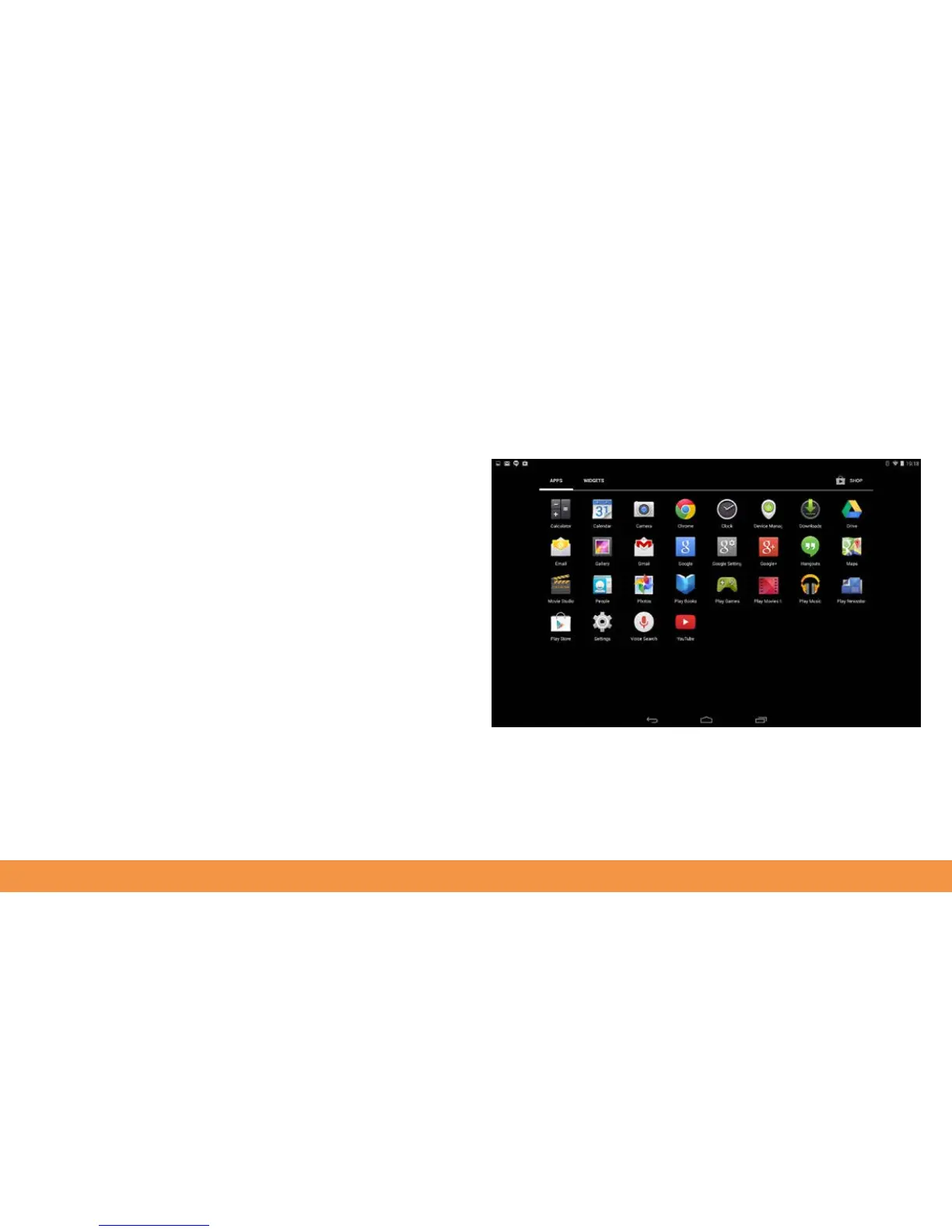
As well as apps, your hudl2 works with widgets. Widgets are like mini menus that
control specific parts of your hudl2.
To find widgets on your hudl2, press and hold your finger onto a blank part of the
home screen then tap the widgets app at the bottom of the screen.
Touch and hold a widget it select it. Continue holding the widget to open it, or drag it
to a home screen if you want to add a shortcut to it.
As with apps, you can move or delete widgets from your home screens by holding
your finger on them and moving them where you want.



 To Next Page