5
9
10
10
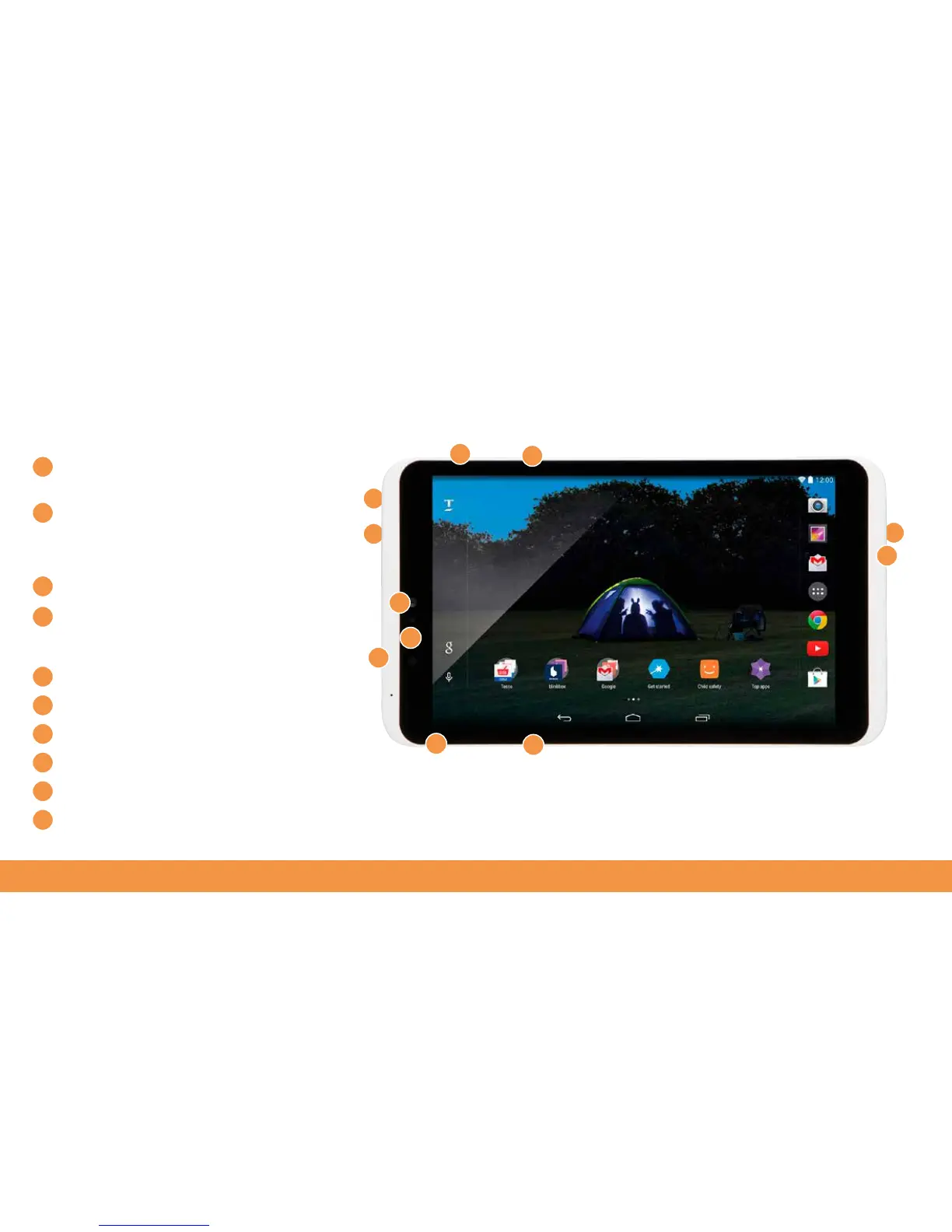
Controls and connections
Volume control Press the left end of this switch
to increase the volume
Power on/off
Hold this for a couple of seconds to turn your hudl2
on or off. Press this once to bring your hudl2 out of
standby or put it in sleep mode
Micro-USB charging point
HDMI port
Use this to connect your hudl2 to an
HD-Ready TV to view movies and photos. (Cable not
supplied)
Micro-SD card slot
Charge indicator
Headphone socket
1.2MP Front camera
5MP Rear camera
Speakers
1
2
2
1
3
3
4
4
5
5
6
7
7
8
8
9
10
6



 To Next Page