16
Securing your hudl2
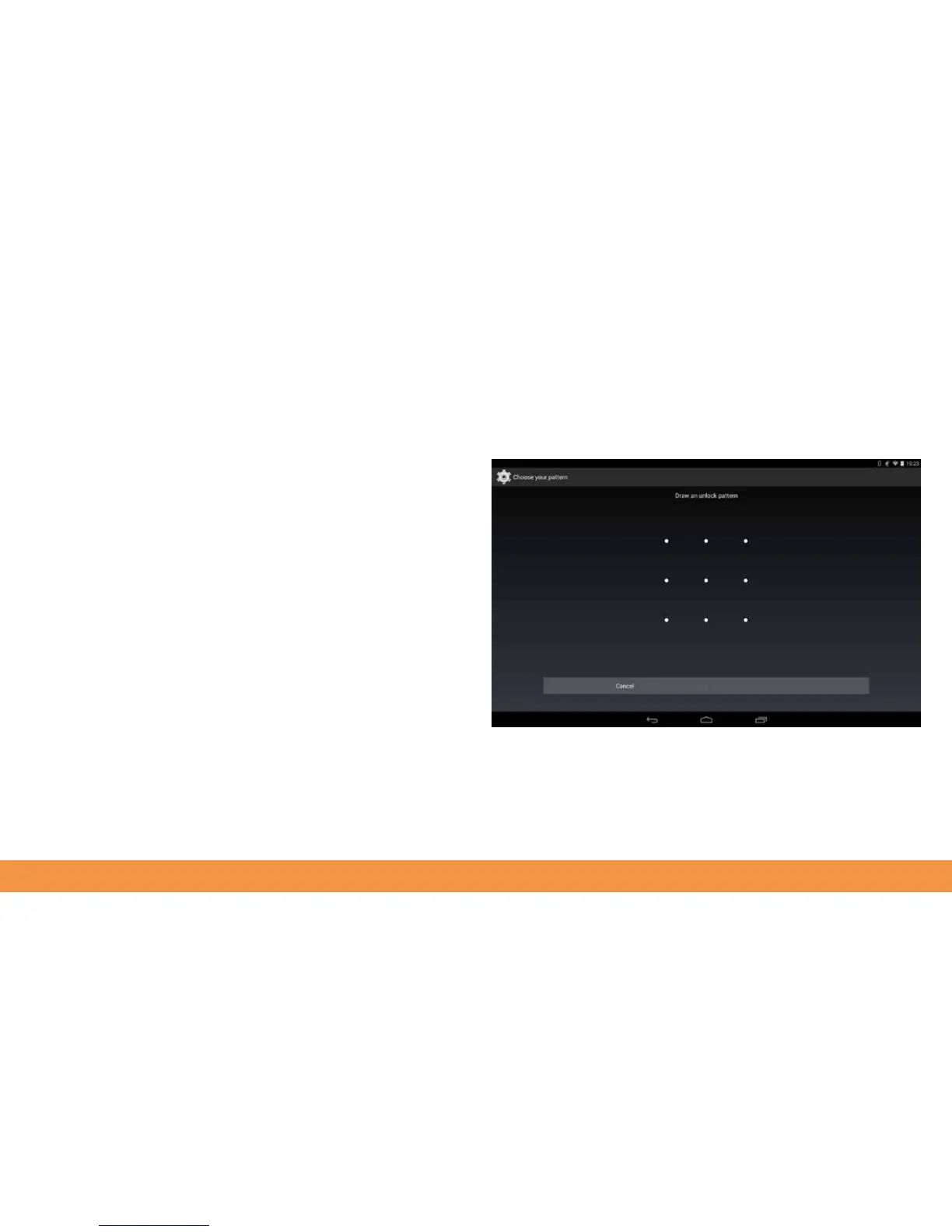
You can stop other people using your hudl2 by protecting it with one of several
methods. To do this, tap on all apps and then swipe the screen to the left to reveal the
Settings menu. Scroll down the options here and tap Security. Tap Screen Lock and
then choose one of either Face Unlock, Pattern, PIN or Password. Choose a method to
secure your device, tap Continue and follow the on screen instructions. From now on,
you’ll need to use your selected method to unlock your hudl2.



 To Next Page