18
Typing with gestures
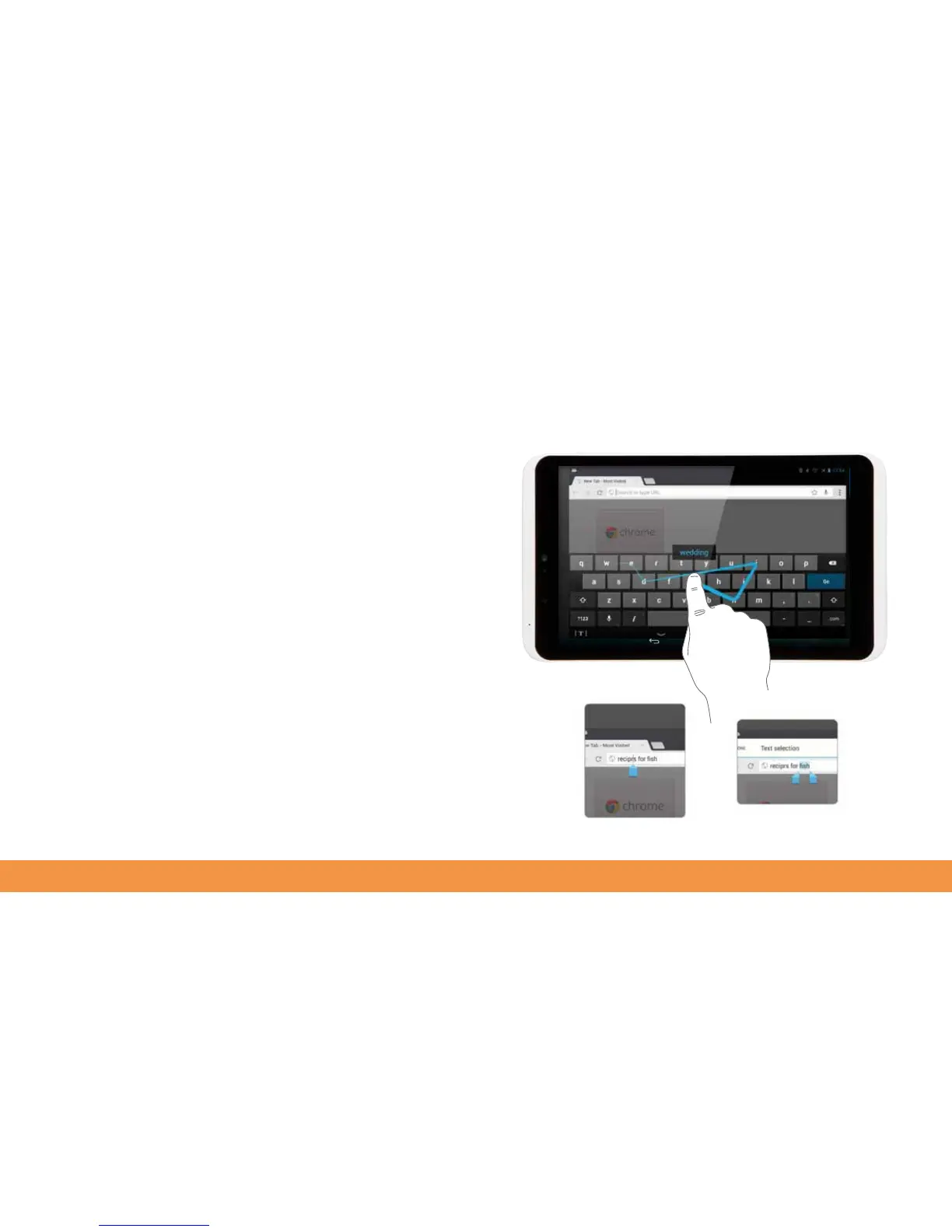
You don’t have to tap out every letter to type on your hudl2’s keyboard. You can also
type by gliding your finger over the letters on the keyboard. To see how it works try
gliding your finger across the letters w — e — d — i — n — g.
The hudl2 will recognise that you’re spelling wedding and will enter the word for you.
It will even add the double d.
Correcting text
Autocorrecting words
If you want to correct something you’ve typed (or that the predictive text has entered
incorrectly), tap it to select it, then use the blue pointer that appears to select the text
entry point and type the new word.
Your hudl2 can correct many words for you. Just touch and hold the word to highlight
it. Tap one of the suggested corrections that appears to insert it.



 To Next Page