60
Managing Wi-Fi connections
You need to connect to a wireless network in order to set up your hudl2 for the first
time. When you first turn your hudl2 on, the Wi-Fi will be active and the hudl2 will look
for a network to connect to. When your network name appears, tap it and type your
Wi-Fi password.
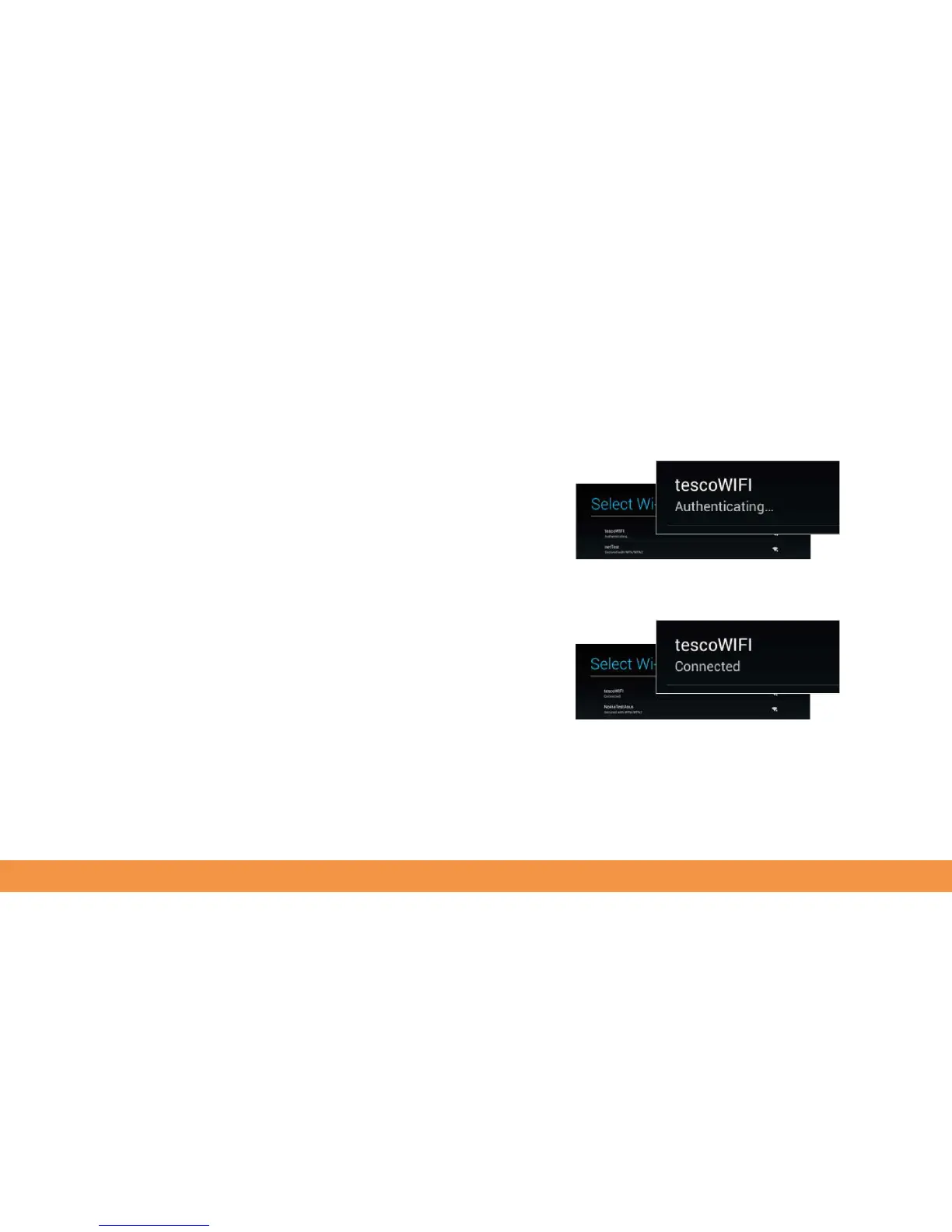
If you see Authenticating..., you’ve entered your password incorrectly. Tap the network
name and type your password again.
If your password is correct, you’ll see the message Connected. To refresh the network
list tap the three dots at the top right and tap Scan.



 To Next Page